


How to boost FPS for your gaming PC
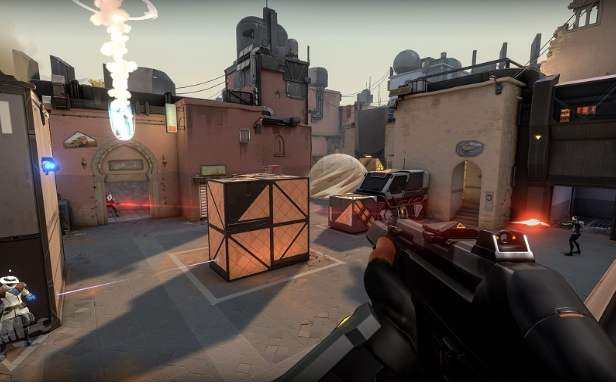
Being a PC games enthusiast, the low FPS may hamper your pleasure with a dull gaming experience. The issue may have re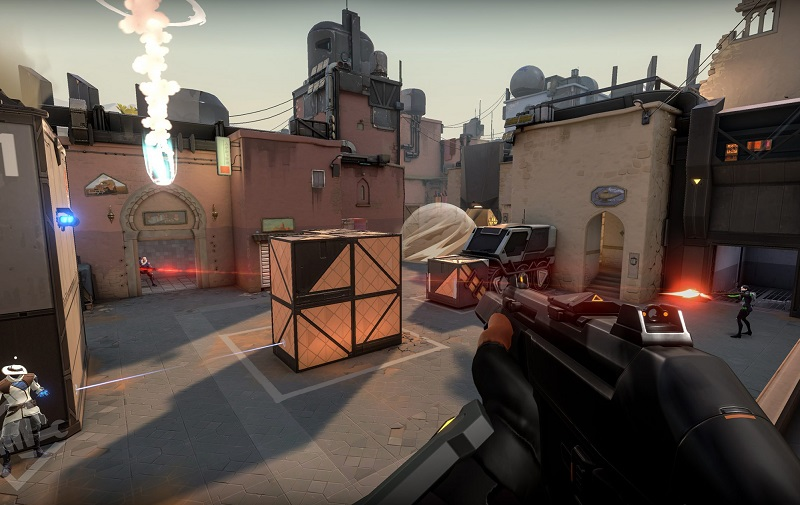
What is a low FPS?
It’s well known that the games are projected on the screen by a fast progression of images called frames that makes them look much like videos. The frames are produced through a video card, which utilizes data from the games programs you run on your PC. While the frame rate or frame per second (FPS) is the number of frames that get displayed on your monitor in one second.
Also Read : How To Update Graphics Driver Windows
The videos normally run at around 24fps, but the games tried to be run at this rate will get you the rough and impassive, due to the phenomenon called ‘motion blur.’ A video shot at 24fps will take 24 pictures in a second meanwhile, the lens of the camera used, stay open for a longer duration that faintly blurs any moving picture. Due to this, the objects in the frame appear to move to the next frame smoothly. While video game shows the objects in their exact positions with no motion blur effect. Therefore, the objects in the game appear to jump from frame to frame.
How to increase FPS on your PC?
Check out the methods below to increase the FPS of your gaming PC.
-
Update your PC graphics and game driver by downloading and installing the latest drivers for your graphics card.
-
Optimize the games’ internal settings
-
Reduce your monitor screen resolution
-
Make changes in the settings of your graphics card
-
Get FPS booster software for your PC to increase the FPS
Also Read : How To Update Graphics Driver

 English
 Arabic
 Español
 Português
 Deutsch
 Türkçe
 Dutch
Dutch
 Italiano
 Russian
 Romaian