


Amazon Listing Images
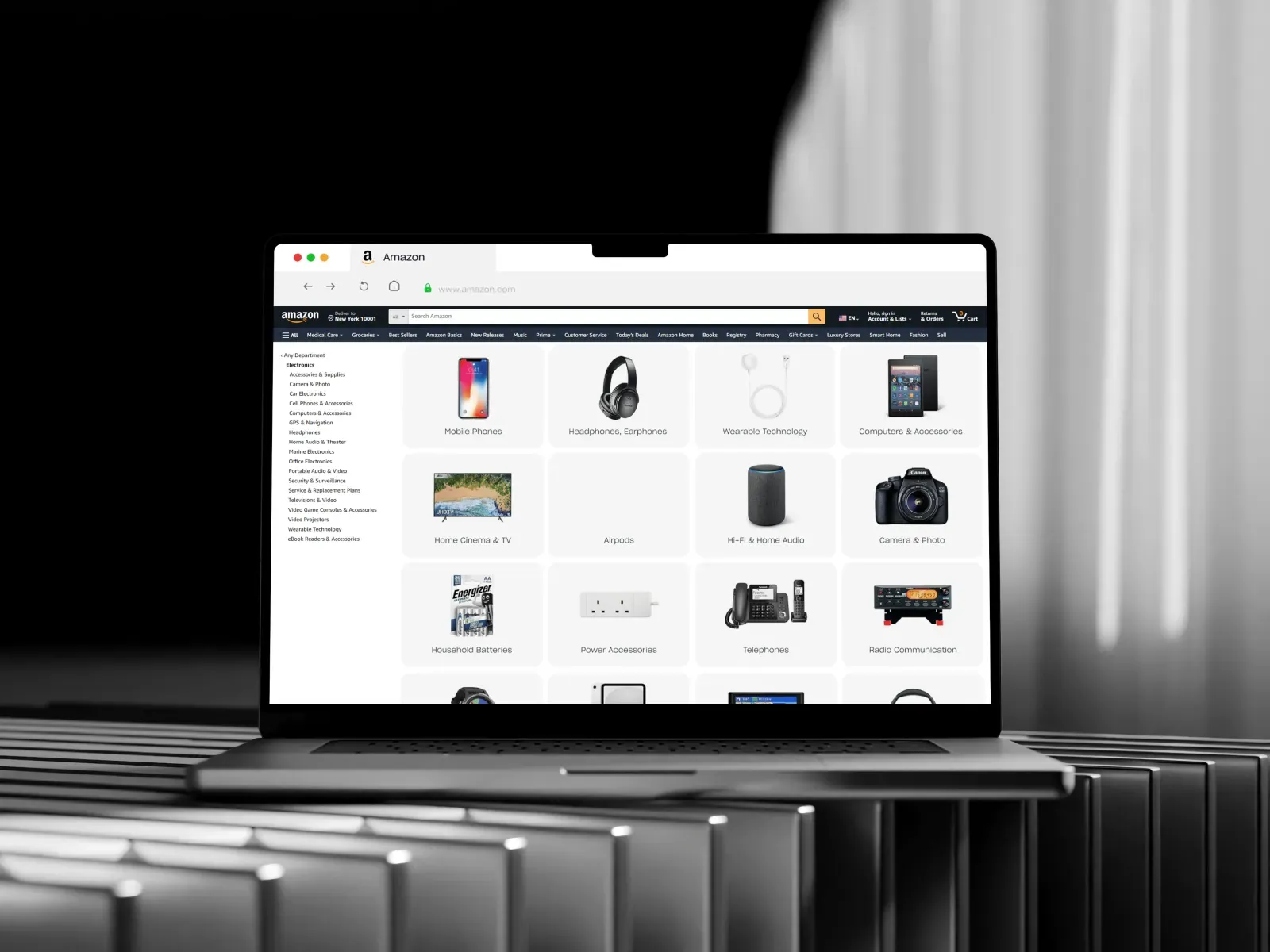
Why Amazon Listing Images Matter
On Amazon, customers cannot touch or try the product. They depend completely on the product images and descriptions. This is why amazon listing images play a big role in a customer’s buying decision.
If your images are clear, professional, and show all important details, the chances of getting a sale increase. On the other hand, poor-quality images can cause customers to skip your listing.
Amazon’s Image Guidelines
Before creating your amazon listing images, it is important to follow Amazon’s rules. Here are the key guidelines:
- The main image should have a pure white background (RGB 255, 255, 255).
- The product must fill at least 85% of the image frame.
- Images should be at least 1000 pixels on the longest side to enable zoom.
- No watermarks, logos, or text are allowed on the main image.
- Show only what the customer will receive.
Following these rules is necessary. If you break them, Amazon may remove your product or suppress your listing.
Types of Amazon Listing Images
A successful product listing usually has 7–9 images. These should include different types of images that serve different purposes. Here are the main types of amazon listing images:
1. Main Image
The main image is the most important. It appears in search results and should clearly show the product on a white background. Make sure it is well-lit, in focus, and shows the product clearly.
2. Lifestyle Images
Lifestyle images show the product being used in real life. For example, if you are selling a yoga mat, show someone doing yoga on it. These images help customers imagine how they will use the product.
3. Infographic Images
Infographics explain key features and benefits using visuals and short text. They are helpful for showing things like size, material, special functions, or how to use the product.
4. Dimension Images
These images show the size of the product using a ruler or comparison with a common object. They help reduce customer confusion and lower return rates.
5. Comparison Images
Comparison images show how your product is better than others. You can highlight features, performance, or quality differences.
6. Packaging Images
Show the customer what the product box or packaging looks like. This is especially useful for gift items or subscription products.
7. Before-and-After Images
If your product solves a problem (for example, a cleaning product), use before-and-after images to show the difference. These can be very powerful.
Best Practices for Amazon Listing Images
To create the best possible amazon listing images, follow these tips:
Use High-Quality Photos
Always use high-resolution images. Blurry or pixelated photos look unprofessional and drive away customers.
Use Natural Lighting
Good lighting makes your product look better. Natural light or soft white studio lights work best.
Show Different Angles
Take photos from different angles to give customers a complete view. Include close-up shots of details and features.
Focus on Benefits
Don’t just show what the product looks like—show what it does. Lifestyle and infographic images can help show the benefits clearly.
Stay On Brand
Keep your image style consistent. Use the same background tones, colors, and fonts (in infographics) to match your brand.
Optimize for Mobile
Most shoppers use mobile devices. Make sure all your amazon listing images look good and are readable on small screens.
Tools to Improve Amazon Listing Images
Here are some tools that can help you create professional amazon listing images:
- Canva – Great for creating infographic images.
- Adobe Photoshop or Lightroom – Useful for editing and enhancing photos.
- Placeit – Lets you add your product to lifestyle mockups.
- Remove.bg – Helps remove backgrounds from images.
- Fiverr or Upwork – Hire professional graphic designers or photographers.
A/B Testing Your Images
You can test different versions of your amazon listing images using Amazon’s Manage Your Experiments tool (for Brand Registered sellers). Try testing:
- Different main image angles
- A lifestyle image vs. an infographic
- A brighter photo vs. a darker one
Track performance and keep the images that lead to better click-through and conversion rates.
Common Mistakes to Avoid
Avoid these mistakes when creating amazon listing images:
- Using stock photos that do not represent your actual product
- Adding too much text or confusing graphics
- Showing items that are not included with the product
- Ignoring Amazon’s image requirements
- Using only one or two images
How Amazon Listing Images Help Your Business
Good amazon listing images help your business in several ways:
- More Clicks: A good main image increases your click-through rate (CTR).
- Better Conversions: High-quality lifestyle and infographic images increase your conversion rate.
- Lower Returns: Images that show correct size, color, and features reduce returns and complaints.
- Higher Rankings: Better engagement (clicks and conversions) helps improve your listing’s organic ranking.

 English
 Arabic
 Français
 Español
 Português
 Deutsch
 Türkçe
 Dutch
Dutch
 Italiano
 Russian