


Excel Online Courses for All Levels | UniAthena
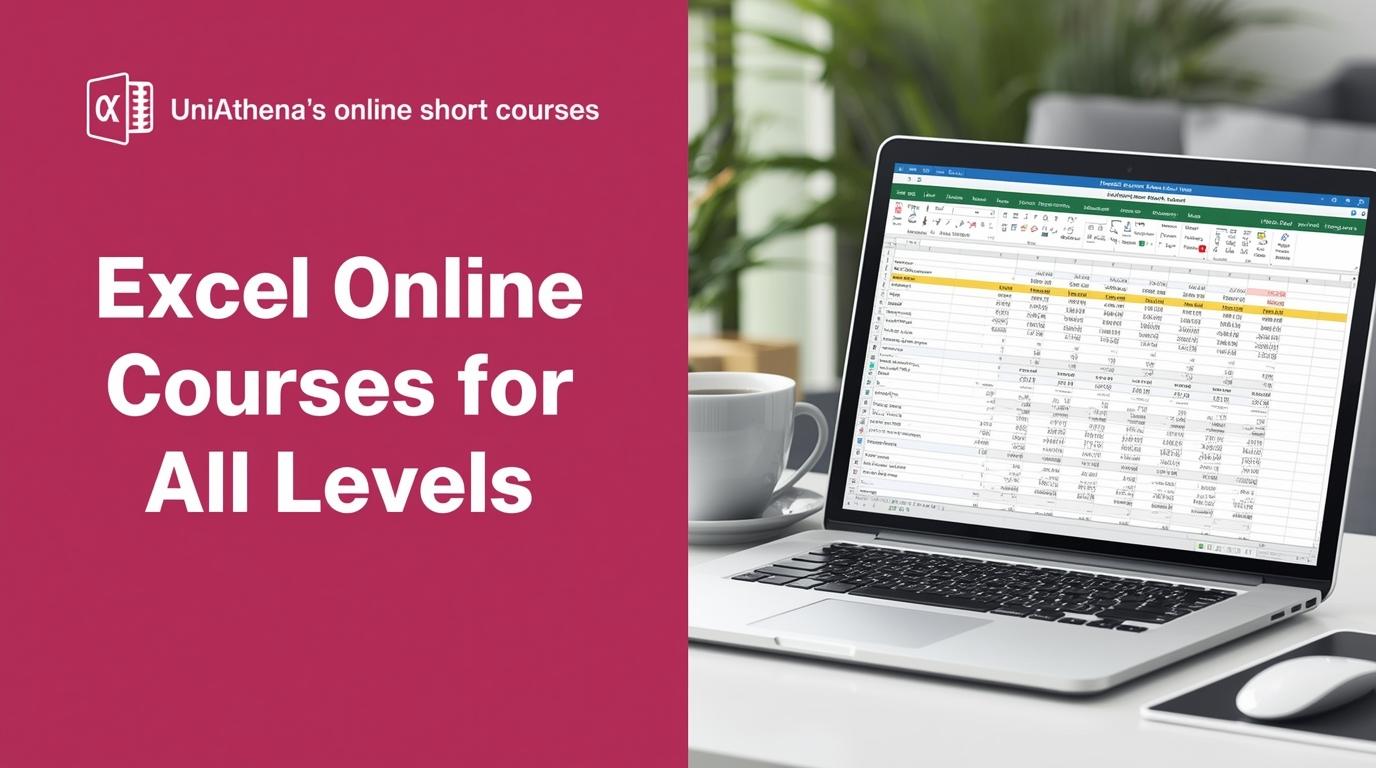
Are you drowning in data? Spending way too much time clicking through endless menus in Excel? If you’re nodding yes, it’s time to make friends with Excel shortcut keys.
Whether you’re a student, a financial analyst, or just someone managing reports, mastering these shortcuts can shave hours off your workweek. Imagine completing in seconds what usually takes you an entire afternoon. That’s the power of Excel when you use it smartly can be learn by excel courses online.
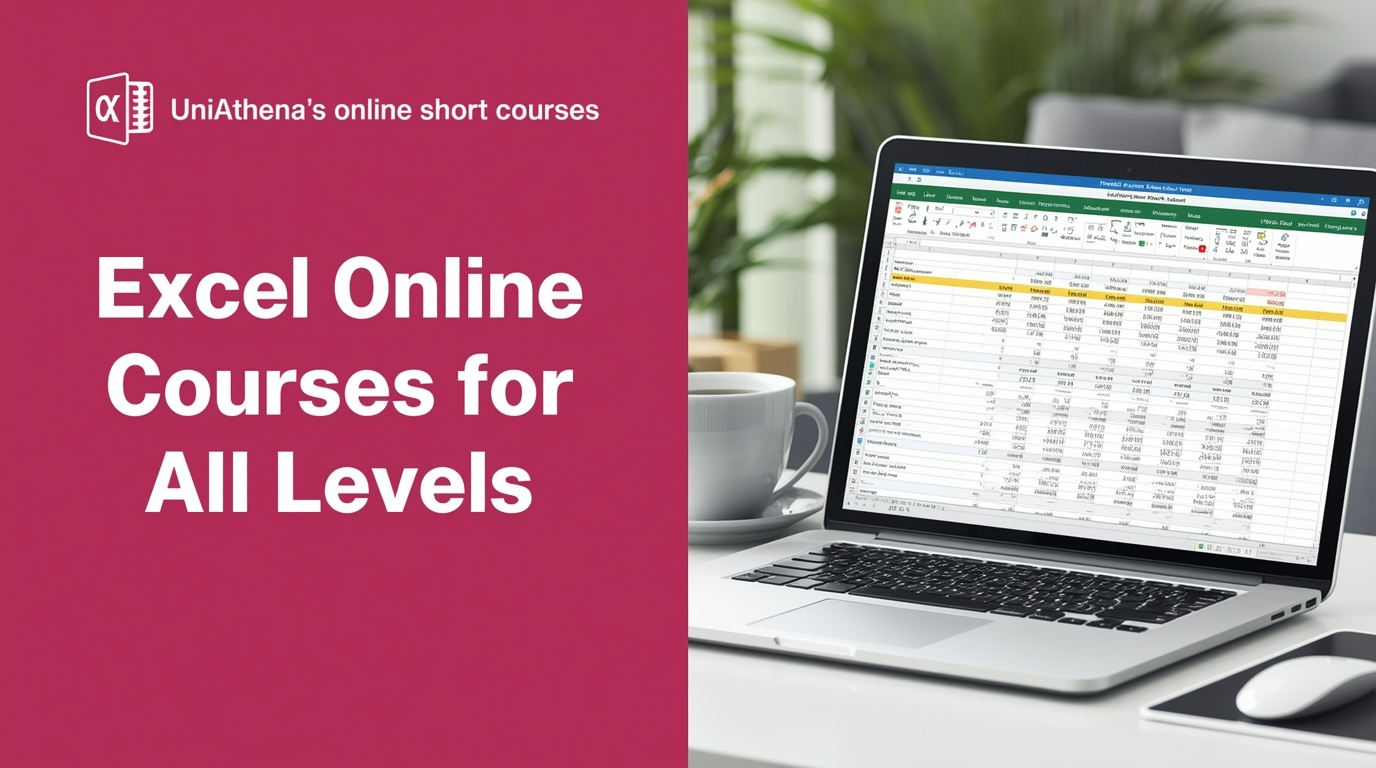
Why Excel Skills Are More Valuable Than Ever
Microsoft Excel is no longer just a tool for balancing budgets or tracking inventory. In today’s data-driven workplace, it’s a powerhouse for:
-
Data analysis and reporting – From accountants to marketing teams, Excel is used to draw insights fast.
-
Real-time collaboration – With Microsoft 365 and OneDrive, multiple people can now work on the same file simultaneously.
-
Business decision-making – Dynamic charts, pivot tables, and advanced formulas help leaders make data-backed choices quickly.
Whether you’re aiming to climb the corporate ladder or just keep your projects organized, Excel is an essential skill—and one that employers everywhere expect.
Time-Saving Excel Workbook Shortcut Keys
Before you dive into advanced formulas, start with these basic Excel shortcut keys for navigating workbooks like a pro:
-
Ctrl + N → Create a new workbook
-
Ctrl + S → Save your file instantly
-
Ctrl + Tab → Switch between open Excel workbooks
-
Ctrl + F4 → Close the active workbook
If you’d like to go deeper and explore everything about workbooks and formulas, UniAthena offers Mastering Excel Spreadsheet & Workbook - Formulas And Functions, a practical course designed to level up your efficiency.
Formatting Data Faster with Excel Shortcut Keys
Formatting can take forever if you rely on the ribbon. Instead, try these quick commands:
-
Ctrl + 1 → Format cells menu
-
Ctrl + Shift + % → Apply percentage format
-
Ctrl + Shift + $ → Apply currency format
-
Ctrl + B / Ctrl + I → Bold or italicize text
Want to sharpen your skills further? UniAthena’s Essentials of MS Excel - Formulas and Functions free course is a great way to practice formatting while also learning formulas that save you from manual work.
Advanced Excel Shortcuts for Power Users
If you already know the basics, try these advanced moves:
-
Alt + = → AutoSum selected cells
-
Ctrl + Shift + L → Apply or remove filters instantly
-
Alt + Down Arrow → Open filter drop-down menu
These commands are game-changers for anyone who regularly works with large datasets.
Shortcut Keys for Pivot Tables
Love Pivot Tables but hate the setup time? Here are a few Microsoft Excel shortcut keys that will speed things up:
-
Alt + N + V → Insert a Pivot Table
-
Alt + J + T → Jump to Pivot Table Analyze menu
-
Alt + D + P → Open Pivot Table wizard
Combine these with Excel’s new functions (like GROUPBY and PERCENTOF) to slice and dice your data like a pro.
5 Powerful New Excel Functions You Should Try
Microsoft keeps rolling out fresh tools to make data management easier. Here are five worth learning:
-
GROUPBY → Summarize data instantly without needing a Pivot Table.
-
PIVOTBY → Create advanced summaries across rows and columns.
-
PERCENTOF → Calculate percentages automatically.
-
BYCOL → Apply formulas across entire columns in one go.
-
BYROW → Run formulas across rows without repetition.
These tools, combined with shortcut keys, can save hours every week.
Excel Courses Online: The Best Way to Upskill in the UK
If you’re based in the United Kingdom, investing in Excel courses online can give you a serious career edge. Employers across finance, healthcare, education, and tech all value Excel expertise.
UniAthena’s online short courses are particularly useful because they’re flexible, affordable, and packed with practical examples. You can start with free modules like Essentials of MS Excel - Formulas and Functions, then progress to the Diploma in Microsoft Excel for a recognized certification.
Whether you’re looking to boost your CV, perform better in your current job, or prepare for a promotion, learning Excel online ensures you stay competitive in today’s job market.
Conclusion: Work Smarter, Not Harder
Mastering Excel doesn’t mean memorizing every formula, it means knowing how to get things done quickly and effectively. Start with Excel shortcut keys, then expand your skills with formulas, Pivot Tables, and advanced functions.
And if you’re serious about growth, don’t stop there, explore UniAthena’s online short courses, from free lessons to a Diploma in Microsoft Excel. In just a few weeks, you’ll go from struggling with spreadsheets to confidently handling data like a pro.
Remember: Excel is a tool, but mastery is a career advantage. The sooner you learn it, the faster you can climb ahead.

 Arabic
 Français
 Español
 Português
 Deutsch
 Türkçe
 Dutch
Dutch
 Italiano
 Russian
 Romaian