


Microsoft Excel Training for Beginners: Formulas & Shortcuts
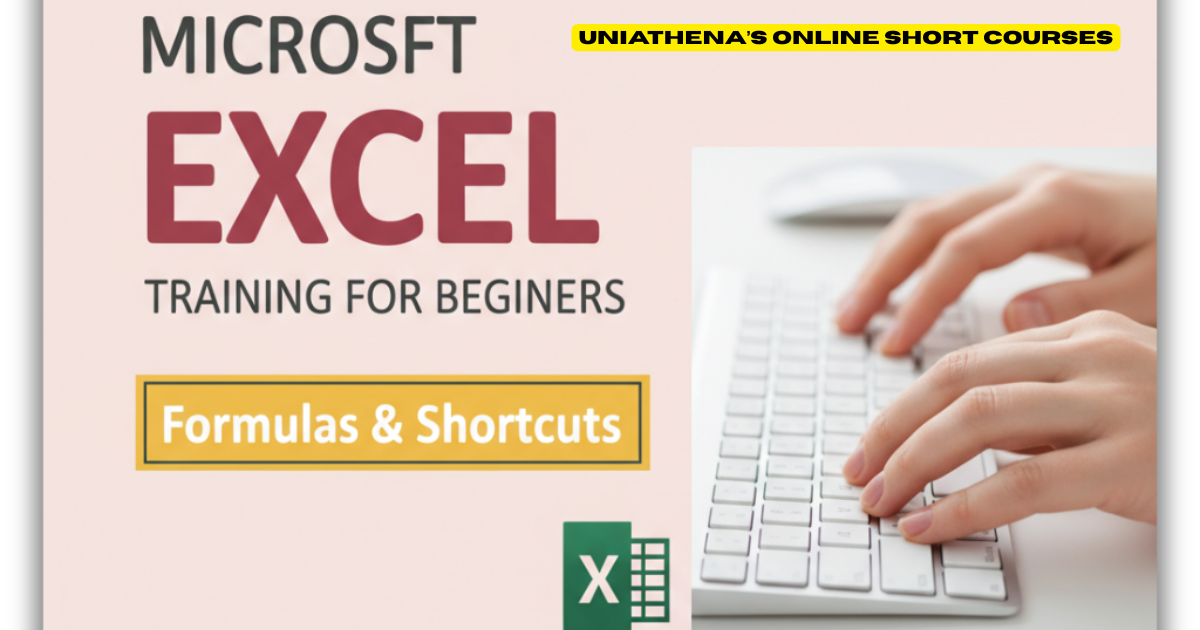
Do you ever feel buried under endless spreadsheets, spending hours clicking through menus in Excel? It doesn’t have to be that way. Whether you’re a student, data analyst, accountant, or project manager, Microsoft Excel training can completely transform how you work.
If you’re handling data daily, mastering Excel shortcut keys isn’t just convenient, it’s essential. Why spend hours sorting rows and columns when a few keystrokes can do the same job in seconds?
Let’s explore how Excel has evolved, why shortcut keys matter more than ever, and how you can take your skills to the next level with free and certified online courses.
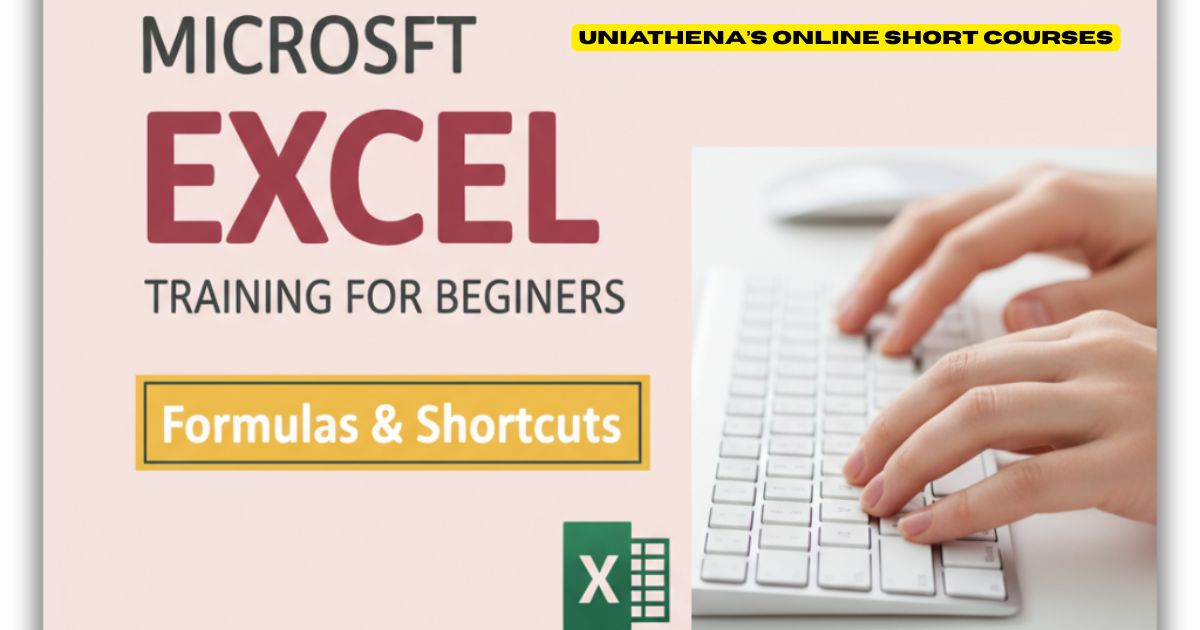
The Rising Power of Excel in a Data-Driven World
Excel isn’t just a spreadsheet tool anymore, it’s a powerhouse for modern data management. From startups to Fortune 500 companies, professionals rely on Excel to analyze data, visualize trends, and make smarter business decisions.
Thanks to seamless integration with Microsoft 365 and OneDrive, Excel now allows real-time collaboration and cloud-based data sharing. Teams can analyze, update, and present insights together, no matter where they are.
In short, Excel is no longer optional; it’s an essential business skill.
Top Excel Workbook Shortcut Keys You Should Know
Let’s start with the essentials Excel shortcut keys for navigating and managing workbooks like a pro:
-
Ctrl + N – Create a new workbook
-
Ctrl + O – Open an existing workbook
-
Ctrl + S – Save your current workbook
-
Ctrl + F4 – Close the active workbook
-
Ctrl + Page Up / Page Down – Navigate quickly between worksheet tabs within your Excel workbook.
If you’d like to explore a complete guide to workbook shortcuts, check out UniAthena’s free course: Mastering Excel Spreadsheet & Workbook - Formulas And Functions. This course helps you learn how to manage workbooks efficiently while mastering powerful Excel functions.
Excel Shortcut Keys for Formatting Data in Cells
Formatting can make or break your spreadsheet. These quick keys will make data presentation effortless:
-
Ctrl + 1 – Format cells dialog box
-
Ctrl + Shift + $ – Instantly format selected cells as currency.
-
Alt + H + H – Easily change the fill color of selected cells.
-
Alt + H + H – Change cell color
-
Ctrl + B / Ctrl + I / Ctrl + U – Instantly make your text bold, italic, or underlined for quick, professional formatting.
These shortcuts aren’t just time-savers—they’re productivity boosters.
Advanced MS Excel Shortcut Commands & Functions
Once you’ve nailed the basics, it’s time to take things up a notch. Learn advanced formulas and commands with UniAthena’s Essentials of MS Excel - Formulas and Functions free course. You’ll discover smart ways to automate repetitive tasks and simplify complex data analysis.
Microsoft Excel Shortcut Keys for Pivot Tables
Pivot Tables are Excel’s secret weapon for organizing large datasets. Here are some handy shortcuts to help you work faster and more efficiently:
-
Alt + N + V – Quickly create and insert a new Pivot Table into your worksheet.
-
Alt + F5 – Refresh Pivot Table
-
Alt + Shift + Right Arrow / Left Arrow - Expand or collapse grouped rows or columns instantly for better data visibility.
Once you get comfortable with these, analyzing massive datasets becomes a breeze.
5 New Excel Functions to Supercharge Your Skills
Stay ahead of the curve with these latest Excel functions:
-
GROUPBY() – Instantly group data and apply calculations like sum or average—no Pivot Table required.
-
PIVOTBY() – Combine Pivot Table flexibility with formula precision for detailed analysis.
-
PERCENTOF() – Quickly calculate what percentage one value represents of another.
-
BYCOL() – Apply formulas to entire columns in one go.
-
BYROW() – Run calculations across rows instantly—no copying or dragging formulas needed.
These functions are game-changers for anyone looking to streamline their workflow.
Excel Training Opportunities in the United States
In the United States, the demand for Excel proficiency is higher than ever. Employers across industries—from finance and marketing to logistics and HR value candidates who can turn data into actionable insights.
If you’re based in the U.S. and looking to enhance your resume, consider enrolling in UniAthena’s free courses. These flexible, self-paced programs are designed to help busy professionals upgrade their skills without disrupting their schedules.
Want a deeper dive? Earn a Diploma in Microsoft Excel and gain an industry-recognized credential that proves your expertise to employers across the country.
Conclusion: Work Smarter, Not Harder with Excel
Excel isn’t just a spreadsheet, it’s a career-advancing tool. Learning Excel shortcut keys and mastering functions will save you hours each week and boost your confidence with data.
If you’re ready to level up your Microsoft Excel training, explore UniAthena’s online short courses and diploma programs today. Start with the Essentials of MS Excel - Formulas and Functions free course or dive into the Diploma in Microsoft Excel both designed to help you become an Excel expert, fast.
Remember, every shortcut you learn brings you one step closer to working smarter, not harder.
Bonus Tip
Start with the basics! Learn universal Excel shortcut keys like:
-
Ctrl + C (Copy)
-
Ctrl + V (Paste)
-
Ctrl + A (Select All)
These shortcuts are consistent across other Microsoft applications like Word and PowerPoint, making your workflow seamless across platforms.

 English
 Arabic
 Français
 Español
 Deutsch
 Türkçe
 Dutch
Dutch
 Italiano
 Russian
 Romaian