


Which HDMI Should I Use for TV?
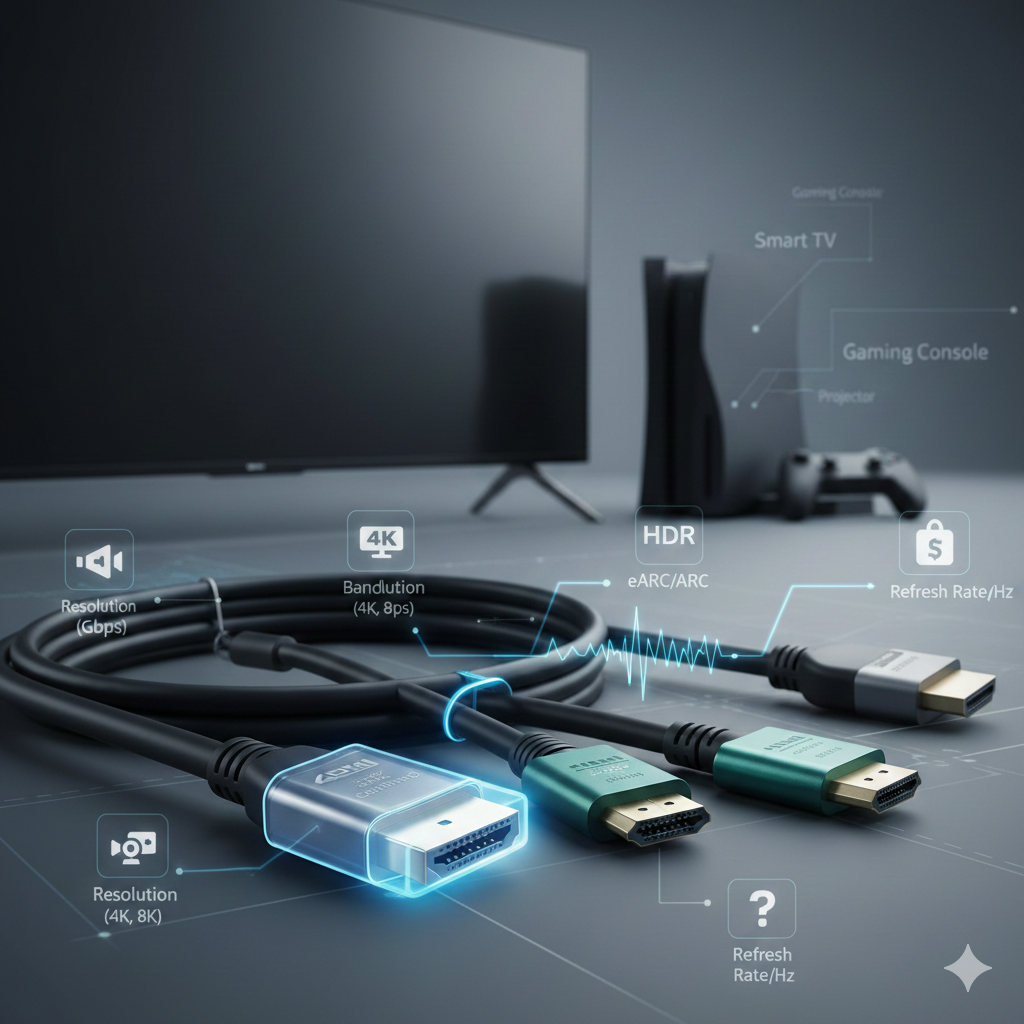
Choosing the right HDMI cable for your TV can feel confusing with so many options available. Different HDMI cable versions support different resolutions, refresh rates, and features. Using the correct HDMI ensures the best picture quality, sound performance, and long-term compatibility with your TV and connected devices.
Why Choosing the Right HDMI Cable Matters
An HDMI cable is the bridge between your TV and devices like streaming boxes, gaming consoles, and Blu-ray players. The wrong cable can limit resolution, reduce refresh rates, or disable advanced features. Selecting the right HDMI cable helps you get the full performance your TV is capable of delivering.
Understanding HDMI Cable Versions
HDMI cable versions define how much data the cable can handle. Each new version improves bandwidth and adds support for modern audio and video technologies. Knowing these versions makes the buying decision much easier.
HDMI 1.4 Explained
HDMI 1.4 supports Full HD and limited 4K at 30Hz. It introduced Audio Return Channel and basic 3D support. This version works for older TVs but is outdated for modern displays.
When HDMI 1.4 Is Still Useful
If you have a basic 1080p TV or an older HDTV, HDMI 1.4 may still function well. It is suitable for cable boxes and older media players without advanced video requirements.
HDMI 2.0 Overview
HDMI 2.0 increased bandwidth significantly and supports 4K resolution at 60Hz. It also improved audio support and color depth. This version became the standard for many 4K TVs.
Benefits of HDMI 2.0 for TVs
HDMI 2.0 is ideal for most 4K TVs released in recent years. It works well for streaming services, Blu-ray players, and general home entertainment setups.
HDMI 2.0 vs HDMI 2.0b
HDMI 2.0b added better HDR support. If your TV supports HDR10, an HDMI 2.0b cable helps maintain consistent brightness and color accuracy.
HDMI 2.1 Explained
HDMI 2.1 is the latest major upgrade and supports much higher bandwidth. It enables 4K at 120Hz and even 8K resolution. This version is designed for future-proof setups.
Key Features of HDMI 2.1
HDMI 2.1 supports Variable Refresh Rate, Auto Low Latency Mode, and Enhanced Audio Return Channel. These features improve gaming, reduce lag, and deliver better audio quality.
HDMI 2.1 for Gaming TVs
If you own a PlayStation 5, Xbox Series X, or a gaming-focused TV, HDMI 2.1 is the best choice. It unlocks smoother gameplay and faster response times.
Understanding HDMI Cable Labels
HDMI cables are often labeled as Standard, High Speed, Premium High Speed, or Ultra High Speed. These labels matter more than version numbers printed on packaging.
Standard HDMI Cables
Standard HDMI cables are suitable for 720p and 1080i resolutions. They are not recommended for modern TVs with higher resolution needs.
High Speed HDMI Cables
High Speed HDMI cables support 1080p and basic 4K signals. They are common and affordable but may not handle advanced features reliably.
Premium High Speed HDMI Cables
Premium High Speed HDMI cables are tested for 4K at 60Hz and HDR. They are a safe choice for most 4K TV setups.
Ultra High Speed HDMI Cables
Ultra High Speed HDMI cables are designed for HDMI 2.1 features. They support 8K, high refresh rates, and advanced gaming features.
Does Cable Length Matter?
Longer HDMI cables can experience signal loss. For lengths over 10 feet, quality and certification become more important to maintain stable performance.
HDMI Cable Length for TV Setup
For typical TV setups, cables between 3 and 6 feet work best. Wall-mounted TVs may need slightly longer cables without sacrificing quality.
HDMI and TV Resolution
Your TV’s resolution directly impacts which HDMI cable you should use. Higher resolutions require higher bandwidth cables.
HDMI for 1080p TVs
For Full HD TVs, a High Speed HDMI cable is sufficient. There is no need to invest in Ultra High Speed cables for 1080p displays.
HDMI for 4K TVs
Most 4K TVs work perfectly with Premium High Speed HDMI cables. For high refresh rates or gaming, HDMI 2.1 cables are recommended.
HDMI for 8K TVs
8K TVs require Ultra High Speed HDMI cables. These cables ensure stable signal transmission at extremely high resolutions.
HDR and HDMI Compatibility
High Dynamic Range enhances contrast and color. Not all HDMI cables support HDR properly, especially older versions.
HDMI Cable Versions and HDR
HDMI 2.0 and above support HDR formats. HDMI 2.1 improves HDR handling for smoother and more accurate visuals.
Audio Features to Consider
HDMI carries both video and audio signals. Choosing the right cable ensures high-quality sound output.
ARC vs eARC Explained
ARC allows audio to travel from TV to soundbar. eARC, available with HDMI 2.1, supports higher-quality audio formats.
HDMI for Soundbars and AV Receivers
If you use a soundbar or receiver, HDMI 2.1 with eARC provides better audio clarity and surround sound support.
Are Expensive HDMI Cables Worth It?
Price does not always equal performance. Certified HDMI cables deliver the same quality regardless of brand if specifications match.
HDMI Certification Importance
Look for official HDMI certification labels. Certified cables are tested for performance and reliability.
Common HDMI Cable Myths
Many believe gold-plated cables improve picture quality. In reality, digital signals either work or do not, with no visual improvement.
How to Match HDMI Cable to Your TV
Check your TV’s HDMI port version and supported features. Match the cable to those requirements for best results.
HDMI Ports on Modern TVs
Most modern TVs include a mix of HDMI 2.0 and HDMI 2.1 ports. Using the correct port is just as important as the cable.
Future-Proofing Your HDMI Choice
Choosing a higher-spec cable can help future-proof your setup. HDMI 2.1 cables work with older devices as well.
Backward Compatibility of HDMI
All HDMI cable versions are backward compatible. A newer cable will still function with older TVs and devices.
When to Upgrade Your HDMI Cable
Upgrade if you experience flickering, no signal issues, or limited resolution options. New TVs often benefit from newer HDMI standards.
HDMI Cable Versions Summary
Understanding hdmi cable versions helps you avoid overpaying or underperforming. The right version ensures optimal TV performance.
Final Thoughts on Choosing HDMI for TV
The best HDMI cable depends on your TV, usage, and devices. For most users, Premium High Speed or Ultra High Speed HDMI cables are the ideal choice. Selecting the correct HDMI ensures excellent picture quality, immersive sound, and a smooth viewing experience for years to come.
Sources: https://www.techwebspace.com/7-tips-for-selecting-the-perfect-hdmi-cable-for-tv/
https://ivebo.co.uk/read-blog/221803

 English
 Arabic
 Français
 Español
 Português
 Deutsch
 Türkçe
 Dutch
Dutch
 Italiano
 Russian