


How to choose a USB adapter?
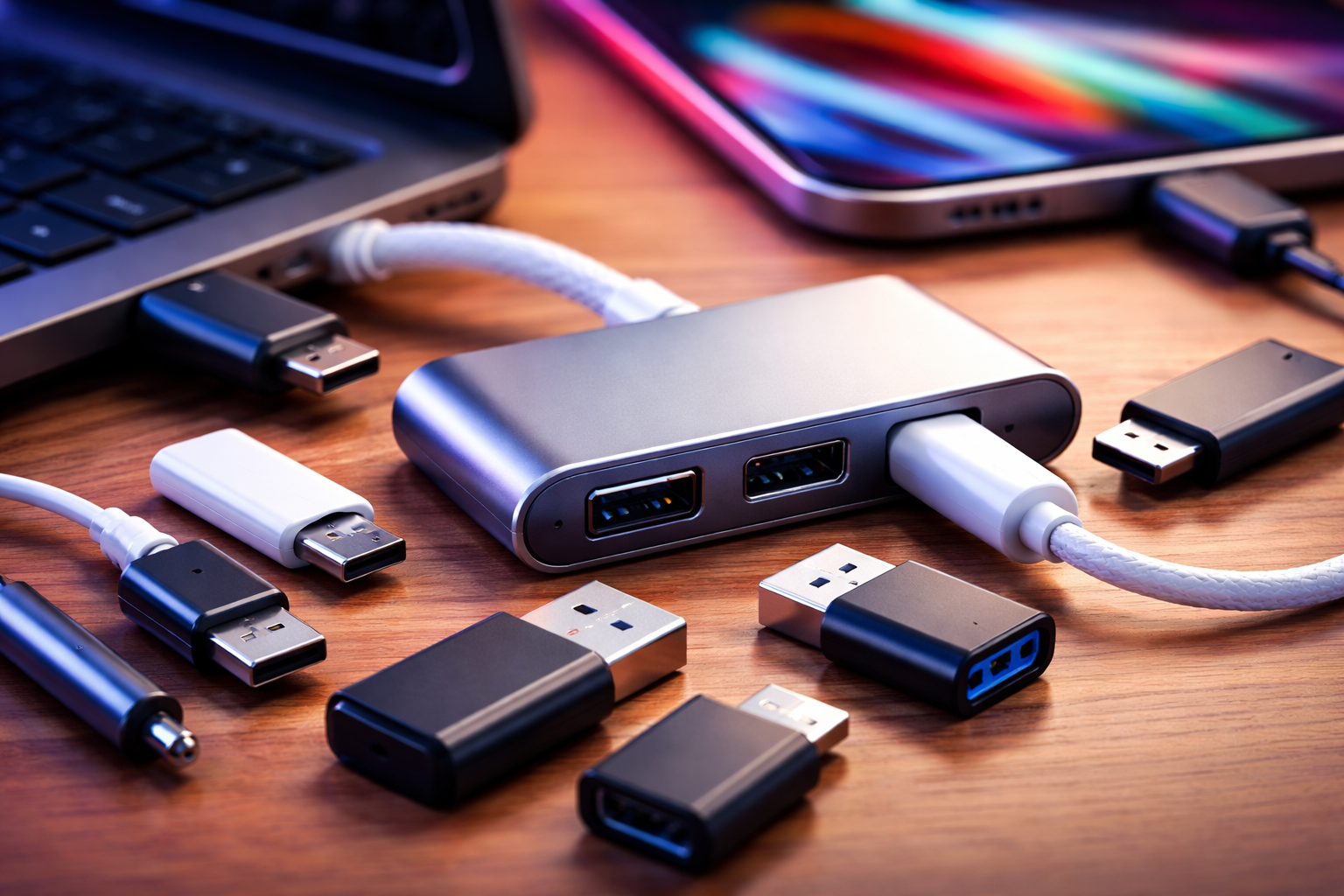
Understanding Your USB Needs
Choosing the right USB adapter starts with understanding what you need it for. Are you looking to connect older devices to newer ports, charge multiple devices simultaneously, or transfer data at high speeds? Your specific use case will determine which type of adapter works best for you.
The market offers countless options, from simple USB-A to USB-C converters to multi-port hubs with various functionalities. Taking time to assess your requirements before purchasing will save you money and frustration down the road.
Check Device Compatibility
Compatibility is the most critical factor when selecting a USB plug adapter. Start by identifying the USB ports on your devices. Modern laptops typically feature USB-C ports, while older computers and peripherals often use USB-A connections.
Make sure the adapter you choose bridges the gap between your devices correctly. A USB-C to USB-A adapter won't help if you need to connect a USB-C device to a USB-C port that only accepts USB-A peripherals. Read product specifications carefully and verify both input and output connector types.
Some devices require specific protocols or chipsets to function properly. For instance, Apple devices may need MFi-certified adapters, while certain Android phones work best with adapters that support their proprietary fast-charging standards.
Consider Data Transfer Speeds
USB adapters come with different data transfer capabilities. USB 2.0 offers speeds up to 480 Mbps, which suffices for keyboards, mice, and basic file transfers. However, if you're moving large files or connecting external storage drives, you'll want USB 3.0 or higher.
USB 3.0 delivers speeds up to 5 Gbps, while USB 3.1 and 3.2 can reach 10 Gbps and 20 Gbps respectively. USB4 and Thunderbolt 4 adapters provide even faster speeds up to 40 Gbps, perfect for professional video editing or gaming applications.
Remember that your transfer speed is limited by the slowest component in the chain. Even with a high-speed adapter, an older device will bottleneck performance to its maximum capability.
Evaluate Power Delivery Requirements
Power delivery becomes crucial if you plan to use your USB plug adapter for charging devices. Standard USB adapters may not provide enough power for laptops or tablets, which often require 45W to 100W of power.
Look for adapters with Power Delivery (PD) support if you need to charge power-hungry devices. USB-C PD adapters can deliver up to 100W of power, making them suitable for charging laptops, monitors, and other high-power electronics.
Check the wattage specifications on both your device and the adapter. Using an underpowered adapter will result in slow charging or inability to charge while using the device. Some adapters also support multiple power profiles, allowing them to charge different devices optimally.
Assess Build Quality and Durability
The physical construction of your adapter matters more than you might think. Cheap adapters with flimsy connectors can damage your device ports through repeated use or cause intermittent connectivity issues.
Look for adapters with reinforced connectors, braided cables if applicable, and solid housing materials. Aluminum or high-grade plastic housings provide better heat dissipation and durability compared to thin plastic shells.
Read customer reviews to gauge real-world durability. An adapter that fails after a few weeks isn't worth any amount of savings. Reputable brands typically offer better quality control and warranty support.
Determine Port Configuration Needs
Single-port adapters work well for specific conversion needs, but multi-port hubs offer greater versatility. If you frequently connect multiple peripherals, consider a hub with several USB-A ports, USB-C ports, HDMI outputs, or SD card readers.
Think about your typical workflow. Do you need to connect a monitor, keyboard, mouse, and external drive simultaneously? A docking station or multi-port USB plug adapter might serve you better than multiple single-port adapters.
However, keep in mind that multi-port adapters share bandwidth and power delivery across all ports. Using all ports simultaneously may reduce individual port performance, especially with data-intensive tasks.
Consider Portability and Size
Your mobility needs should influence adapter selection. Travelers and mobile workers benefit from compact, lightweight adapters that fit easily in laptop bags or pockets.
Some adapters feature foldable connectors or retractable cables to prevent damage during transport. Others come with carrying cases for organization and protection.
Desktop users have more flexibility and might prefer adapters with longer cables or stationary hubs that don't need frequent unplugging. Consider where and how you'll primarily use the adapter before deciding on form factor.
Look for Safety Certifications
Safety certifications protect both your devices and yourself. Look for adapters with certifications like UL, CE, FCC, or RoHS compliance. These indicate the product has undergone testing for electrical safety and electromagnetic interference.
Certified adapters include protection against overheating, overcurrent, overvoltage, and short circuits. These safety features prevent potential damage to your expensive electronics.
Avoid suspiciously cheap adapters from unknown manufacturers, as they may lack proper safety mechanisms. The small savings aren't worth the risk of damaged devices or electrical hazards.
Factor in Budget and Brand Reputation
While price shouldn't be your only consideration, it often reflects quality and reliability. Extremely cheap adapters typically cut corners on materials, safety features, or performance specifications.
Established brands like Anker, Belkin, Cable Matters, and Ugreen generally offer good quality at reasonable prices. They also provide customer support and warranties, giving you recourse if problems arise.
Compare prices across retailers and read reviews before purchasing. Sometimes spending a few extra dollars gets you significantly better performance and longevity.
Make Your Final Decision
Choosing the right USB plug adapter requires balancing multiple factors against your specific needs and budget. Prioritize compatibility and safety certifications, then consider performance features like transfer speeds and power delivery.
Don't hesitate to invest in quality adapters for devices you use daily. A reliable adapter enhances productivity and protects your valuable electronics from potential damage caused by inferior products.

 English
 Arabic
 Français
 Español
 Português
 Deutsch
 Türkçe
 Dutch
Dutch
 Italiano
 Russian