


Export the Private Key from MetaMask Browser Extension
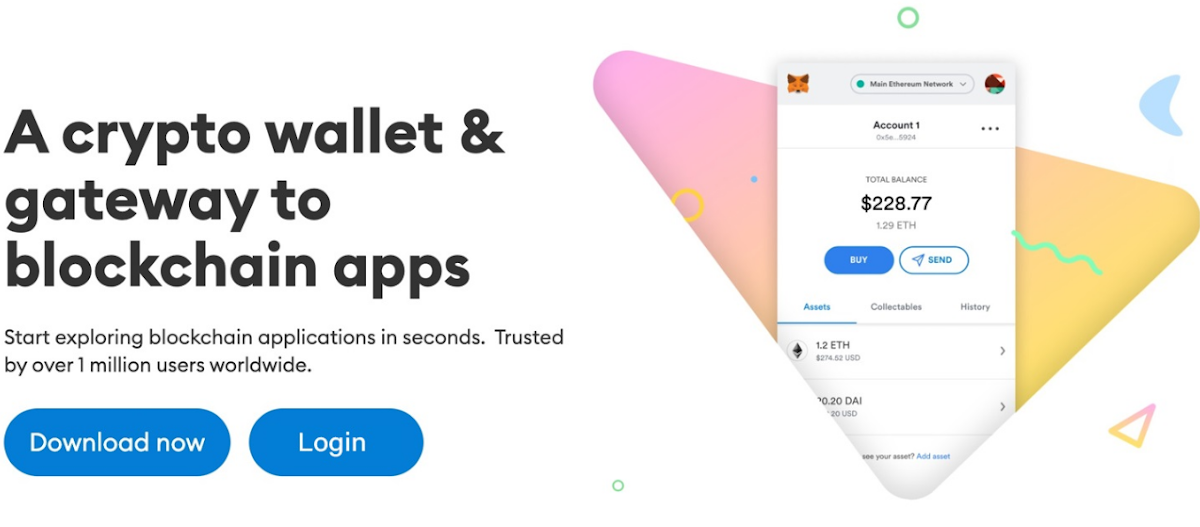
This wallet works similarly to the physical wallet, whereas physical wallets are used to store the physical currencies, this crypto wallet is used to store the keys of the cryptocurrencies. This is a software wallet so if you want to store your assets online, it can be your go-to place as you can conveniently access it on your mobiles and PCs.
Well! Here, we will plunge into the depth of MetaMask browser extensions by exploring the different supported browsers and the process of exporting the private key of your account further. So, if you are also a MetaMask user or thinking to join the MetaMask community, this read will help you out by providing a meticulous exploration of private keys exportation, have a glance further.
Here’s the List of Supported MetaMask Browser Extension:
- MetaMask Chrome Browser Extension
- MetaMask Brave Browser Extension
- MetaMask Firefox Browser Extension
- MetaMask Edge Browser Extension
- MetaMask Opera Browser Extension
Guide to export private keys from MetaMask browser extension
Before diving into the detailed guidance, I want to clarify one thing that MetaMask enables its users to create more than one account under a single secret recovery phrase. It means when you create a wallet in MetaMask, you can create diverse accounts for different purposes under that created wallet. Each of the accounts is secured with a unique private key and this private key is also used to deposit or withdraw crypto assets from one wallet to another wallet or exchange. If you are not aware of the process to export the private key of your account using the MetaMask browser extension, the steps outlined below will help you out.
- Make sure, your MetaMask Wallet is unlocked, and then open it.
- After this, look for the account selector located at the top of the home page.
- From the dropdown menu, pick up an account from where you want to export the private key.
- Tap on the three dots available right next to that chosen account to open the side menu.
- Thenceforth, select the option that says “Account details” to proceed.
- You should tap on the “Show Private Key” button to reveal the private key further.
- Provide the password of your MetaMask and tap “Confirm” to reveal the key.
- After all, you can see the copy icon right next to the private key, tap on it to copy that address on your clipboard.
This is it, you can press the “Done” button to close the window and can store or send the copied private key anywhere by pasting it right after this.
The Closing Thought!
In all, using the MetaMask Wallet, traders, and investors can create more than one account with unique private keys. These private keys are assigned to each account uniquely and used to secure the account end-to-end. After navigating this read, you will be able to export your private keys from MetaMask browser extensions without much effort. These keys play a significant role in the security of your wallet accounts, so it is strictly advised to not share this data piece with everyone. Have a safe and secure trading experience.

 English
 Français
 Español
 Português
 Deutsch
 Türkçe
 Dutch
Dutch
 Italiano
 Russian
 Romaian