


Do All USB-C Cables Support Fast Charging?
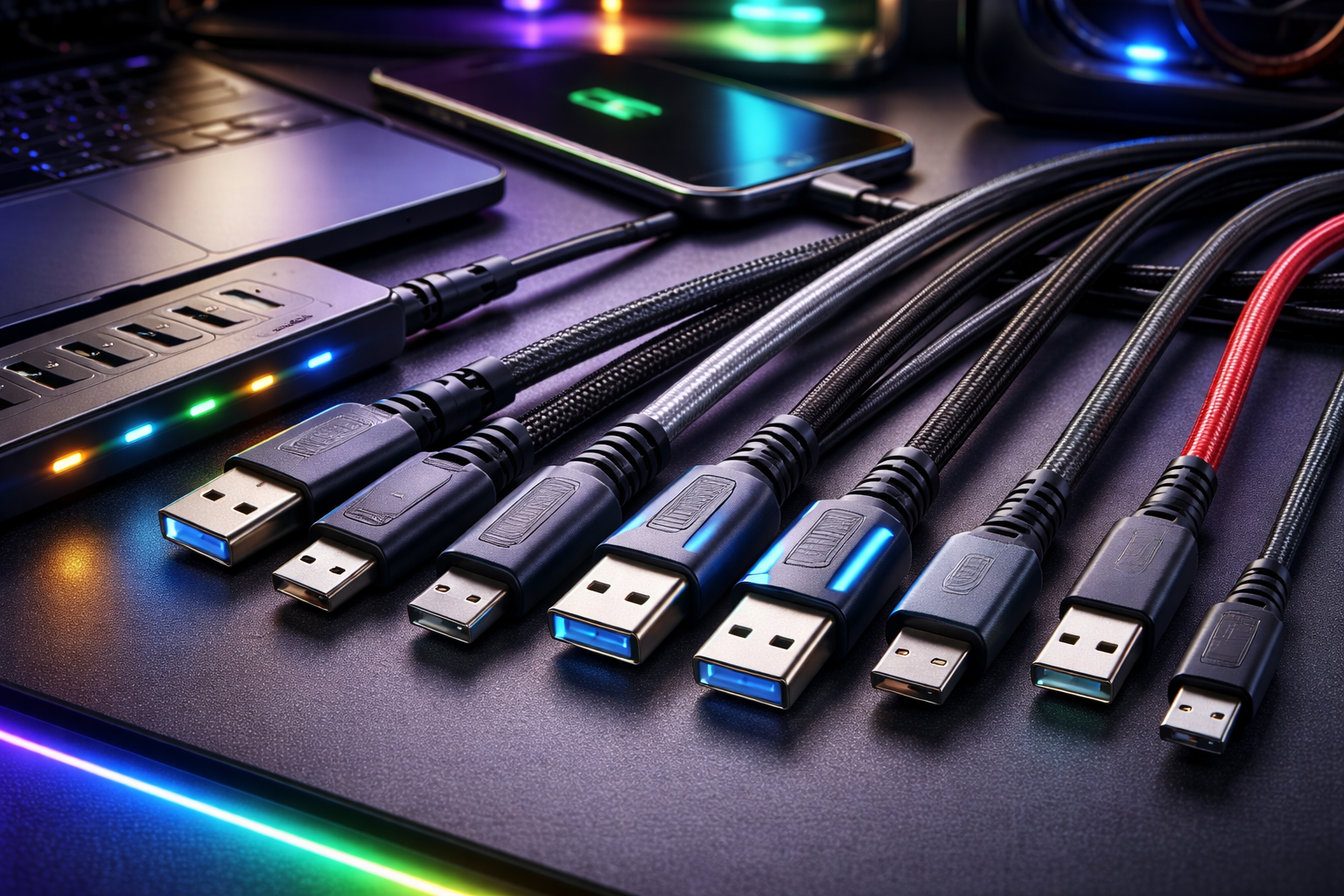
USB-C has quickly become the standard connector for smartphones, laptops, tablets, gaming devices, and accessories. Many people assume that every USB-C cable automatically supports fast charging. That is not true. While the connector may look the same, the internal wiring and power capability of each usb cord can vary significantly.
In this guide, you will learn how USB-C charging works, why not all cables support fast charging, and how to choose the right cable for your device.
Understanding USB-C and Fast Charging
USB-C refers to the physical connector type. It does not define the charging speed by itself. Charging speed depends on three key components:
• The power adapter
• The device
• The cable
Fast charging requires all three to support higher power levels. If even one component limits power, the charging speed drops.
Most modern fast charging systems rely on USB Power Delivery (USB-PD). USB-PD allows devices to negotiate higher voltage and current levels safely. Some devices also use proprietary charging technologies, but USB-PD is the most widely adopted standard.
Why All USB-C Cables Are Not the Same
Many people think a USB-C cable is just a simple wire. In reality, different cables are built with different internal components. The differences include:
• Wire thickness (gauge)
• Maximum current rating
• Data transfer capability
• Presence of an E-marker chip
These factors determine how much power the usb cord can safely deliver.
Current Rating Differences
Most standard USB-C cables support 3 amps of current. With USB-PD, that usually allows up to 60 watts of power (20V × 3A).
Higher-powered cables support 5 amps. These cables can deliver up to 100 watts or even 240 watts with the latest USB standards. Manufacturers include an E-marker chip inside these cables to communicate their power capability to connected devices.
If you use a 3A cable with a 100W charger and a high-powered laptop, the cable limits the charging speed. The system will reduce power to prevent overheating.
Data-Only vs Full-Featured Cables
Some low-cost USB-C cables are designed mainly for charging and support minimal data speeds. Others support high-speed data transfer like USB 3.2 or even Thunderbolt.
While data speed does not always affect charging speed, premium cables that support higher standards often include better internal wiring and power handling.
However, do not assume that a high-speed data cable automatically supports maximum charging. Always check the power rating.
What Is Fast Charging Exactly?
Fast charging means delivering more power than standard USB charging. Traditional USB-A ports delivered 5 watts (5V × 1A). That was slow for modern devices.
Today, fast charging typically means:
• 18W for smartphones
• 30W to 65W for tablets and ultrabooks
• 100W or more for gaming laptops
The exact speed depends on the device’s battery design and charging controller.
How USB Power Delivery Works
USB Power Delivery allows devices and chargers to communicate. When you plug in a USB-C cable, the charger and device negotiate voltage and current levels.
They can choose from multiple voltage profiles such as:
• 5V
• 9V
• 15V
• 20V
The charger adjusts output based on what the device requests and what the cable can handle.
If the usb cord does not support high current, the system limits power automatically.
The Role of the E-Marker Chip
High-power USB-C cables include an electronically marked chip called an E-marker. This chip tells the charger and device:
• The maximum current rating
• Supported data speed
• Cable capabilities
Without an E-marker chip, a cable typically defaults to 3A operation. That means it cannot safely support 5A high-power charging.
If you want 100W or higher charging, you need a cable rated for 5A with proper certification.
Common Myths About USB-C Cables
Myth 1: All USB-C Cables Charge at the Same Speed
This is false. The connector shape does not guarantee performance. Internal construction matters.
Myth 2: A Higher Watt Charger Automatically Means Faster Charging
If the cable or device cannot support higher wattage, charging speed remains limited.
Myth 3: Expensive Always Means Better
Price does not always reflect performance. Check specifications instead of relying only on cost.
How to Check If Your Cable Supports Fast Charging
You can identify a fast-charging USB-C cable by checking:
• Printed wattage rating (60W, 100W, 240W)
• Current rating (3A or 5A)
• USB-IF certification
• Product description details
If the cable does not clearly list power specifications, it may only support basic charging.
Device Limitations Also Matter
Even if your usb cord supports 100W, your smartphone may only accept 25W. The charging system always operates at the lowest supported level among:
• Charger capability
• Cable rating
• Device limit
For example, using a 100W cable with a 20W phone will not increase charging speed.
Risks of Using Low-Quality Cables
Using poorly made USB-C cables can cause problems such as:
• Slow charging
• Overheating
• Connection drops
• Damage to ports
• Safety hazards
Certified cables follow USB-IF standards. They undergo testing for safety and performance. Uncertified cables may skip critical components like proper insulation or E-marker chips.
USB-C vs USB-A Charging Cables
USB-A to USB-C cables often support limited power compared to USB-C to USB-C cables. Many USB-A chargers cannot deliver high USB-PD wattages.
If you want maximum fast charging, use:
• A USB-C Power Delivery charger
• A USB-C to USB-C cable rated for appropriate wattage
This setup allows full power negotiation.
Understanding the Latest 240W USB-C Cables
The newest USB Power Delivery 3.1 specification allows up to 240W charging. These cables are labeled as Extended Power Range (EPR).
They are designed for high-performance laptops and future devices that require more power. However, both the charger and device must also support 240W for it to work.
If your device does not require such high power, a 60W or 100W cable is sufficient.
How Cable Length Affects Charging
Longer cables can introduce slight resistance. High-quality long cables compensate with thicker internal wires.
If you need a longer usb cord, choose one rated specifically for the wattage you plan to use. Cheap long cables often result in slower charging.
Fast Charging for Different Devices
Smartphones
Most modern phones support 18W to 45W fast charging. A 60W-rated USB-C cable is usually more than enough.
Tablets
Tablets typically require 30W to 45W. A reliable 60W cable works well.
Laptops
Ultrabooks often need 45W to 65W. Gaming laptops may require 100W or more. Always match the cable rating to the laptop’s power adapter.
Key Takeaways
Not all USB-C cables support fast charging. The connector may look identical, but internal design determines performance.
Fast charging depends on:
• Cable current rating
• Presence of an E-marker chip
• Charger output
• Device capability
Always check the cable’s wattage rating before buying. If you want safe and efficient charging, choose certified cables that clearly state their power limits.
The right usb cord ensures faster charging, device safety, and long-term reliability.
Final Thoughts
USB-C technology offers flexibility and high power delivery, but not every cable delivers maximum speed. Understanding power ratings and compatibility helps you avoid slow charging and potential safety risks.
Before purchasing a USB-C cable, verify its wattage support, certification, and compatibility with your device. A properly rated cable ensures you get the full benefit of fast charging without compromising safety.
Source: https://techlogitic.net/essential-power-cords-for-high-end-gaming-setups/

 English
 Français
 Español
 Português
 Deutsch
 Türkçe
 Dutch
Dutch
 Italiano
 Russian
 Romaian