


Complete DL RC Process in RTO Mangalore (KA19) Office
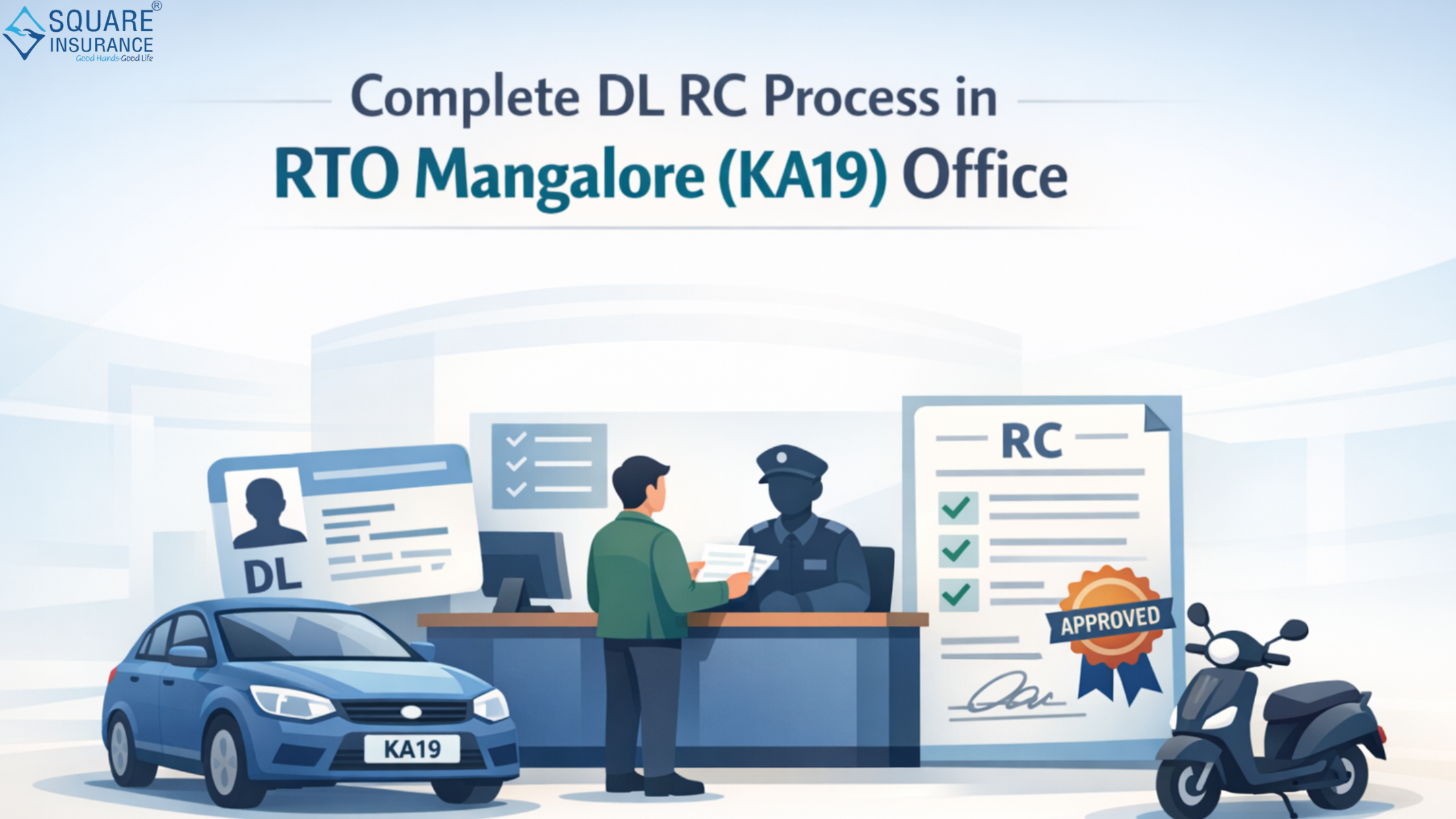
Understanding the Complete DL RC Process in RTO Mangalore (KA19) Office is essential for vehicle owners and driving licence applicants in the coastal Karnataka region. Whether you are applying for a new Driving Licence (DL), registering a vehicle for the first time, or updating your Registration Certificate (RC), knowing the correct procedure can save you time, money, and unnecessary visits at RTO Mangalore (KA19).
The Regional Transport Office Mangalore, commonly known as RTO Mangalore (KA19), operates under the Ministry of Road Transport and Highways and the Karnataka Transport Department. It manages vehicle registration, driving licences, road tax collection, permits, and enforcement of motor vehicle regulations in the Mangalore jurisdiction.
About RTO Mangalore (KA19)
The KA19 RTO office serves residents of Mangalore and surrounding areas. Every vehicle registered in this jurisdiction receives a registration number starting with KA19. The office handles:
-
Issuance of Learner’s Licence (LL)
-
Driving Licence (DL) issuance and renewal
-
Vehicle registration and RC issuance
-
Transfer of ownership
-
Hypothecation entry and removal
-
Address change in DL or RC
-
Duplicate DL or RC issuance
Complete DL Process in RTO Mangalore (KA19)
Getting a Driving Licence involves multiple stages. Here is the structured process.
Step 1: Apply for Learner’s Licence (LL)
Before obtaining a permanent Driving Licence, you must apply for a Learner’s Licence.
Eligibility Criteria:
-
16 years for gearless two-wheelers (with parental consent)
-
18 years for private vehicles
-
20 years for commercial vehicles
Documents Required:
-
Age proof
-
Address proof
-
Passport-sized photographs
-
Application form
-
Medical certificate (if applicable)
You must appear for an online or computer-based test at the RTO office. The test assesses your knowledge of traffic rules, road signs, and safety regulations under the Motor Vehicles Act.
Upon passing, the Learner’s Licence is issued and remains valid for 6 months.
Step 2: Driving Test Appointment
After 30 days from the date of LL issuance, you can apply for a permanent Driving Licence.
Driving Test Includes:
-
Basic vehicle control
-
Road awareness
-
Traffic rule compliance
-
Parking skills
An RTO Inspector evaluates your performance. If successful, your DL is approved.
Step 3: DL Issuance
Once approved:
-
Your Driving Licence is processed
-
Smart card DL is generated
-
It is dispatched to your registered address
You can track the status through your application number.
Complete RC Process in RTO Mangalore (KA19)
The Registration Certificate (RC) is proof that your vehicle is registered with the RTO authority. Driving without a valid RC is illegal.Step 1: New Vehicle Registration
When purchasing a new vehicle, the dealer typically initiates the registration process. However, here’s how it works:
Required Documents:
-
Sale certificate (Form 21)
-
Insurance certificate
-
Address proof
-
Temporary registration details
-
Road tax payment proof
After document verification:
-
Vehicle inspection is conducted
-
Registration number (KA19) is assigned
-
Smart card RC is generated
Step 2: RC Transfer Process (Ownership Transfer)
If buying or selling a used vehicle:
Required Forms:
-
Form 29 & Form 30
-
Valid insurance
-
Pollution Under Control (PUC) certificate
-
Address proof of buyer
-
Original RC
The vehicle must be physically presented for inspection. After approval, ownership is updated in the records.
Step 3: Hypothecation Entry or Removal
If you purchased a vehicle on loan:
-
Hypothecation details are recorded in RC.
-
Once the loan is cleared, you must apply for hypothecation removal.
-
Submit NOC from the bank along with Form 35.
The RTO updates the RC and issues a revised smart card.
Step 4: Duplicate RC or DL
In case of loss or damage:
-
File a police complaint
-
Submit application with required documents
-
Pay applicable fees
The RTO verifies records and issues duplicate documents.
Important Fees at RTO Mangalore (KA19)
While fees may vary depending on vehicle type and service, standard charges include:
-
Learner’s Licence fee
-
Driving test fee
-
DL issuance fee
-
RC smart card fee
-
Transfer of ownership charges
-
Hypothecation entry/removal fee
Ensure you collect official receipts for all payments.
Common Reasons for Application Rejection
Many applications get delayed due to:
-
Incomplete documentation
-
Mismatch in address details
-
Invalid insurance
-
Pending traffic challans
-
Incorrect form submission
Carefully verifying documents before submission helps avoid rejection.
Tips for a Smooth DL & RC Process
-
Double-check document validity.
-
Carry original documents during verification.
-
Keep digital copies for backup.
-
Reach the RTO office before your appointment time.
-
Ensure insurance and PUC are active.
Proper preparation significantly reduces processing delays.
Frequently Asked Questions (FAQs)
Q1: What is the RTO code of Mangalore?
The RTO code for Mangalore is KA19.
Q2: How long does it take to get a Driving Licence after passing the test?
Generally, it takes 2–4 weeks for the DL smart card to be delivered after approval.
Q3: Is vehicle inspection mandatory for RC transfer?
Yes, physical inspection is required for ownership transfer in most cases.
Q4: Can I drive immediately after passing the DL test?
You can drive once your licence is approved, but carrying proof of approval is advisable until the smart card arrives.
Q5: How can I remove hypothecation from my RC?
Submit Form 35 along with the bank’s NOC after clearing your loan.
Q6: What happens if I don’t transfer RC after buying a used vehicle?
Failure to transfer ownership can result in legal complications and liability for previous owner's violations.
Conclusion
Completing the DL and RC process at the Regional Transport Office Mangalore (KA19) requires proper documentation, timely application, and awareness of procedural steps. Whether you are a first-time applicant or transferring ownership of a vehicle, understanding the complete process ensures legal compliance and smooth vehicle ownership.
For vehicle insurance, renewals, and compliance support, Square Insurance offers reliable assistance and simplified policy management solutions tailored to your needs.
Please Note: - Manage your policies easily with Square Insurance POS Apps on Google Play – access anytime, anywhere.

 Arabic
 Français
 Español
 Português
 Deutsch
 Türkçe
 Dutch
Dutch
 Italiano
 Russian
 Romaian