


How to Change Signature in Outlook: A Complete Guide for 2026
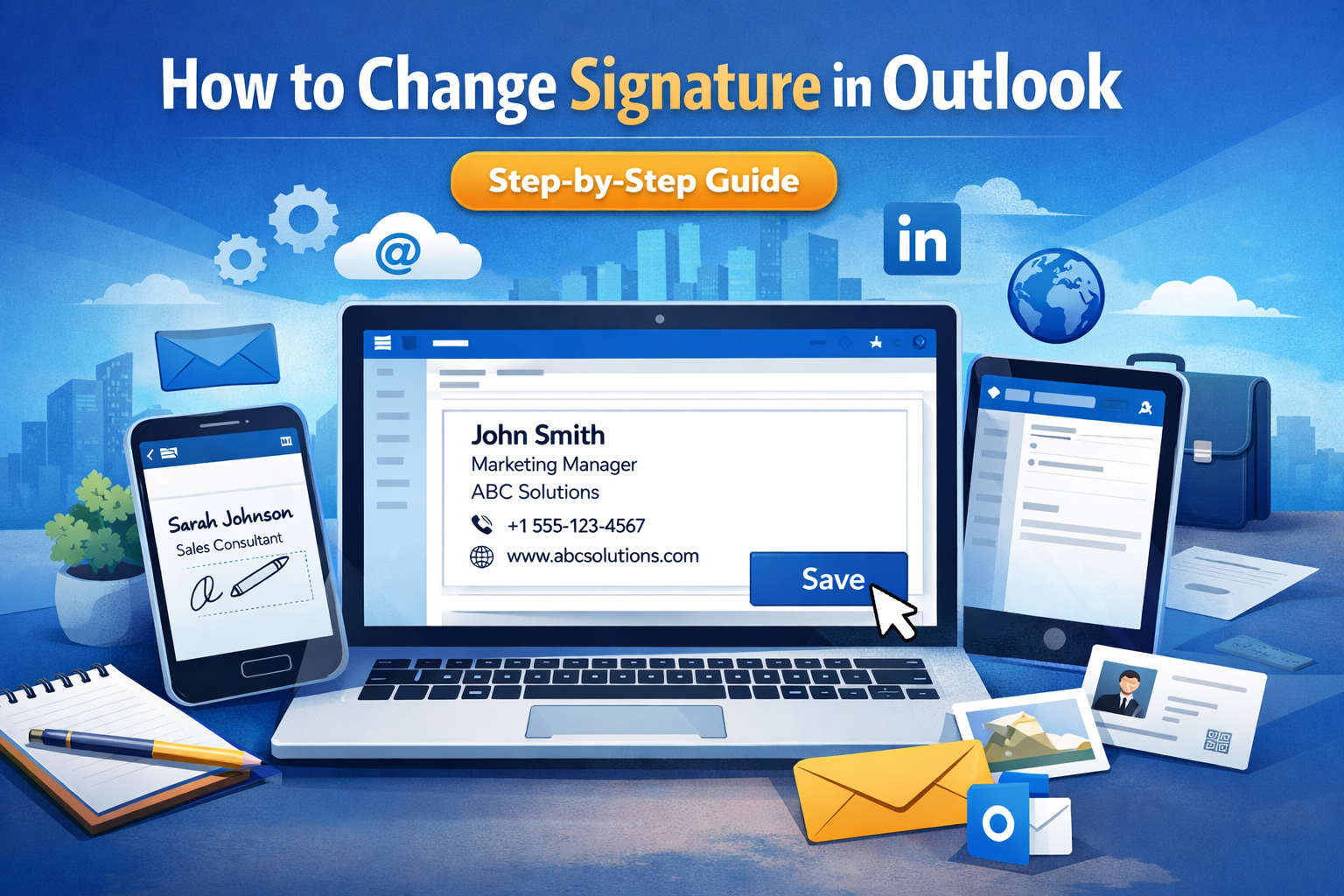
In today’s professional world, your email signature is more than just a name at the bottom of a message; it's your digital business card. Whether you’ve recently changed your job title, updated your phone number, or simply want a fresh look, knowing how to change signature in outlook is an essential skill.
In this comprehensive guide, we will walk you through the process for the Outlook desktop app, the web version, and mobile devices to ensure your professional branding stays consistent everywhere.
Why Your Email Signature Matters
Before we dive into the "how," let's look at the "why." A well-crafted signature provides:
-
Professionalism: It shows you pay attention to detail.
-
Branding: Includes company logos and social links.
-
Accessibility: Makes it easy for clients to find your contact info.
If you are also looking to optimize your overall workflow, you might want to learn how to speed up your computer to handle multiple email accounts more efficiently.
How to Update Your Email Signature in Outlook (Desktop Version)
For most professionals using Windows or Mac, the desktop application is the primary hub. Here is the quickest way to update your details:
-
Open Outlook: Launch the application and click on the File tab in the top-left corner.
-
Access Options: Select Options from the sidebar, then click on Mail.
-
Find Signatures: Click the Signatures... button.
-
Edit or Create: Under the "Select signature to edit" box, choose the signature you wish to modify.
-
Update Content: In the "Edit signature" box, type your new details. You can change fonts, add images (like a logo), or insert hyperlinks.
-
Save Changes: Ensure you click Save and then OK.
How to Change Signature in Outlook on the Web (Outlook.com)
If you prefer using a browser or Microsoft 365 online, the steps are slightly different:
-
Open Settings: Click the gear icon located in the top-right corner of the screen.
-
Navigate to Mail: Go to Accounts and then select Signatures.
-
Modify: Select the signature you want to change. If you manage multiple accounts, ensure you've selected the correct one.
-
Formatting: Use the built-in editor to refresh your text and styles.
-
Finalize: Hit Save at the bottom of the pane.
How to Change Signature in Outlook Mobile (iOS & Android)
Mobile signatures are often separate from desktop versions. If your emails show “Sent from Outlook for iOS,” it may be time to customize your signature.
-
Open the App: Tap your profile icon or the "Home" button in the top-left.
-
Gear Icon: Tap the Settings (gear) icon at the bottom.
-
Signature Section: Scroll down to the "Mail" section and tap Signature.
-
Edit Text: Delete the default text and type your custom signature. Note that mobile apps often support plain text better than complex HTML.
-
Save: Tap the checkmark or "Back" to save.
Best Practices for a Professional Signature
When you decide how to change signature in outlook, keep these tips in mind:
-
Keep it Simple: Limit it to 3–4 lines of text.
-
Image Size: If adding a logo, keep it small (under 30KB) to avoid being flagged as spam.
-
Call to Action: Include a link to your latest project or LinkedIn profile.
Troubleshooting: Why is my signature not updating?
Sometimes, even after following the steps on how to change signature in outlook, the old one still appears.
-
Default Settings: Check the "Choose default signature" section in settings to ensure your new signature is selected for "New messages" and "Replies/forwards."
-
Sync Issues: Outlook signatures do not always sync across devices automatically. You may need to update them separately on your PC and phone.
Conclusion
Mastering how to change signature in outlook ensures that every email you send reflects your current professional status. Whether you are on your desktop or on the go, a clean and updated signature leaves a lasting positive impression on your recipients.

 English
 Français
 Español
 Português
 Deutsch
 Türkçe
 Dutch
Dutch
 Italiano
 Russian
 Romaian