


How to Organize CSV File in Excel for Better Data Management
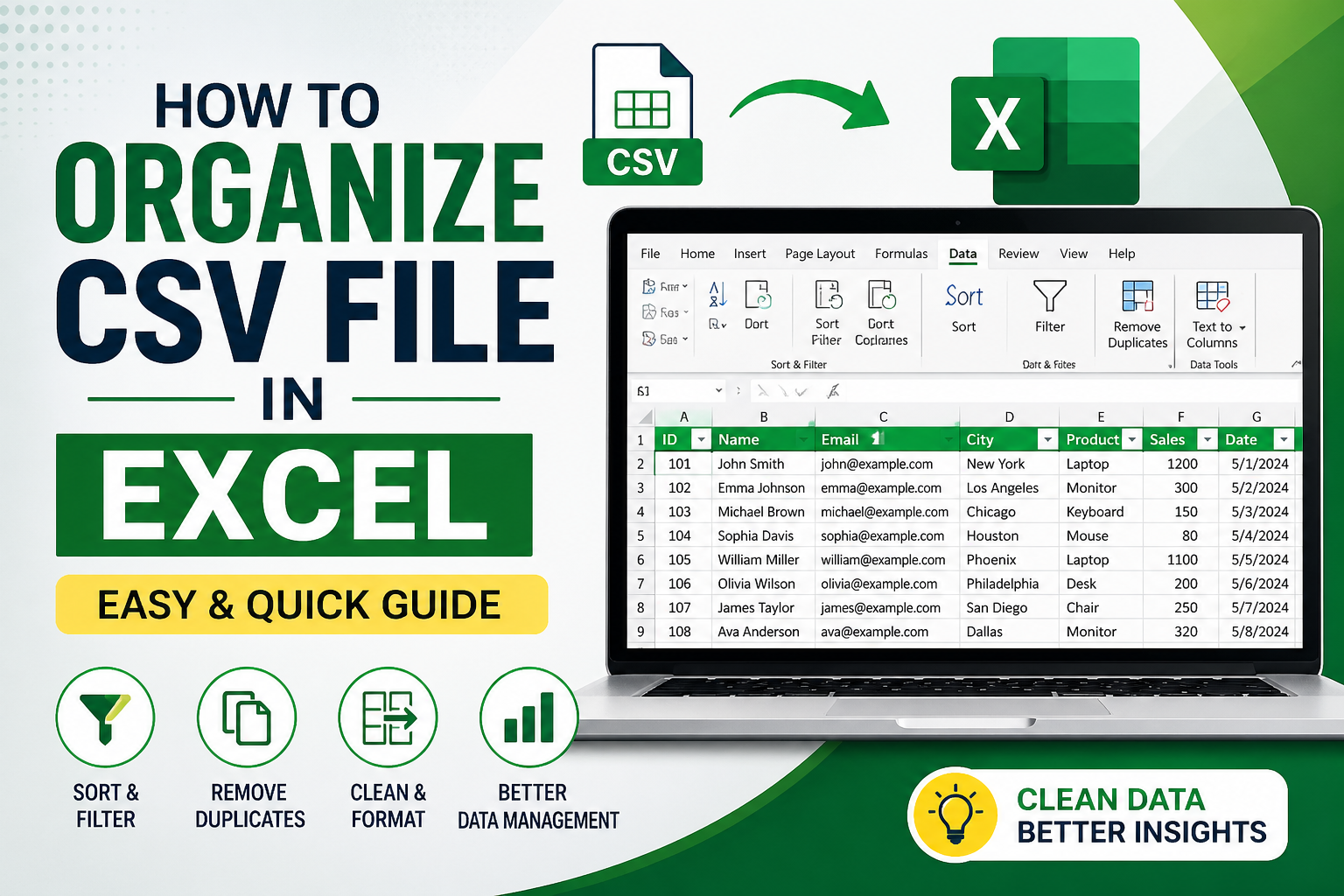
Managing raw CSV data can be messy if not structured properly. If you’re wondering how to organize CSV file in Excel, the process is actually simple. With the right steps, you can clean, sort, and format your data for better readability and analysis.
Why You Need to Organize CSV Files in Excel
CSV files often contain unstructured or cluttered data. Organizing them helps you:
- Improve data readability
- Remove duplicates and errors
- Sort and filter information easily
- Prepare data for reporting or analysis
How to Organize CSV File in Excel
1. Open CSV File in Excel
Go to Excel → Click on File → Open → Select your CSV file.
2. Convert Data into Table Format
- Select your data
- Press Ctrl + T
- This makes sorting and filtering easier
3. Sort Data
- Go to Data tab
- Click Sort
- Arrange data alphabetically, numerically, or by date
4. Apply Filters
- Click on Filter option
- Filter specific values to focus on relevant data
5. Remove Duplicates
- Select data
- Go to Data → Remove Duplicates
- Clean repeated entries instantly
6. Adjust Columns Properly
- Use Text to Columns feature if data is not separated correctly
- Auto-fit column width for better visibility
7. Format for Better Clarity
- Add headers
- Use bold text and colors
- Freeze top row for easy navigation
8. Divide Large CSV Files
- If your CSV file is too large to open in Excel, you need to reduce its size by splitting it into multiple files.
- For the same, we recommend using an advanced software, which is SysTools CSV Splitter.
Pro Tips to Organize CSV File in Excel
- Always keep a backup before editing
- Use formulas like TRIM() and CLEAN() to fix messy data
- Save final file as .xlsx for better compatibility
- Always keep your data divided using FreeViewer CSV File Splitter tool.
Conclusion
Learning how to organize CSV file in Excel can save time and improve productivity. By sorting, filtering, and cleaning your data, you can turn unstructured CSV files into meaningful insights quickly.


 English
 Arabic
 Español
 Português
 Deutsch
 Türkçe
 Dutch
Dutch
 Italiano
 Russian
 Romaian