


How to Convert Parquet File to Excel Without Data Loss?
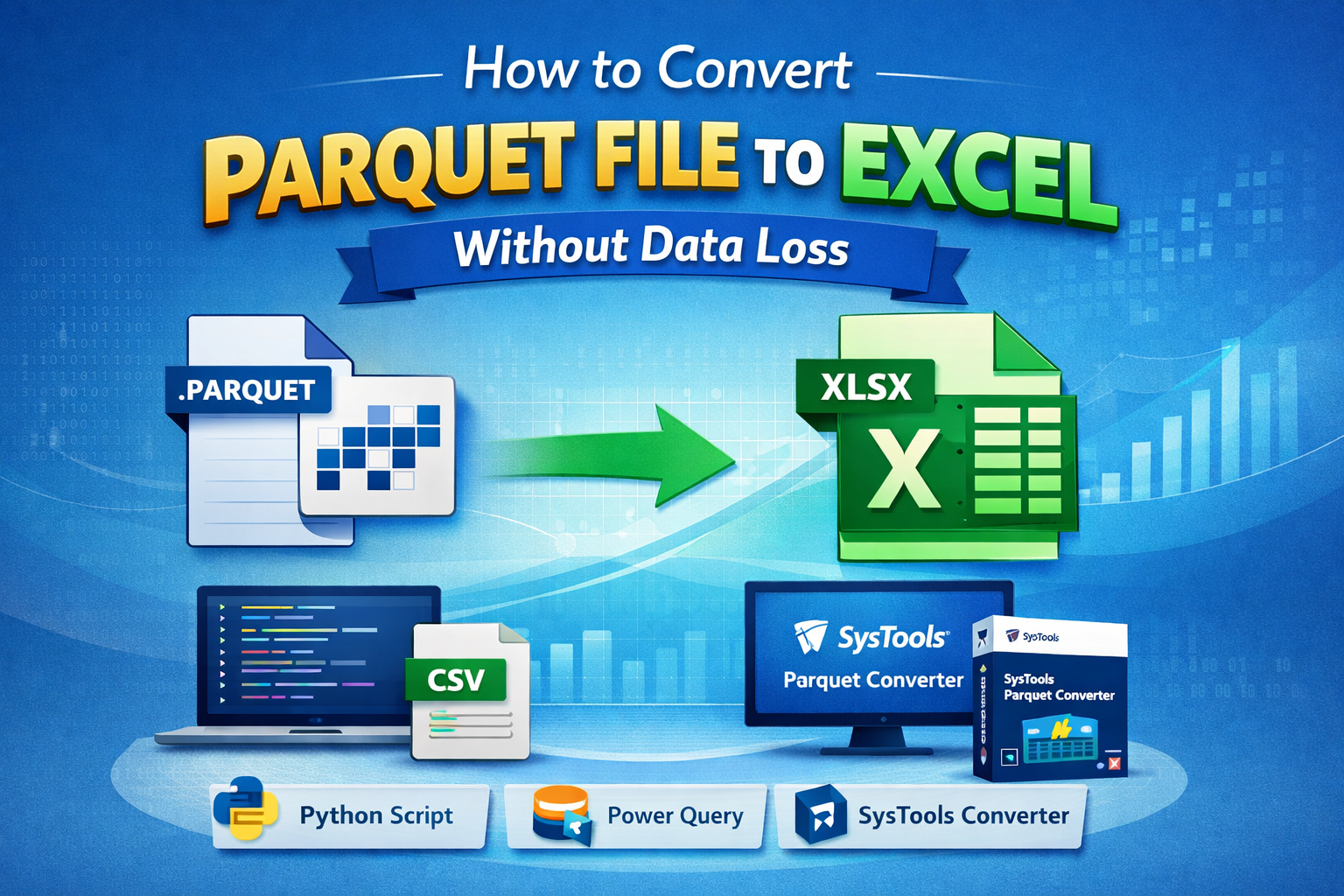
Handling large datasets efficiently is crucial for businesses and analysts. Parquet files are widely used due to their columnar storage and high compression, but they are not directly compatible with Excel. This is where users often search for how to convert Parquet File to Excel without losing any data integrity. In this guide, you’ll learn reliable methods, step-by-step instructions, and an automated solution to make the process seamless.
Important Note: If you are facing issues while converting large Parquet Files into Excel, you can use the reliable Parquet Splitter tool to split Parquet files into small chunks, then export them into CSV file format.
Why do Users Need to Export Parquet to Excel?
There are several reasons why users want to understand how to convert Parquet File to Excel:
-
Excel is user-friendly and widely accessible
-
Easier data visualization and reporting
-
Compatibility with business tools
-
Simplified data sharing across teams
How to Convert Parquet File to Excel by Professional Method?
For users looking for a hassle-free and reliable solution, the SysTools Parquet File Converter tool is a highly effective tool. It is designed specifically to export Parquet to Excel without any data loss or formatting issues. This automated solution ensures accuracy, saves time, and eliminates the risk of errors. Some of the common advantages are:
-
Direct conversion from Parquet to Excel (XLSX)
-
Maintains data integrity and structure
-
Supports bulk file conversion
-
User-friendly interface
-
No technical expertise required
Working Steps of this Tool
-
Install and launch the tool
-
Add Parquet files
-
Select Excel as output format
-
Choose destination path
-
Click Convert
How to Export Parquet to Excel Using Excel Power Query?
Excel’s Power Query feature allows users to import and transform data. The following steps are given below:
-
Open Excel
-
Go to Data > Get Data > From File
-
Select Parquet file (if supported via connector)
-
Load data into worksheet
How to Convert Parquet File to Excel Using Python (Pandas)?
Python is one of the most effective ways to export Parquet to Excel while maintaining data accuracy. The steps are as follows:
-
Install required libraries:
pip install pandas pyarrow openpyxl -
Use the following script:
import pandas as pd -
Load Parquet file
df = pd.read_parquet("file.parquet") -
Convert to Excel
df.to_excel("output.xlsx", index=False)
Challenges in Converting Parquet Files
Before jumping into methods, it's important to understand potential issues:
-
Data type mismatches
-
Loss of formatting
-
Handling large file sizes
-
Complex nested structures
Ensuring no data loss during conversion is key when learning how to convert Parquet File to Excel.
Tips to Avoid Data Loss During Conversion
When working on how to convert Parquet File to Excel, keep these best practices in mind:
-
Validate schema before conversion
-
Check for null or missing values
-
Preserve column names and data types
-
Avoid multiple format conversions
-
Use reliable tools for large datasets
Conclusion
Understanding how to convert Parquet File to Excel is essential for anyone working with modern data formats. While manual methods like Python, Excel, and Spark offer flexibility, they often require technical skills and may risk data inconsistencies.
For a smooth and error-free experience, automated solutions like the above automated tool mentioned provide a reliable way to Export Parquet to Excel without compromising data integrity.

 English
 Arabic
 Français
 Español
 Português
 Deutsch
 Türkçe
 Dutch
Dutch
 Russian
 Romaian