


Best Tor Bridges for Restricted Networks
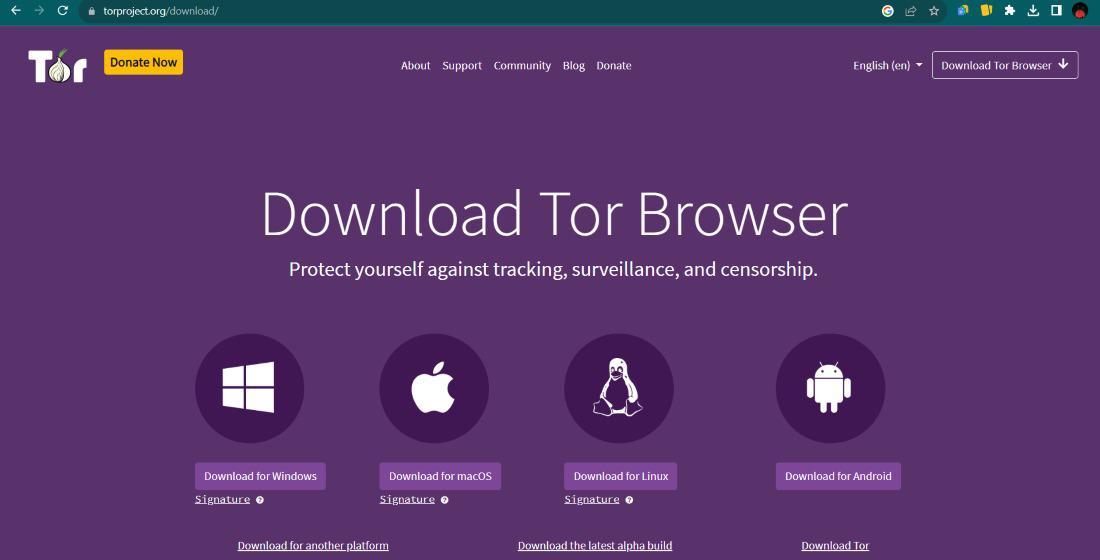
Did you know that in many parts of the world, simply attempting to connect to the Tor network can trigger an immediate internet shutdown for the user? This happens because standard entry points to the network are public, making them easy targets for automated blocking systems. When a firewall sees you reaching out to a known relay, it drops the connection before you can even begin browsing - this is where bridges come in, acting as secret tunnels that hide your traffic from prying eyes.
Bridges are private relays that do not appear in the public Tor directory. Because they are hidden, a government or an internet service provider cannot easily compile a list of them to block. You can think of them as unlisted phone numbers for the internet. If you are in a place where digital borders are tight, these tools are often your only way to reach the global web without interference.
Understanding Why Bridges Matter for Open Access
Standard internet connections are like postcards - anyone handling them can see where they are going. In a restricted network, the "post office" or your ISP checks the destination of every packet. If the destination is a known anonymity tool, the packet is thrown away. Bridges change the appearance of this data so it looks like regular web traffic, like a video call or a standard website visit.
The goal of using a bridge is not just to connect but to do so without drawing attention to the fact that you are using a privacy tool. For many users, this is a matter of safety. If your network admin sees that you are bypassing rules, there might be consequences. Choosing the right type of bridge is a balance between speed and how well it hides your tracks. Some readers find success - following a deeper explanation of anonymous browsing tools to understand which protocol fits their specific local restrictions.
Popular Bridge Types - From obfs4 to Meek-Azure
There are multiple types of bridges, often called "pluggable transports" Each one uses a different method to disguise your data. The most common one is obfs4. It works - adding a layer of encryption that makes your traffic look like random noise. Since the noise has no recognizable pattern, it is very difficult for scanners to identify it as part of the Tor network.
Another powerful option is Meek Azure - This method is fascinating because it makes your traffic look like you are visiting a major cloud service provider, like Microsoft. Many firewalls are afraid to block these services because doing so would break many other legitimate websites and apps. While Meek can be slower than other options, its ability to blend in with "big tech" traffic makes it highly effective in strictly censored regions.
- obfs4
Great for general censorship and very fast for daily use. - Meek-Azure
Best for extremely restrictive environments where other methods fail. - Snowflake
Uses a system where volunteers turn their regular web browsers into temporary bridges for you.
How to Locate Active Bridge Addresses Safely
Since bridges are not public, you have to request them - You can do this directly through the settings of your privacy browser or - sending an email to the project's automated bot. It is important to remember that bridge addresses can sometimes go offline - having a few backup addresses saved is a smart move. When you receive the addresses, they usually look like a string of random numbers and letters followed by an IP address.
Finding a reliable source for these tools is part of maintaining a secure setup. Some people prefer to use an overview of Tor network systems to find updated directories or contact methods. Always ensure you are getting your bridges from trusted sources, as a malicious bridge could potentially monitor the traffic that passes through it, though it still cannot see your final destination or your identity.
Setting Up Your Connection on Different Devices
Setting up a bridge is usually a simple process - On a desktop, you go to the "Connection" tab in your settings. You will see an option to "Use a Bridge" You can either select a built in one like obfs4 or manually enter the addresses you received via email. Once you click connect, the browser takes care of the heavy lifting, establishing the encrypted tunnel before you start surfing.
On mobile devices, the process is similar but may require a few extra taps. It is vital to test your connection once it is active. A successful connection means you have bypassed the local filter. If you are also interested in what lies beyond the standard web, you might explore a secure internet navigation concepts guide to learn how to visit specialized domains that only exist within these private networks.
Keeping Your Access Stable in Changing Environments
Censorship is a cat-and-mouse game - What works today might be blocked tomorrow as network admins update their software. To stay connected, you should regularly update your browser software. Developers are constantly improving the "obfuscation" techniques to stay ahead of the filters. If your connection becomes slow or fails to start, it is often a sign that the bridge you are using has been identified and blocked.
Maintaining your digital freedom requires a bit of patience. If one bridge type fails, try another. Many users find that switching between Snowflake and obfs4 helps them stay online even during periods of heavy network interference. Being flexible and staying informed about new bridge protocols is the best way to ensure you never lose access to the open internet.
FAQ
Are Tor bridges legal to use?
In most countries, using privacy tools is perfectly legal - However, some regions have specific laws against bypassing state mandated filters. You should always be aware of your local regulations before using the tools.
Do bridges make my internet slower?
Yes, bridges usually add some delay to your connection - Because your data has to go through an extra "disguise" layer and an unlisted relay, it takes longer to reach its destination than a standard connection would.
Can my ISP see what I am doing while using a bridge?
No, your ISP can only see that you are sending encrypted data to a specific IP address. They cannot see the websites you visit or the messages you send. If the bridge is working correctly, they may not even know you are using Tor.
How many bridges should I use at once?
You only need one working bridge to connect - However, it is a good idea to have a list of three to five different bridge addresses stored so you can quickly switch if the one you are using gets blocked.

 Arabic
 Français
 Español
 Português
 Deutsch
 Türkçe
 Dutch
Dutch
 Italiano
 Russian
 Romaian