


Best UAT Testing Software Tools to Improve Software Quality and User Satisfaction
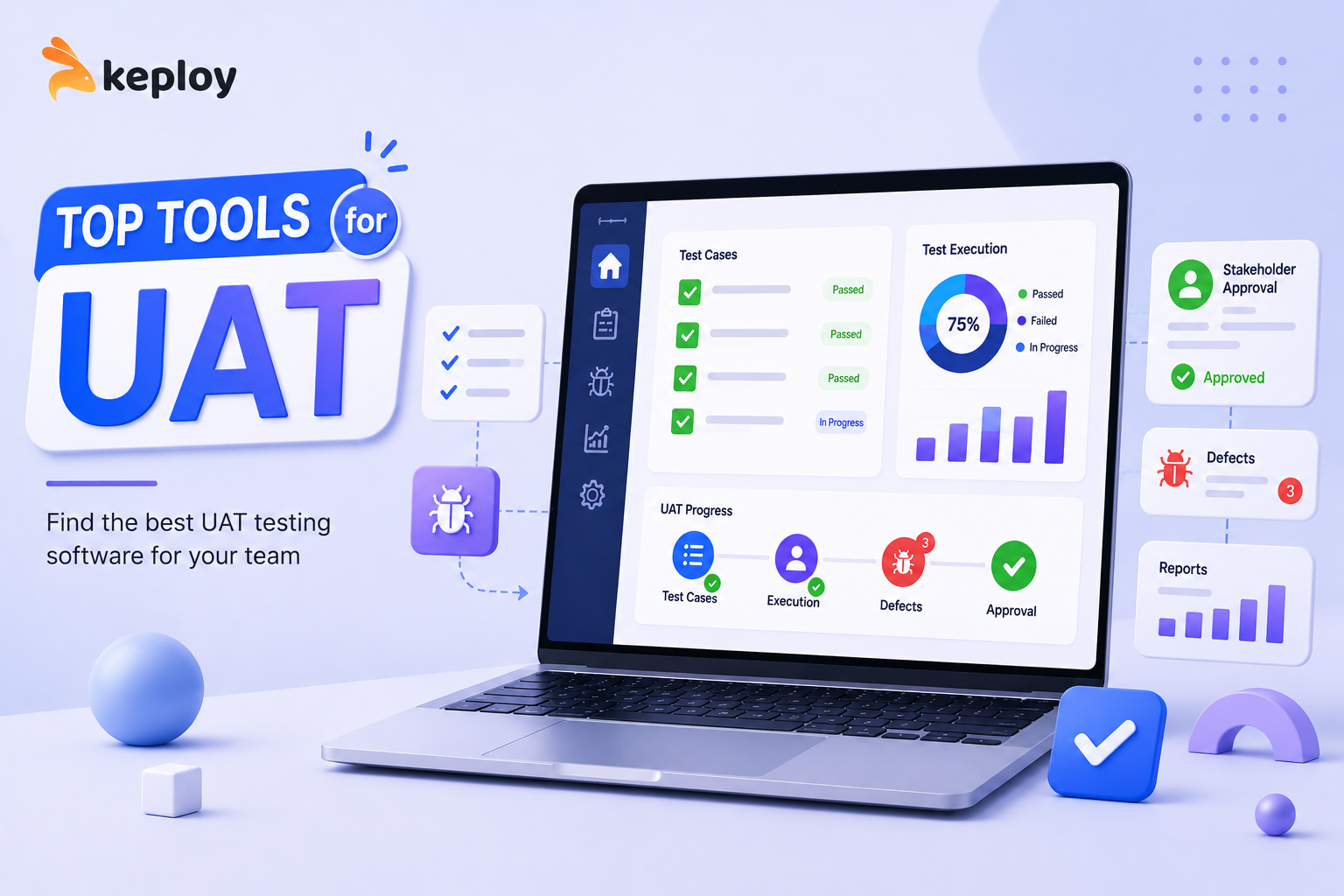
Software development teams invest significant time and resources into building features, fixing bugs, and ensuring application stability. However, no matter how well a product performs in development and QA environments, the ultimate measure of success is whether it meets user and business expectations. This is where User Acceptance Testing (UAT) becomes essential.
UAT serves as the final validation phase before software is released to production. During this stage, actual users, stakeholders, or business representatives verify that the application functions according to requirements and solves the intended business problems. To streamline this process, organizations rely on specialized UAT testing software tools that help manage test cases, collect feedback, track issues, and improve collaboration.
In this article, we'll explore why UAT matters, what features to look for in a solution, and some of the best UAT testing software tools available today.
What Is User Acceptance Testing?
User Acceptance Testing is the final phase of the software testing lifecycle. Unlike unit testing, integration testing, or system testing, UAT focuses on validating whether the application satisfies business needs and user expectations.
The primary objectives of UAT include:
-
Verifying business requirements
-
Ensuring workflows function correctly
-
Confirming usability and user experience
-
Identifying issues before release
-
Increasing stakeholder confidence
Successful UAT helps organizations reduce costly post-release defects and ensures software delivers real value to users.
Why UAT Testing Software Matters
Many teams still conduct UAT using spreadsheets, emails, and manual tracking methods. While this may work for small projects, it quickly becomes difficult to manage as applications grow in complexity.
Dedicated UAT testing software provides several advantages:
Improved Collaboration
Stakeholders, testers, developers, and project managers can work together within a centralized platform.
Better Traceability
Teams can track requirements, test cases, execution results, and defects from a single dashboard.
Faster Feedback Collection
Users can easily submit feedback, screenshots, and bug reports.
Enhanced Reporting
Comprehensive reports help teams understand testing progress and release readiness.
Reduced Risk
Structured UAT processes reduce the chances of critical issues reaching production.
Key Features to Look for in UAT Testing Software
Before selecting a solution, consider the following capabilities:
Test Case Management
The platform should allow teams to create, organize, and execute UAT test cases efficiently.
Requirement Traceability
Requirements should be linked directly to test cases and defects.
Defect Tracking
Built-in issue management simplifies communication between testers and developers.
Collaboration Tools
Comments, notifications, and user assignments improve team coordination.
Reporting and Analytics
Real-time dashboards help stakeholders monitor testing progress.
Integration Support
Compatibility with project management and CI/CD tools improves workflow efficiency.
Best UAT Testing Software Tools
1. TestRail
TestRail is one of the most widely used test management platforms. It offers comprehensive test planning, execution tracking, and reporting features.
Key Benefits:
-
Centralized test management
-
Customizable dashboards
-
Integration with Jira and DevOps tools
-
Detailed reporting capabilities
2. Jira
Although primarily known as a project management tool, Jira is frequently used for UAT workflows due to its flexibility and extensive plugin ecosystem.
Key Benefits:
-
Robust issue tracking
-
Workflow customization
-
Strong collaboration features
-
Large integration marketplace
3. PractiTest
PractiTest provides end-to-end test management with strong traceability and reporting capabilities.
Key Benefits:
-
Requirement management
-
Automated reporting
-
Defect tracking integration
-
Enterprise scalability
4. Zephyr
Zephyr integrates directly with Jira and supports both manual and automated testing activities.
Key Benefits:
-
Seamless Jira integration
-
Test execution tracking
-
Real-time visibility
-
Scalable architecture
5. TestMonitor
TestMonitor focuses on simplicity and user-friendly collaboration.
Key Benefits:
-
Easy-to-use interface
-
Stakeholder collaboration
-
Progress tracking
-
Flexible test management
How Automation Complements UAT
While UAT itself is often a manual process involving real users, automation can significantly improve software quality before acceptance testing begins.
Tools like Keploy help teams automate API testing and regression testing by generating test cases from real application traffic. This allows developers to catch issues earlier, reducing the number of defects discovered during UAT.
Benefits include:
-
Faster testing cycles
-
Improved test coverage
-
Reduced manual effort
-
Greater release confidence
By combining automated testing with structured UAT processes, organizations can deliver higher-quality software more efficiently.
UAT Best Practices
To maximize the effectiveness of user acceptance testing, teams should follow these practices:
Define Clear Acceptance Criteria
Establish measurable success conditions before testing begins.
Involve Real Users
Business stakeholders and end users provide valuable feedback that internal teams may overlook.
Use Realistic Test Scenarios
Testing should reflect actual user workflows and business processes.
Track Issues Centrally
A dedicated UAT testing software platform simplifies defect management and communication.
Review Results Thoroughly
Analyze feedback, prioritize issues, and verify fixes before release approval.
Conclusion
User Acceptance Testing is one of the most important stages of the software development lifecycle. It ensures that applications not only function correctly but also meet business objectives and user expectations. The right UAT testing software tools help organizations streamline testing processes, improve collaboration, and reduce release risks.
Whether you choose TestRail, Jira, PractiTest, Zephyr, or TestMonitor, investing in a structured UAT process can significantly improve software quality and stakeholder satisfaction.

 English
 Arabic
 Français
 Português
 Deutsch
 Türkçe
 Dutch
Dutch
 Italiano
 Russian
 Romaian