


How to Maintain Your 3D Printer for Long-Term Performance
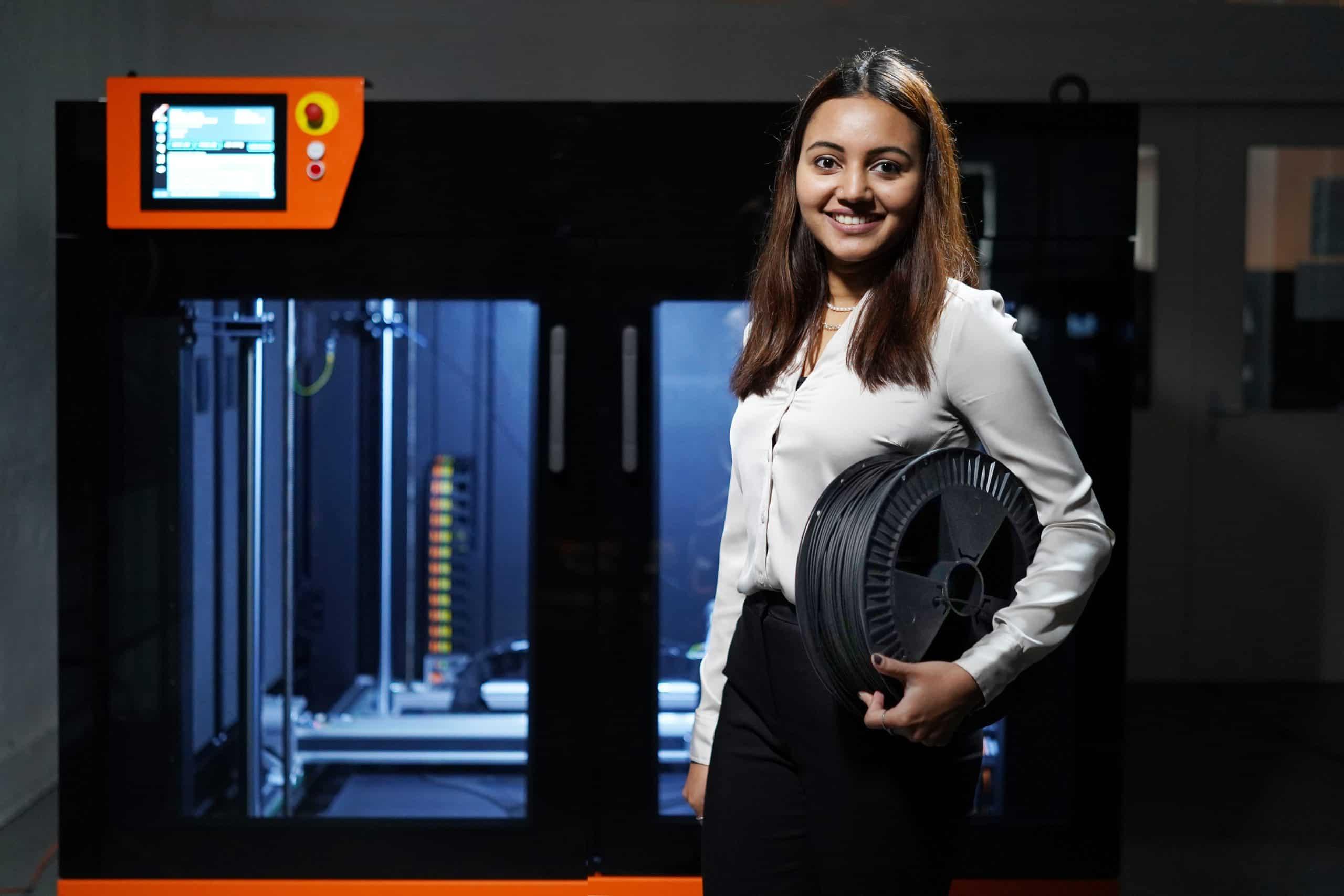
A 3D printer is a precision machine, and like any precision machine, it rewards care with performance. Skip the maintenance, and you'll eventually deal with clogged nozzles, warped prints, or a motherboard that gives out years before its time. The good news is that keeping a printer in top shape doesn't require technical mastery, it just requires consistency. A few minutes each week can save you hours of troubleshooting later, and it can add years to a machine that would otherwise wear down from neglect.
Whether you're running a budget FDM printer or a high-end resin setup, the fundamentals of maintenance are largely the same: keep it clean, keep it calibrated, and keep it cool. This guide breaks maintenance down into the routines that actually matter, based on how these machines fail in the real world rather than how manuals describe them in theory.
Quick takeaways:
-
Clean the bed, rails, and cooling fans every one to two weeks to prevent dust and debris buildup
-
Recalibrate bed level and extrusion flow monthly, since vibration and use gradually shift settings
-
Lubricate rails and lead screws every one to two months, and check belt tension at the same time
-
Check for firmware updates every few months and store filament or resin properly between prints
-
Treat maintenance as a routine, not a reaction to failed prints
Clean the Printer Regularly to Prevent Mechanical Wear
Dust and filament debris are the quiet enemies of every 3D printer. Over time, fine particles settle into cooling fans, build up on lead screws, and coat the printhead assembly, forcing motors to work harder than they should. A soft brush and isopropyl alcohol wipe-down of the frame, rails, and print bed once every week or two prevents most of this buildup before it becomes a mechanical problem. It's also worth keeping the printer in a stable environment, away from direct sunlight, humidity, and temperature swings, since inconsistent conditions affect both filament behavior and internal components.
Nozzle maintenance deserves special attention, since a nozzle exposed to high heat for long printing sessions gradually accumulates carbonized residue that affects extrusion consistency and can eventually clog the flow path entirely. Cold pulls and periodic nozzle swaps are cheap insurance against a much bigger repair down the line.
Recalibrate the Printer on a Set Schedule, Not Just at Setup
Many hobbyists calibrate their printer once during setup and never touch it again which is a mistake. Vibration from regular use, filament changes, and even minor bumps to the frame can throw off bed leveling and Z-offset settings over weeks of printing. Recalibrating bed level and extrusion flow every month, or whenever print quality noticeably shifts, keeps layer adhesion and dimensional accuracy where they should be.
If you're running a machine from a well-established brand like Anycubic, this process tends to be more forgiving thanks to auto-leveling systems and stable firmware, but even automated leveling sensors benefit from periodic manual verification to catch drift before it shows up as a failed print. Buyers who are shopping for accessories, filament, or an upgrade often look for Anycubic coupons to offset the cost of keeping their setup current, since parts like nozzles, belts, and print surfaces are consumables that need replacing over a printer's lifespan.
Lubricate Moving Parts and Check Mechanical Tension
Linear rails, lead screws, and rods need light lubrication to move smoothly and avoid premature wear. Too much grease attracts dust and creates its own problems, so a thin, even coat applied every one to two months is usually enough. While you're in there, check belt tension, a belt that's too loose causes ringing artifacts in prints, while one that's overtightened stresses the stepper motors and bearings. Tightening it to a consistent, firm resistance, not guitar-string tight, strikes the right balance.
It's also worth inspecting wiring and connectors periodically, especially on printers that see heavy use. Loose connections at the hotend or bed heater are a common cause of intermittent print failures and, in rare cases, a safety hazard. A five-minute visual check during your regular cleaning routine is enough to catch most issues early.
Keep Firmware Updated and Store Materials Correctly
Manufacturers regularly release firmware updates that fix bugs, improve print stability, and sometimes unlock better performance from existing hardware. Checking for updates every few months, and reading the release notes before installing, keeps a printer running on its most reliable software base.
On the material side, filament storage matters just as much as printer upkeep. PLA, PETG, and nylon are all hygroscopic to varying degrees, meaning they absorb moisture from the air, which leads to brittle prints, popping sounds during extrusion, and poor surface finish. Storing spools in sealed containers with silica gel, or investing in a dedicated dry box, protects both the material and the printer's nozzle from unnecessary strain. Resin printers have their own storage considerations: UV resin should be kept away from sunlight and stored in its original opaque bottle to prevent premature curing, and vats should be cleaned and dried after every print session to avoid cured residue building up on the release film.
Build a Maintenance Routine That Actually Sticks
The printers that last the longest usually belong to owners who treat maintenance as routine rather than reactive. Setting a simple schedule quick checks after every print, a deeper clean weekly, calibration monthly, and firmware or lubrication checks quarterly turns upkeep into a habit instead of a chore. According to guidance published by the National Institute of Standards and Technology, consistent equipment calibration is one of the most reliable predictors of long-term measurement and manufacturing accuracy, a principle that applies just as directly to desktop 3D printing as it does to industrial equipment.
Preventive care also pays off financially. Replacing a five-dollar nozzle before it clogs is far cheaper than replacing a damaged hotend assembly, and catching a loose belt early avoids the cascading wear it can cause on stepper motors and bearings. A well-maintained printer doesn't just last longer, it produces more consistent, higher-quality prints in the meantime, which matters whether you're printing for fun, for prototyping, or for a small business.
Frequently Asked Questions
How often should I clean my 3D printer?
Clean the print bed and check the nozzle area after every print, and do a deeper clean of the frame, rails, and cooling fans every one to two weeks. Printers running daily or under heavy loads benefit from more frequent checks, especially around the fans and printhead where debris collects fastest.
What are the warning signs that a 3D printer needs maintenance?
Warping, stringing, layer shifting, and grinding or clicking noises are the clearest warning signs. These issues usually trace back to a dirty nozzle, loose belts, poor bed leveling, or moisture-affected filament, all of which routine maintenance prevents before they turn into failed prints or repairs.
How long does a well-maintained 3D printer last?
A quality desktop 3D printer can reliably last five years or more with regular cleaning, calibration, and part replacement. The frame and electronics typically outlast several generations of consumable parts like nozzles, belts, and build plates, which is why replacing those components on schedule matters more than the printer's age alone.
Do resin printers need different maintenance than filament printers?
Yes, resin and filament printers require different maintenance routines. Resin (SLA/DLP) printers need careful handling of liquid resin, regular vat and build plate cleaning, and protection from UV exposure, while filament (FDM) printers focus more on nozzle care, moisture control, and mechanical calibration of rails and belts.
Can firmware updates improve 3D print quality?
Yes, firmware updates can improve print quality without any hardware changes. They often refine motion control, temperature management, and leveling algorithms, so checking for updates every few months keeps a printer running on its most stable and capable software version.

 Arabic
 Français
 Español
 Português
 Deutsch
 Türkçe
 Dutch
Dutch
 Italiano
 Russian
 Romaian