


Sage 50 AI Copilot: Features, Benefits, and Setup Guide
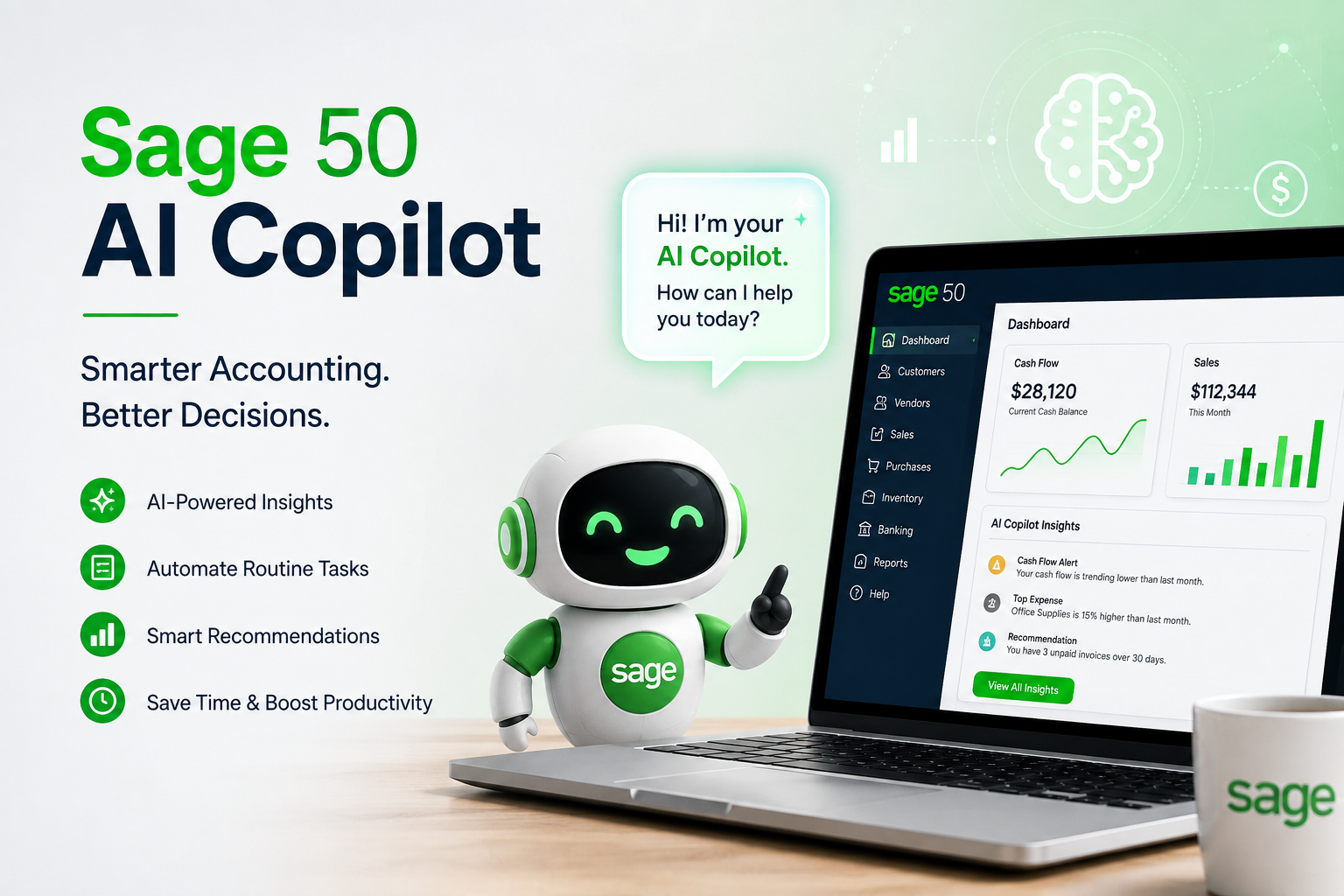
Artificial intelligence is transforming the way businesses manage accounting and financial information. Sage 50 AI Copilot is designed to provide AI-powered assistance within supported Sage 50 environments, helping users understand business data, identify potential issues, and work more efficiently. It can reduce the time spent manually reviewing financial information while giving businesses useful insights for everyday decisions.
What Is Sage 50 AI Copilot?
Sage 50 AI Copilot is an intelligent assistant designed to support accounting and business management tasks. Depending on the Sage 50 version and available features, Copilot can help users analyze financial information, identify unusual activity, review business performance, and find areas that may need attention.
The purpose of Copilot is to assist accountants and business owners rather than replace them. Users should review AI-generated information and apply their own accounting judgment before taking important financial actions.
Key Features of Sage 50 AI Copilot
Business Performance Insights
Understanding financial performance is essential for making informed business decisions. Copilot can help users review information related to profitability and business performance. These insights can make it easier to identify trends and determine which areas require further investigation.
Debt and Payment Management
Managing unpaid customer invoices can take significant time. AI assistance can help users identify overdue payments and understand payment patterns. This can give businesses better visibility into outstanding receivables and help them focus on improving cash flow.
Inventory Insights
Businesses that manage stock can benefit from AI-powered inventory analysis. Copilot can help identify products with low or unavailable stock, allowing users to determine which items may require replenishment. Better inventory visibility can help businesses avoid unnecessary shortages.
Anomaly Detection
Errors and unusual transactions can sometimes remain unnoticed during manual reviews. Copilot can help identify unusual patterns or potential anomalies that deserve attention. Users can then review the relevant records and determine whether corrective action is required.
Report Analysis
Financial reports contain valuable information, but reviewing them manually can be time-consuming. Copilot can assist users in identifying important figures, trends, and areas of concern, making financial information easier to understand.
Benefits of Sage 50 AI Copilot
One of the biggest advantages of AI assistance is time savings. Instead of manually searching through accounting records, users can use Copilot to help locate relevant information and highlight areas requiring attention.
Copilot can also improve productivity by reducing repetitive analysis. Business owners and accountants can spend more time on financial planning, customer relationships, and other activities that contribute to business growth.
Another benefit is improved visibility. AI-generated insights can help businesses recognize potential problems earlier and make decisions based on available financial information.
How to Get Started With Sage 50 AI Copilot
Before using Copilot, verify that your Sage 50 version and subscription support the feature. Availability may also vary according to the product edition and region.
Users should keep Sage 50 updated and ensure that the appropriate user permissions are configured. The activation process can differ between versions, so following the instructions provided for the specific Sage 50 environment is recommended.
Best Practices When Using AI
AI should be used as an assistant, not a replacement for accounting judgment. Always verify important information before posting transactions or making significant financial decisions.
Businesses should also maintain normal accounting procedures, including regular backups, reconciliations, approval processes, and appropriate user access controls.
Conclusion
Sage 50 AI Copilot can help businesses make accounting workflows more efficient by providing insights into financial performance, customer payments, inventory, reports, and unusual activity. By combining AI assistance with proper accounting controls, businesses can save time while gaining better visibility into their financial information

 English
 Arabic
 Français
 Español
 Português
 Deutsch
 Türkçe
 Italiano
 Russian
 Romaian