


From First Screen to Live Server: A No-Code Builder's Toolkit for 2026
Building a product without a dev team used to mean stitching together a dozen half-working tools. In 2026, the no-code ecosystem has matured enough that you can go from "I have an idea" to "it's live and automated" using a fairly small set of purpose-built platforms. Here's a walkthrough of six of them, in the order a builder would actually reach for them.
Step One: Design the App Itself
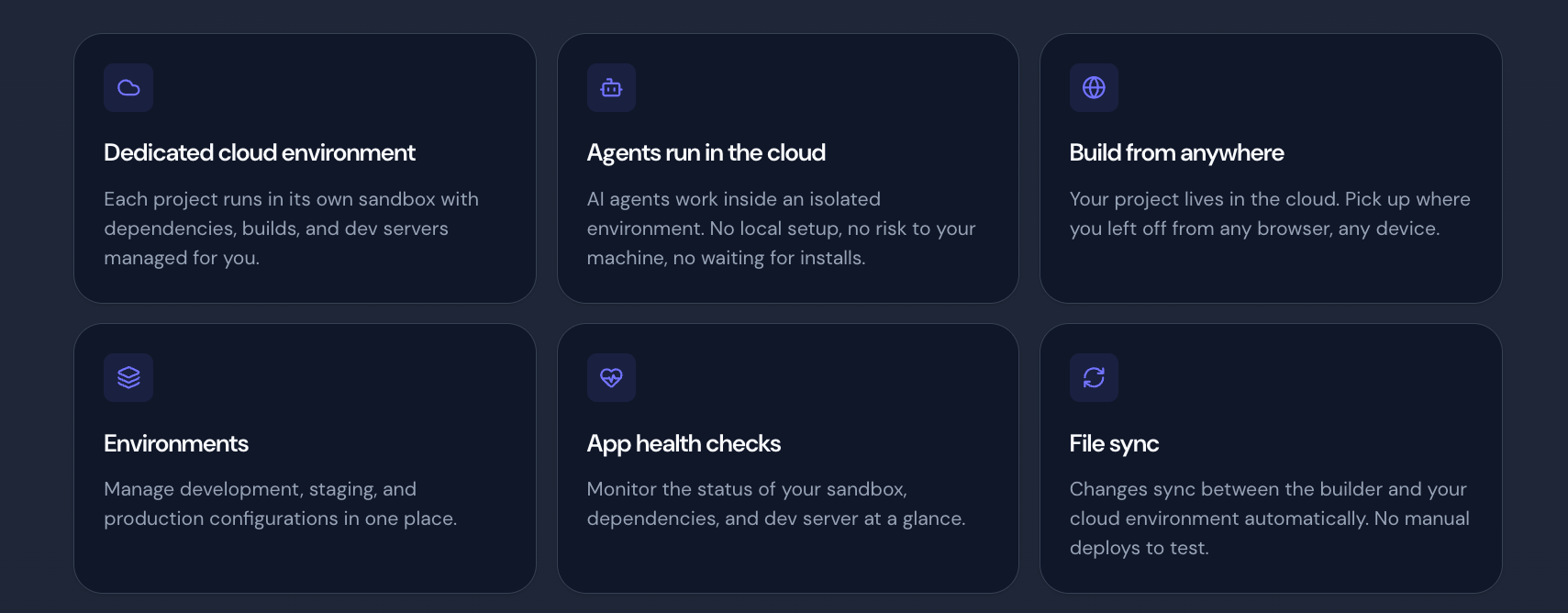
Everything starts with an interface. Draftbit is a visual builder for native and web apps that lets you describe what you want and watch it take shape, using your own Claude or OpenAI account under the hood. You get drag-and-drop editing, a live preview, and — crucially — access to the real underlying code whenever you need to customize something the visual editor can't quite reach. One click publishes to the web or straight to the app stores.
Step Two: Fill the Screens Faster
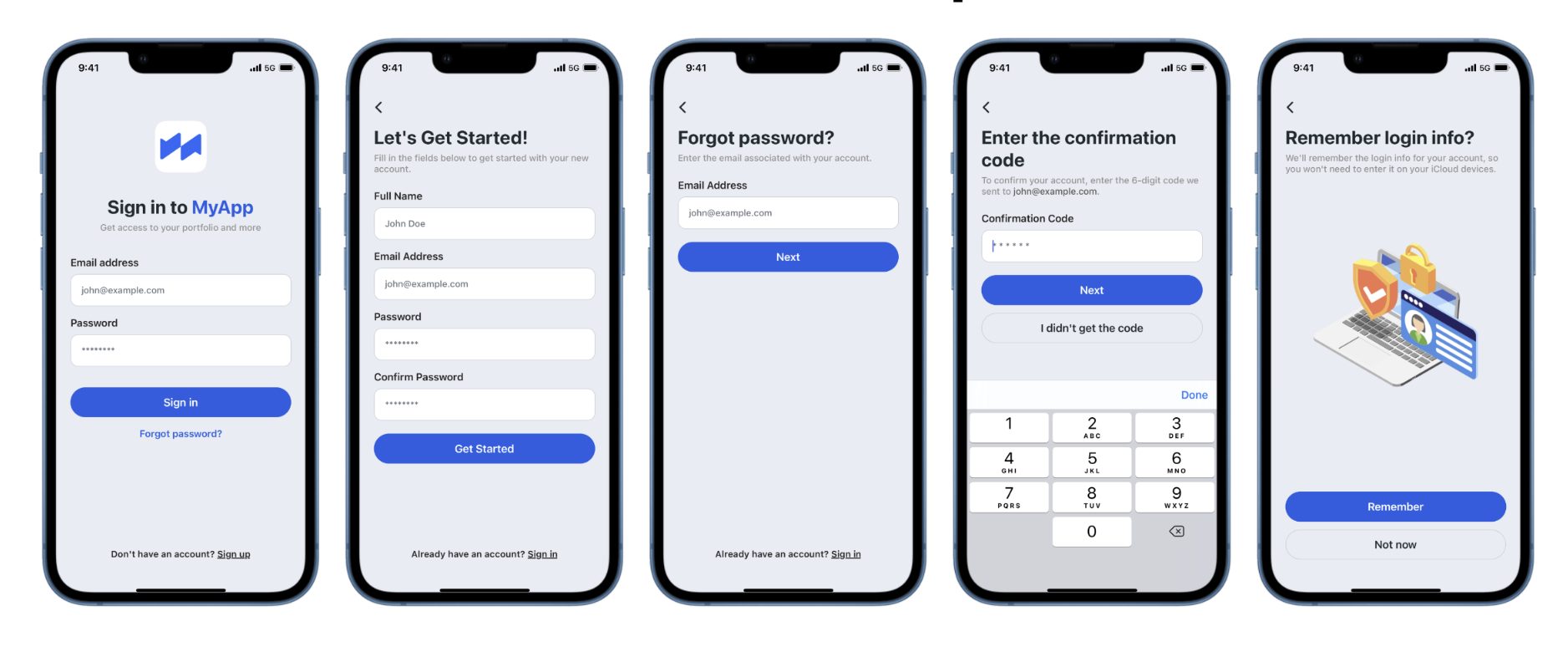
If your app is being built in React Native, you don't need to design every list, form, and settings screen from a blank canvas. WithFrame provides a catalog of 200+ pre-built, customizable components — chat interfaces, card lists, onboarding flows, dark mode screens — that you can copy in and adapt in minutes instead of hours. Their newer AI feature, which turns a screenshot into working code, is currently rolling out to a waitlist and points toward where component libraries are heading next.
Step Three: Add the Intelligence Layer
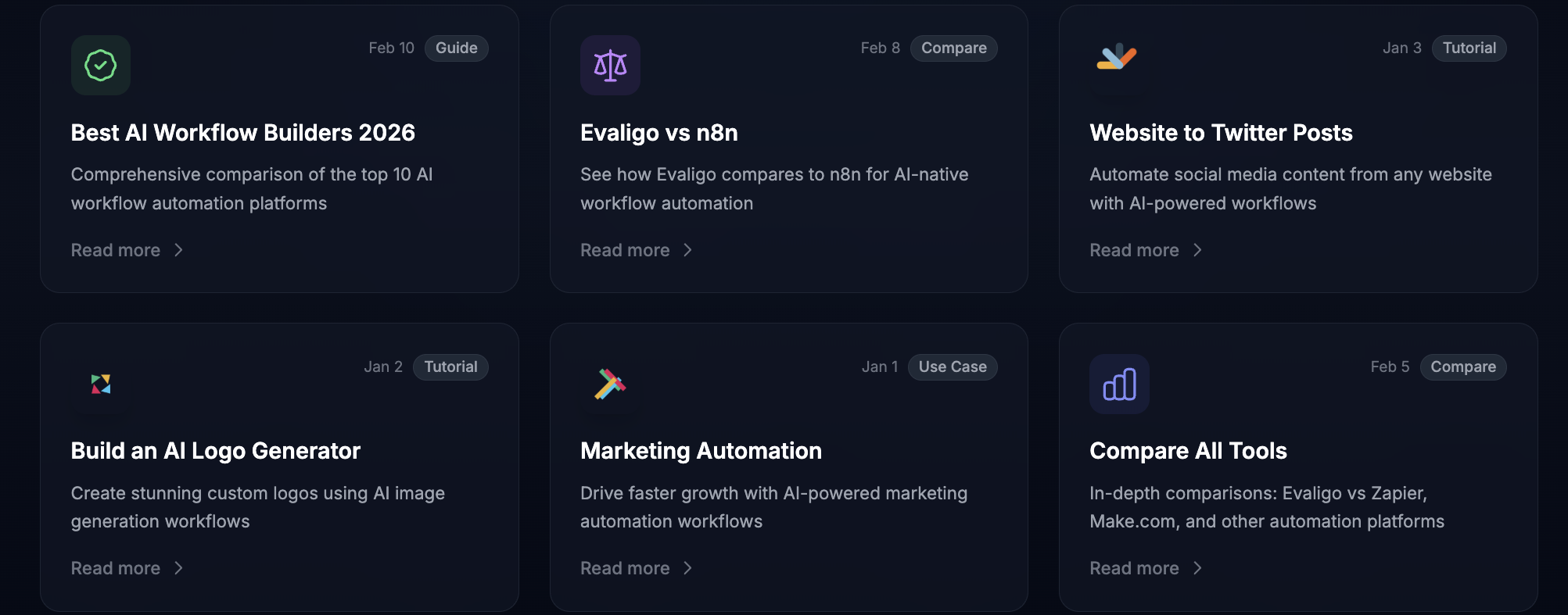
An app with no logic behind it isn't much of a product. Evaligo is a visual AI workflow builder where you connect nodes for prompts, data extraction, and processing, then A/B test different versions of the same workflow to see which one performs best before deploying it as a production API. It's a natural fit once your app needs to summarize, classify, or generate content on the fly.
Step Four: Automate Everything Around It
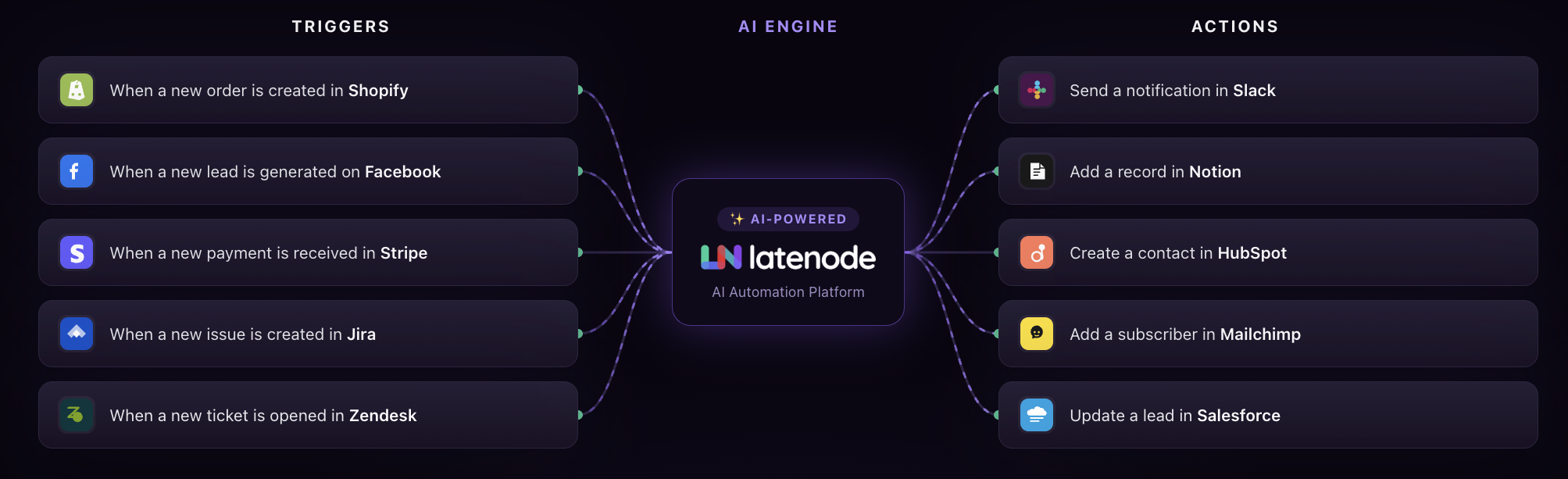
Apps rarely live in isolation — they need to talk to CRMs, spreadsheets, payment systems, and messaging tools. Latenode connects all of that through more than 5,500 integrations and puts an AI model in every node, so a plain-English description like "when a new order comes in, summarize it and post to Slack" becomes a working automation without touching an API key. Pricing is based on actual runtime rather than per-operation fees, which matters once volume picks up.
Step Five: Let Agents Handle the Web Manually
Some tasks still don't have a clean API — think logging into a partner portal or pulling data from a site that actively resists bots. Anchor Browser gives your automations a cloud-hosted, humanized browser that can handle logins, forms, and captchas, scaling from a few sessions to millions when needed. It's the piece that lets a workflow act on the messy parts of the web instead of stopping there.
Step Six: Ship It Somewhere Reliable
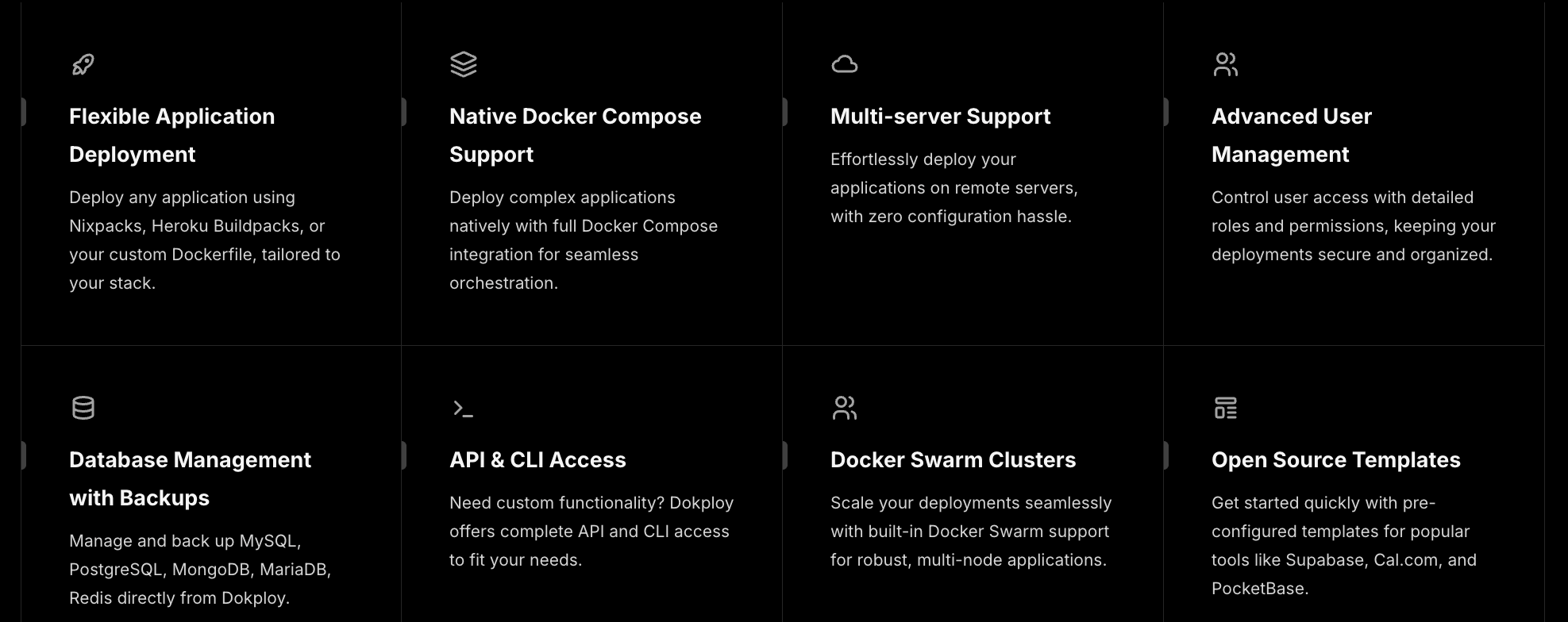
Finally, everything needs a home. Dokploy is an open-source, self-hosted deployment platform for applications and databases, with native Docker Compose support, multi-server deployment, and automated backups built in. It's also picked up AI-assisted deployment features in 2026, including MCP connections for coding agents and a sandboxed environment specifically for AI-built apps — a fitting endpoint for a fully automated build pipeline.
Putting It Together
Design, components, intelligence, automation, agentic browsing, and hosting — six layers that, stacked correctly, take a no-code builder from a blank screen to a running product without a single line of infrastructure code written by hand.

 English
 Français
 Español
 Português
 Deutsch
 Türkçe
 Dutch
Dutch
 Italiano
 Russian
 Romaian