


An approach for adding custom tokens in MetaMask Extension
An approach for adding custom tokens in MetaMask Extension
This descriptive read is designated to guide you – How to add tokens to your MetaMask wallet manually. If you are also seeking a guide on the same, follow this read further to get the detailed approach.
But, before heading to the MetaMask extension, let me give you a brief introduction of the MetaMask extension first.
So! What is MetaMask?
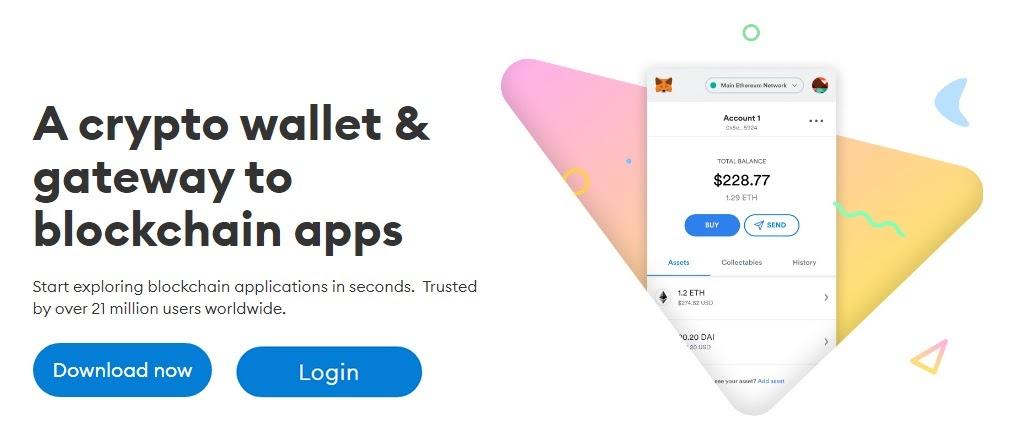
Well! ETH and other currencies including ETH tokens based on the Ethereum platform are managed through the well-known cryptocurrency wallet MetaMask. You may access MetaMask via a mobile app or as a browser plugin, making it both easily accessible and user-friendly. It works as a bridge to explore the decentralized web, using this you can connect Dapps (Decentralized apps) to your MetaMask extension.
However, the fact that MetaMask is a safe and secure ETH wallet is one of the main factors contributing to its prominence. This implies that while keeping your assets in MetaMask, you can keep peace of mind as well.
Coming to the high point of our blog- How can you add tokens to your MetaMask wallet? Allow me to elaborate on it.
How to add a custom token in the MetaMask extension manually?
It’s easy to add existing coins to your MetaMask extension wallet but adding a custom coin can be a question. Don’t worry, there is no rocket science. It will take just a few easy steps given further in the very next section. So follow the same to get custom tokens in your account.
- On your wallet's main page, under the "Assets" option, select "Import tokens”.
- Then, input the token address in the first field after selecting the "Custom token" option at the top.
- The token symbol and token decimal will often auto-fill.
- If not, locate the token using the network's block explorer. Most likely, its symbol and decimals will be visible.
- Try finding the token's documentation online if you're still having trouble finding the specifics.
- Thenceforth, select "Add Custom Token" to proceed further.
- Now a screen will appear asking you to confirm that you want to add the token.
- The selected token type will be loaded into your wallet after you click "Import Tokens".
This is all you have to do in order to add custom tokens to your MetaMask extension wallet manually. After this, you can check the balance to confirm whether the coins are added to your wallet.
Final Verdict!
MetaMask Extension offers you various coins and tokens to buy, send and swap but in case you want to use a token which is not available in existing tokens, you can add it manually.
After going through this read, now you are well-versed with MetaMask and the way to import a custom token to your MetaMask Extension wallet. If you also want to add custom tokens you can refer to read to get the aid. Along with this, if you’ve liked this read so far and thinking to use this guide in future as well, you can bookmark it for your reference. Thanks for reading!

 Arabic
 Français
 Español
 Português
 Deutsch
 Türkçe
 Dutch
Dutch
 Italiano
 Russian
 Romaian