


Complete Guide to Creating a Photo Book Album: A Step-by-Step Process
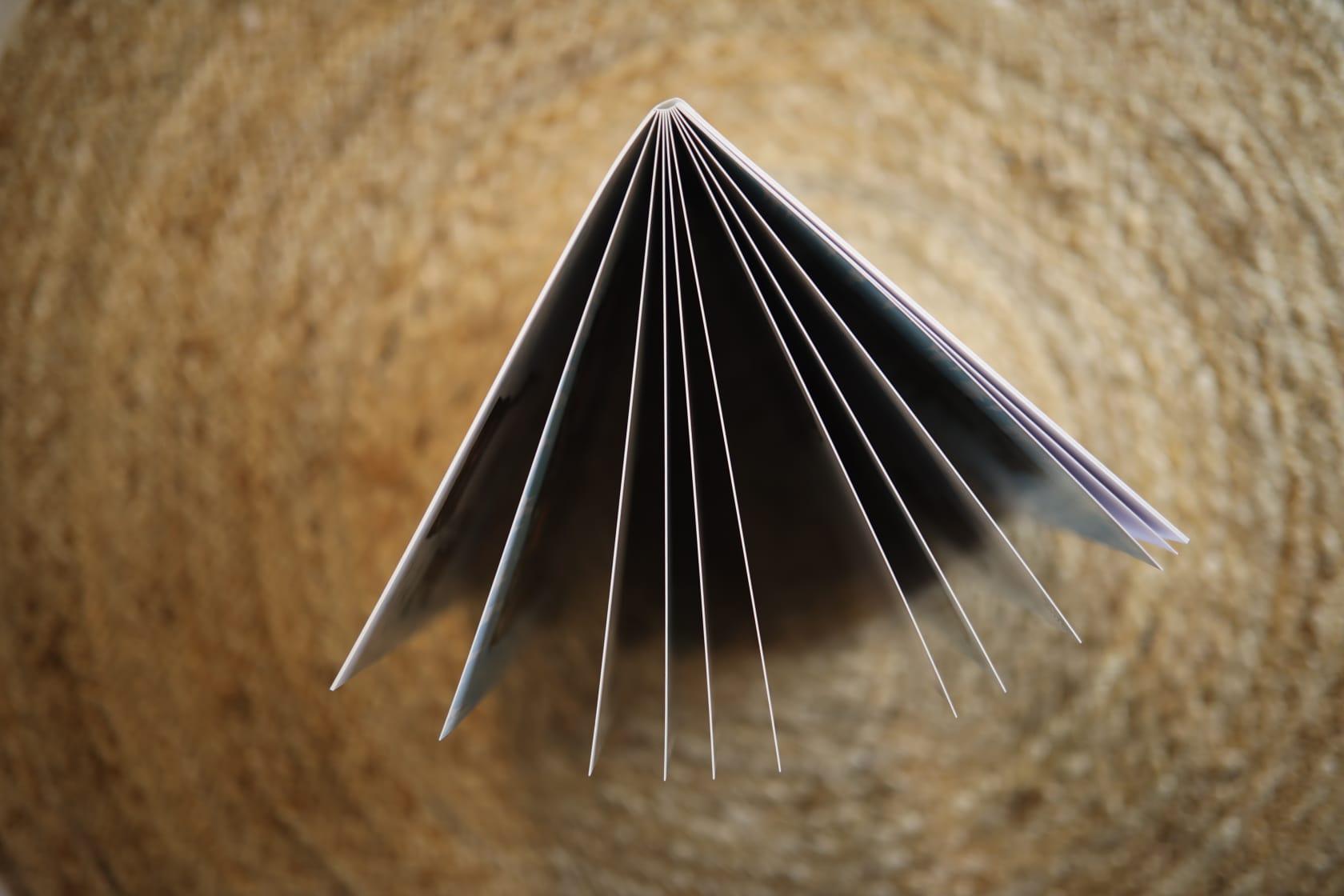
A photo book album is a special way to preserve memories, turning your digital images into a beautiful, tangible collection that you can cherish for years. Whether it's photos from a vacation, a wedding, or a family gathering, a photo book album lets you showcase your memories in a stylish and organized way. In this guide, we’ll walk you through the process of creating your own photo book album while keeping it budget-friendly.
What is a Photo Book Album?
A photo book album is a custom-made collection where your photos are printed in a professional-quality book format. Unlike traditional albums where photos are glued into pages, a photo book allows you to design each page digitally, selecting layouts, captions, and backgrounds that suit your style. The end result is a sleek, personalized album that feels more polished and unique.
Why You Should Create a Photo Book Album
-
Preserve Memories in Style
Photos are a great way to capture moments, but they can easily get lost in your phone or computer. A photo book takes your favorite pictures and arranges them in a way that makes them easy to enjoy and share. It’s a physical keepsake you can hold in your hands. -
Perfect for Special Occasions
Whether it's a wedding, birthday, or holiday, a photo book album can capture the essence of any special moment. It's the perfect gift for loved ones or a great way to remember personal milestones. -
A Personalized Gift
Photo books are not just for personal use. They also make thoughtful gifts. Whether you’re creating a book for your parents with family photos or for a friend with pictures from a trip, photo books are personal, meaningful, and unique gifts.
How to Create a Photo Book Album
Creating a photo book may seem intimidating at first, but the process is quite simple when broken down into steps. Here’s how you can make your own photo book album:
Step 1: Choose the Photos
Start by selecting the photos you want to include in your album. Focus on the images that best tell the story you want to share. Try to choose high-quality pictures that capture emotions or important moments. If it’s for a specific event, you can organize them into categories like “Pre-Wedding,” “Wedding Day,” or “Family Vacation.”
Step 2: Pick a Photo Book Service
There are many online services where you can design and print your photo book. Some of the most popular photo book services include pixmig. Each of these platforms offers easy-to-use tools to help you design your album. Choose one that fits your budget and needs, and make sure to check for any ongoing discounts.
Step 3: Select the Album Size and Style
Photo books come in a variety of sizes and formats. Most services offer options such as 8x8, 10x10, or 12x12 inches. When deciding on the size, think about how many photos you want to include and whether you want a larger or smaller album. Also, consider the type of cover—softcover, hardcover, or even a leather-bound option.
Step 4: Design Your Pages
Now comes the fun part: designing your album. Most photo book platforms provide templates that make it easy to place your photos on each page. You can choose layouts that showcase multiple pictures at once, or keep it simple with one photo per page. Many services allow you to add captions, dates, and special messages, which can make your photo book more meaningful. Customize the background, choose colors, and even add decorative elements to make each page unique.
Step 5: Review Your Design
Before you place your order, take the time to review every page of your photo book. Ensure the photos are clear and properly positioned, and that any text you added is error-free. Most photo book platforms will provide a preview of how the final product will look, so make sure everything looks exactly how you want it.
Step 6: Place Your Order
Once you’re happy with your design, it’s time to order your photo book. Choose the type of paper and finishing you prefer, such as glossy or matte. When you’re ready, add the book to your cart, enter your payment details, and wait for your photo book to be printed and shipped to you.
Tips for Making the Most of Your Photo Book
-
Be Selective with Photos
Don’t feel like you need to include every photo you’ve taken. Choose the best shots that truly capture the essence of the moment. -
Organize Your Photos by Theme
Group your images into categories that make sense. For example, if you're making a travel album, organize the pictures by location or by day of the trip. -
Consider the Layout
Experiment with different layouts for each page to create variety. Some pages may look great with a single large photo, while others may work better with a collage of smaller images. -
Use Text to Tell Your Story
Adding captions or short stories can give context to your photos. A simple description or date can help tell the story behind each image. -
Opt for Softcover if on a Budget
If you're looking for an affordable photo book album, softcover books tend to be more cost-effective than hardcover versions. Despite being more affordable, they still offer a sleek and durable presentation.
Benefits of Creating a Photo Book Album
- Easy to Store: Unlike loose photos or traditional albums, a photo book is compact and easy to store. You can place it on a bookshelf or coffee table for easy access.
- Long-Lasting: Photo books are printed on high-quality paper and are built to last. You can enjoy your memories for years to come without worrying about fading or wear.
- Perfect for Display: Photo books make great conversation starters. Display them in your living room or on your desk, where they can be enjoyed by guests.
Conclusion
Creating a photo book album is a simple and enjoyable way to turn your digital photos into a physical keepsake. With the right photos, tools, and design, you can create a beautiful album that captures your memories in a personal and meaningful way. Whether it’s for you, a friend, or family, a well-made photo book is a timeless treasure. So, start designing your own photo book album today and make your memories last a lifetime!

 Arabic
 Français
 Español
 Português
 Deutsch
 Türkçe
 Dutch
Dutch
 Italiano
 Russian
 Romaian