


Digital Vernier Caliper Guide: Use Like a Professional
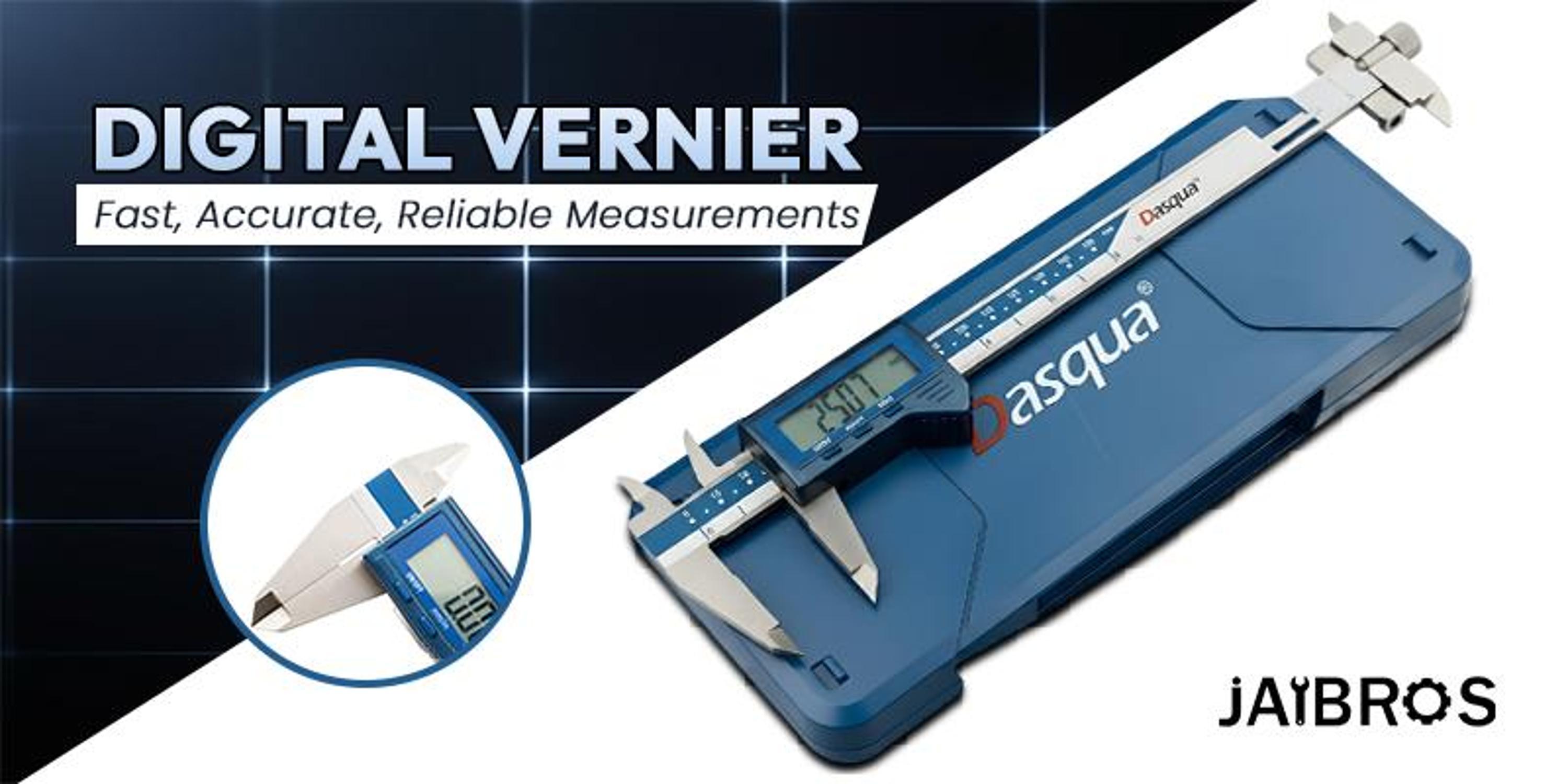
Learn How to Use a Digital Vernier Caliper Like a Professional
Accuracy of measurements is very important in engineering, manufacturing, and quality control industries. Regardless of whether you are working in a workshop or carrying out highly precise measurements, the accuracy of your measures will affect the results of your work. One of the instruments that can be used effectively to achieve accuracy is a digital vernier caliper. This instrument makes all tasks much easier and helps to get the required readings accurately.
This article gives you information about the proper use of a digital vernier caliper, as well as some professional tips and features.
What Is a Digital Vernier Caliper?
A digital vernier caliper is a measuring device that is used to take precise measurements of the internal, external, and depth dimensions of a workpiece.
Vernier calipers give readings through a digital screen, which eliminates errors associated with manual calculations.
A vernier caliper is often used together with CNC machine tools in industrial settings.
Understanding Digital Vernier Caliper Least Count
The least count refers to the smallest reading that can be taken by the vernier caliper. Generally speaking, the least count of vernier calipers is 0.01 mm.
The digital vernier caliper's least count plays an extremely important role because it affects how precise the measurements will be. The more accurate the least count is, the more exact your readings will be, particularly when dealing with small pieces.
When performing any kind of measuring work, it is important to pay attention to the vernier caliper's least count to get reliable results.
Main Components of Digital Vernier Caliper
Here are the most common elements of a vernier caliper:
-
Outside jaws – used for taking external measurements
-
Inside jaws – used for taking internal measurements
-
Depth rod – used to take measurements at the depth
-
Digital screen – shows exact values
-
Lock screw – ensures that readings will remain in place
Step-by-Step Guide to Using a Vernier Caliper
1. Cleaning of the Tool
Ensure that you clean the jaws of the vernier caliper to eliminate any dust or other substances.
2. Activation and Calibration of the Device
Activate the device by switching it on and pressing the zero button.
3. Measuring Outer Dimensions
Place the measuring tool between the outer jaws of the caliper and close them until contact is made with the surface.
4. Measuring Inner Dimensions
The inner jaws should be used to measure the dimensions inside the hole.
5. Measuring the Depth
This is achieved using the depth rod by pushing it into the hole up to its bottom end.
6. Taking a Reading
The measurement will automatically appear on the digital display screen.
Tips to Use a Digital Vernier Caliper Like a Professional
-
Calibration should always be done before use
-
Never put too much force on it
-
Make sure that the object is correctly oriented
-
It should be clean and dry at all times
-
Store the tool in a proper case
Using these tips will enable you to measure using your vernier caliper like a pro.
Finding the Best Digital Vernier Caliper
It is necessary that you choose the best digital vernier caliper in order to get high-precision measurement results.
The best digital vernier caliper should include the following:
-
High precision and reliable
-
Durable design
-
Clear display
-
Smooth sliding mechanism
Most professionals have the best digital vernier caliper.
Importance in CNC and Industrial Applications
Measurement devices are also an essential element when dealing with CNC machine tools. Whereas a CNC tool does the cutting and shaping functions, measurement devices measure the objects precisely.
The vernier caliper is one of the measuring devices often used together with CNC machine tools to carry out measurements. CNC machine tools depend on proper measurement of the products for their proper functioning; hence, the importance of having a caliper when using CNC machine tools.
Common mistakes to avoid
Many people make common mistakes when using a caliper; some of them include:
-
Failing to zero the caliper before measuring
-
Applying too much pressure
-
Using improper angles
-
Ignoring the calibration process
-
Using a broken caliper
These mistakes should be avoided to obtain accurate results from your caliper.
Maintenance and Care
Maintenance is necessary for optimal function:
-
Clean after each use
-
Keep away from moisture and safe from accidental damage
-
Do not drop the device
-
Replace batteries when required
-
Calibration is necessary
Maintaining your vernier caliper will ensure longevity and accuracy.
Conclusion
Learning how to operate a vernier caliper is vital for professionals working with precision instruments. The application of this device ranges from simple tasks to highly specialized operations in industries.
Having knowledge of its parts, applying correct measurement methods, and selecting the right vernier caliper will enable you to obtain professional quality work. Using it with CNC machine tools is important for modern-day manufacturing.
FAQs
1. For what purposes is a digital vernier caliper utilized?
It is used to measure internal, external, and depth measurements accurately.
2. What is the least count of a digital vernier caliper?
The digital vernier caliper's least count is 0.01 mm.
3. How should one select the most suitable digital vernier caliper?
Accuracy, durability, readability, and design quality are some of the essential considerations while selecting a digital vernier caliper.
4. Is it possible to use a digital vernier caliper along with CNC machine tools?
Certainly, it is extensively employed in conjunction with CNC machine tools.
5. How should one maintain a digital vernier caliper?
It should be cleaned, stored, calibrated periodically, and battery replaced regularly to ensure its long life.

 English
 Arabic
 Français
 Español
 Português
 Deutsch
 Türkçe
 Dutch
Dutch
 Italiano
 Romaian