


Integrating AI APIs with Laravel: A Complete Developer’s Guide for Modern Applications
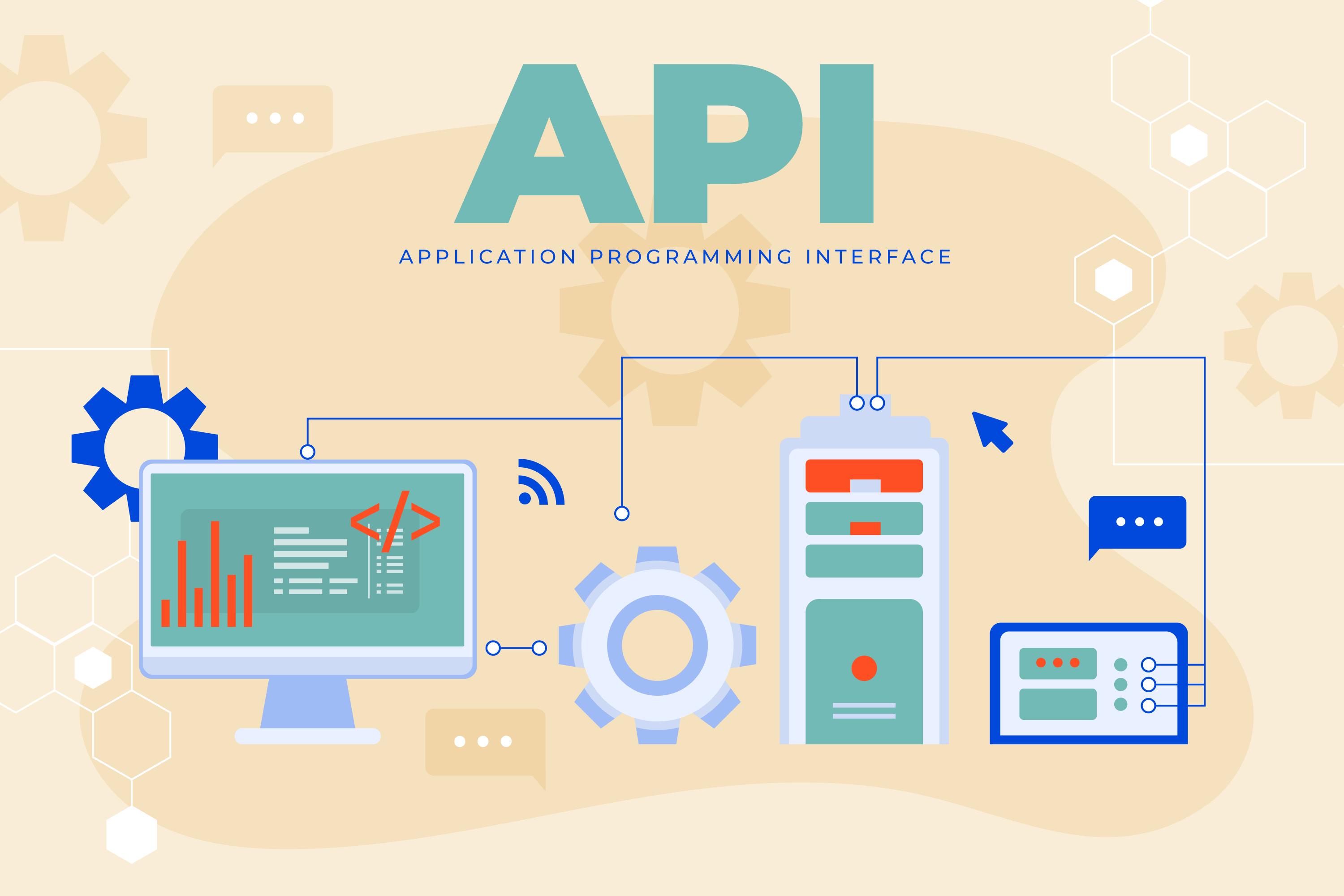
Integrating AI APIs with Laravel has become a practical requirement for modern web applications. Businesses expect features such as automated responses, predictive insights, and intelligent workflows. These expectations place new demands on backend systems and development teams.
Laravel offers a clean structure, strong community support, and built-in tools that make it suitable for AI integration. Its support for queues, events, and API handling allows developers to build applications that can manage AI-driven tasks without unnecessary complexity.
A structured approach is important. Without it, teams often struggle with inconsistent responses, rising API costs, and performance issues.
Understanding AI API Integration in Laravel
AI API integration in Laravel involves connecting external AI services with your application’s backend. These services handle tasks such as text processing, image analysis, or recommendations. Laravel acts as the bridge between user inputs and AI outputs.
Most integrations follow a simple flow. The application collects input, sends it to an AI API, receives the response, and processes it for display or further action. While this sounds straightforward, the complexity grows with scale and real-time requirements.
Common AI capabilities used in Laravel applications include:
-
Natural language processing for chat interfaces
-
Image recognition for content moderation
-
Recommendation systems for user personalization
-
Predictive analytics for decision support
The key is not just connecting an API, but managing how data flows through the system.
Popular Use Cases for AI in Laravel Applications
AI integration is not limited to one type of application. Developers are applying it across multiple use cases depending on business needs.
Chatbots and Assistants
Chatbots are one of the most common implementations. They handle customer queries, provide support, and guide users through workflows. Laravel manages request handling while the AI API processes language input and generates responses.
These systems are often integrated with messaging platforms or websites. Proper session handling and context management become important for maintaining meaningful conversations.
Recommendation Systems
Recommendation engines analyze user behavior and suggest products, content, or actions. For example, an e-commerce application may recommend items based on browsing history.
Laravel handles user data, while the AI API processes patterns and returns recommendations. Caching plays an important role here to reduce repeated API calls.
Data Analysis and Automation
AI APIs can process large datasets and identify patterns that are difficult to detect manually. Applications use this for reporting, fraud detection, or workflow automation.
In Laravel, background jobs and queues help process such tasks without affecting user experience.
Step-by-Step Developer Guide
Define Use Case and Requirements
Every integration should start with a clear purpose. Identify what problem the AI feature will solve. This could be improving response time, automating tasks, or analyzing data.
Define measurable goals. For example:
-
Reduce manual support workload
-
Improve response accuracy
-
Provide real-time recommendations
Clear requirements help in selecting the right API and designing the system effectively.
Select AI API Provider
Different AI APIs offer different capabilities. Some focus on language processing, while others handle vision or prediction tasks.
When choosing a provider, consider:
-
Supported features
-
Response speed
-
Pricing structure
-
Rate limits
-
Documentation quality
Cost management is important. API usage can increase quickly if not monitored.
Implement API Integration
Laravel provides HTTP clients that make API integration straightforward. The process involves sending requests with proper authentication and handling responses.
Key considerations during implementation:
-
Use environment variables for API keys
-
Structure API calls within service classes
-
Avoid placing API logic directly in controllers
A modular approach keeps the code manageable and easier to update.
Test and Validate Output
AI responses are not always predictable. Testing should go beyond checking if the API returns a response. It should focus on accuracy and relevance.
Validation steps include:
-
Testing different input scenarios
-
Checking edge cases
-
Monitoring response consistency
In some cases, manual review is necessary to ensure the output meets expectations.
Development Best Practices
A structured development approach helps maintain performance and reliability as the application grows.
Use modular architecture
Separate AI integration logic from business logic. This keeps the system organized and easier to maintain.
Maintain version control for APIs
AI APIs change over time. Track versions and test updates before applying them in production.
Document integration workflows
Clear documentation helps teams understand how the system works. It also reduces onboarding time for new developers.
Handle failures gracefully
APIs can fail due to network issues or rate limits. Implement fallback mechanisms to maintain application stability.
Scaling AI-Driven Laravel Applications
Scaling AI-enabled applications requires careful planning. As usage increases, so do API calls, response times, and infrastructure demands.
Use queues for background processing
Tasks such as data analysis or batch processing should run asynchronously. Laravel queues help distribute workload efficiently.
Implement caching strategies
Store frequently used AI responses to reduce repeated API calls. This improves performance and lowers costs.
Monitor API usage and performance
Track response times, error rates, and usage patterns. This helps identify bottlenecks early.
Design for horizontal scaling
Applications should handle increased traffic without major changes. Load balancing and distributed systems play a role here.
Challenges Developers Face
AI integration introduces new challenges that developers must address carefully.
Debugging AI responses
Unlike traditional systems, AI outputs can vary. This makes debugging more complex. Logging inputs and outputs helps identify issues.
Managing API limits
Most providers set usage limits. Exceeding these limits can disrupt application functionality. Rate limiting and request management are essential.
Maintaining performance
AI APIs can introduce latency. Without proper handling, this affects user experience. Asynchronous processing and caching help reduce delays.
Cost control
API usage often depends on the number of requests or data processed. Without monitoring, costs can rise quickly.
Conclusion
Integrating AI APIs with Laravel allows developers to build applications that handle intelligent tasks with greater efficiency. The process involves more than connecting an API. It requires careful planning, structured implementation, and continuous monitoring.
A clear development approach helps manage complexity, control costs, and maintain performance. As applications grow, scalability and reliability become central concerns.
AI integration is becoming a standard part of modern development. Teams that approach it with discipline and clarity are better prepared to build systems that meet both technical and business expectations.

 Arabic
 Français
 Español
 Português
 Deutsch
 Türkçe
 Dutch
Dutch
 Italiano
 Russian
 Romaian