


How to Move Roundcube Webmail to Gmail – A Complete Guide
Today, email communication plays a vital role in both personal and professional lives. Roundcube Webmail has been a popular choice for many individuals and small businesses due to its simplicity and open-source nature. However, as organizations grow and seek more advanced features, they often turn to Gmail, Google’s renowned email service. This blog will provide a step-by-step guide on how to move from Roundcube to Gmail, the reasons for making the switch, the manual method, and an alternative solution using CubexSoft Roundcube Backup.
Overview of Roundcube and Gmail
Roundcube Webmail is a free and open-source webmail solution that offers a user-friendly interface and essential email features. It allows users to access their emails through any web browser, making it a convenient choice for those who prefer a self-hosted email platform. Roundcube provides basic email functionalities such as composing, sending, receiving, and organizing emails into folders.
Gmail, developed by Google, is one of the most popular email services globally, known for its robust features and seamless integration with other Google services. Gmail offers an intuitive interface, powerful search capabilities, advanced email organization with labels and filters, and generous storage space. Additionally, Gmail provides access to various productivity tools like Google Docs, Sheets, and Calendar, enhancing collaboration and productivity.
Reasons to Move from Roundcube to Gmail
- Gmail offers a wide array of advanced features, including smart spam filtering, priority inbox, integrated chat, and built-in video conferencing, providing users with a more efficient and productive email experience.
- Gmail’s integration with other Google services allows users to access their documents, calendars, and contacts from a single platform, streamlining workflows and saving valuable time.
- Google invests heavily in security measures to protect Gmail users from phishing attacks, malware, and unauthorized access. Gmail’s advanced security features ensure the safety of sensitive information.
- Gmail’s cloud-based infrastructure ensures scalability to accommodate growing email demands, while Google’s robust servers guarantee high uptime and reliability.
- Gmail’s native mobile apps for Android and iOS devices enable users to access their emails on the go, ensuring productivity regardless of location.
How to Move Roundcube Webmail to Gmail with Manual Method
The manual method involves two main steps. exporting Roundcube emails and importing them into Gmail. The process requires technical expertise and can take time.
1. Export Roundcube Emails -
· Log in to Roundcube Webmail.
· Select and save emails to the local system in the .eml format.
· Repeat the process for each folder.
2. Import Emails to Gmail -
· Log in to your Gmail account.
· Import your email and contacts into Gmail using the “Import emails and contacts” feature.
· Upload the .eml files one by one into Gmail.
Drawbacks of the Manual Method -
· The manual method is time-consuming, especially if you have a large number of emails to migrate.
· The process requires technical knowledge, making it challenging for non-technical users.
· Manual migration can lead to data loss or corruption if not done correctly.
· The manual method may not preserve the folder structure, leading to disorganized emails in Gmail.
· Some email attributes like read/unread status or attachments may not transfer properly during manual migration.
Alternative Roundcube to Gmail Migration Solution
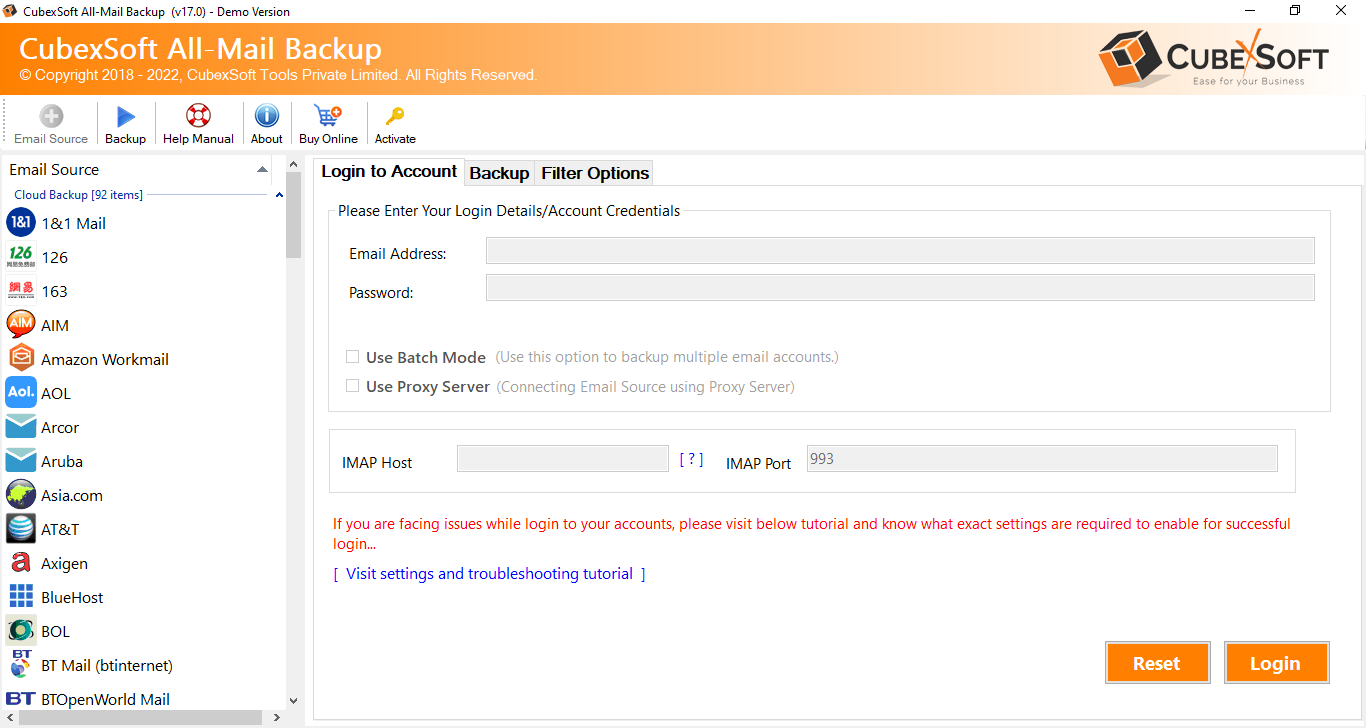
To simplify the migration process and avoid the drawbacks of the manual method, CubexSoft Roundcube Backup for Mac & Windows provides a reliable and user-friendly solution. The software enables a seamless migration from Roundcube to Gmail, ensuring data integrity and preserving the folder structure and metadata. With the Roundcube Backup tool, users can effortlessly transfer all their Roundcube emails, to Gmail with just a few clicks.
Conclusion -
Moving Roundcube Webmail to Gmail offers a plethora of benefits, including advanced features, seamless integration, enhanced security, scalability, and mobile accessibility. While the manual migration method is available, it comes with several drawbacks that can make the process challenging and time-consuming. To avoid these drawbacks and ensure a smooth migration, The Roundcube to Gmail tool presents a reliable and efficient alternative. By choosing the software, users can effortlessly embrace the powerful capabilities of Gmail and unlock a new level of productivity and collaboration within the Google ecosystem.

 Arabic
 Français
 Español
 Português
 Deutsch
 Türkçe
 Dutch
Dutch
 Italiano
 Russian
 Romaian