


Switching Platforms Without Breaking Anything: An IT Operations Checklist for 2026
Every IT team eventually hits the same moment: it's time to switch a platform, back up something critical, lock down access, or prove to an auditor that everything is actually under control. 2026 has made all four of those moments more frequent and more visible. Here's a rundown of five tools solving each piece of that puzzle.
Migrating a help desk without a support blackout
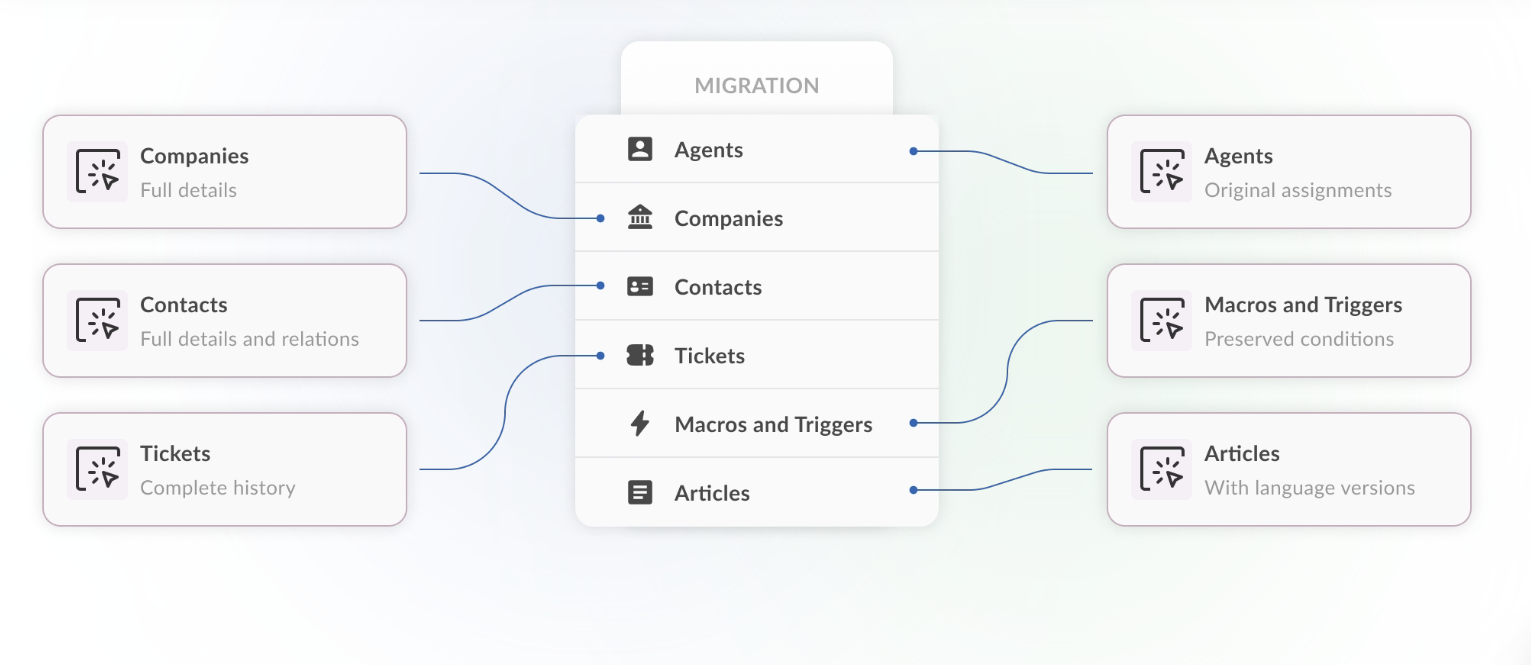
Changing help desk software is usually the most nerve-wracking system swap a company makes, since it means moving years of tickets, contacts, and history without dropping a single conversation. Help Desk Migration by Relokia runs that move through a no-code Migration Wizard, supports 90+ platforms, guarantees zero downtime, and hands back a full Data Integrity Report showing exactly what moved and what didn't — plus a private cloud option for regulated industries that can't touch shared infrastructure.
Locking down the credentials that survive the migration
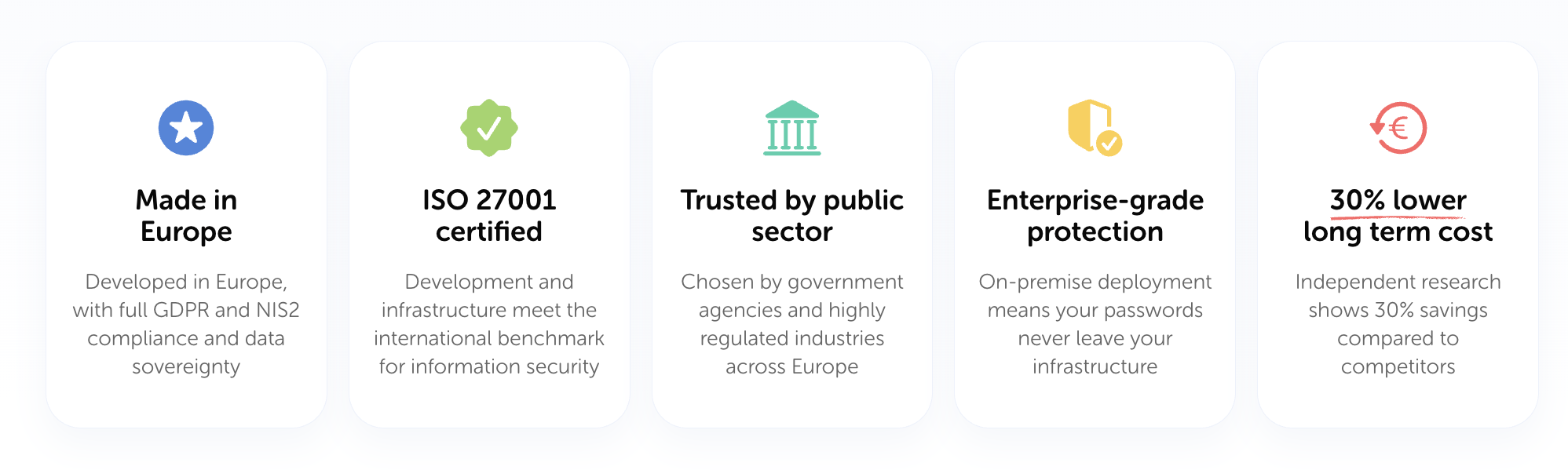
Whatever platform you land on, someone still needs to manage who has the keys to it. Passwork is a self-hosted password and secrets manager with zero-knowledge encryption, LDAP/Active Directory integration, and a DevOps-friendly secrets API for CI/CD pipelines and Kubernetes — built so that even system administrators can't see the actual passwords stored inside.
Keeping the servers underneath everything reliable
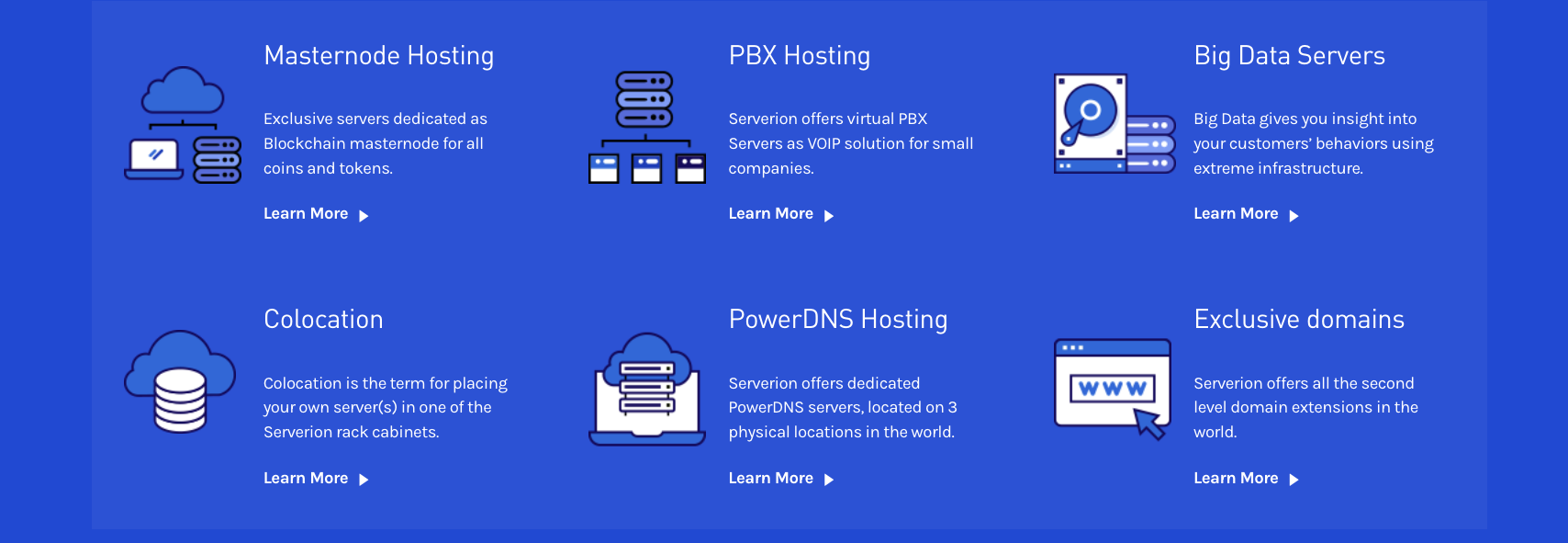
None of this matters if the infrastructure underneath is shaky. Serverion provides dedicated servers, VPS, and colocation from data centers across the US, EU, and Asia, backed by round-the-clock monitoring, layered firewalls, and multiple daily backups as standard practice, not an upsell.
Backing up the code and project data your product runs on
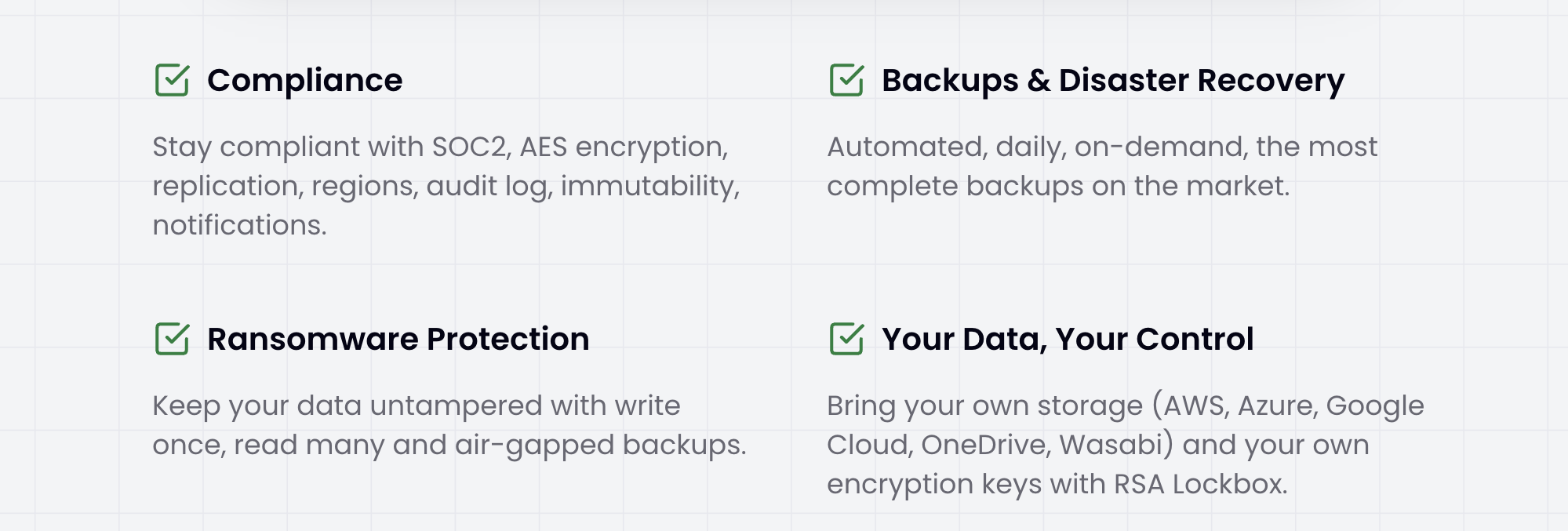
Support tickets and passwords aren't the only things worth protecting — so is the code itself. Cloudback delivers automated daily backups for GitHub, GitLab, Azure DevOps, and Linear, with instant restores, ransomware-resistant storage, and the option to keep backups in your own cloud account under your own encryption keys.
Proving all of the above actually holds up
Once migration, access, and backups are handled, someone eventually asks for proof — an auditor, a customer, a regulator. Qala continuously checks your real data flows and system behavior against your written policies, flagging drift before it becomes a violation, and generating audit-ready evidence mapped to frameworks like SOC 2, ISO 27001, and GDPR along the way.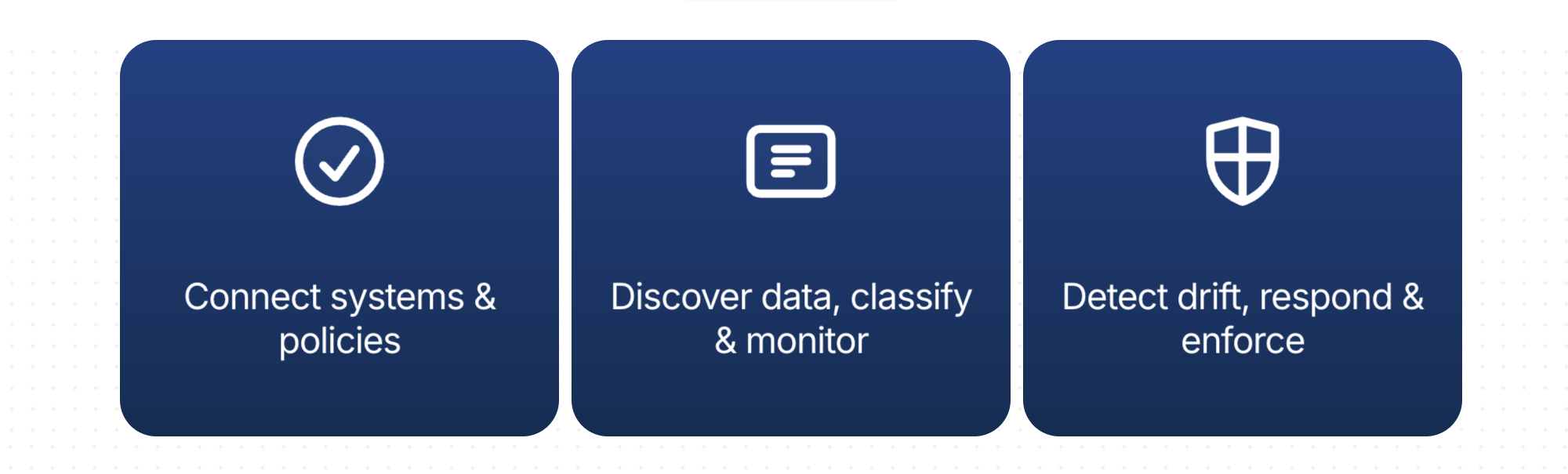
None of these are one-time projects. Migrations happen again, credentials get rotated, backups run daily, and governance never really finishes — which is exactly why 2026 is pushing teams to treat all four as ongoing operations rather than one-off fixes.

 Arabic
 Français
 Español
 Português
 Deutsch
 Türkçe
 Dutch
Dutch
 Italiano
 Russian
 Romaian