


AI Debugging Tools for Developers: What Actually Works in 2026
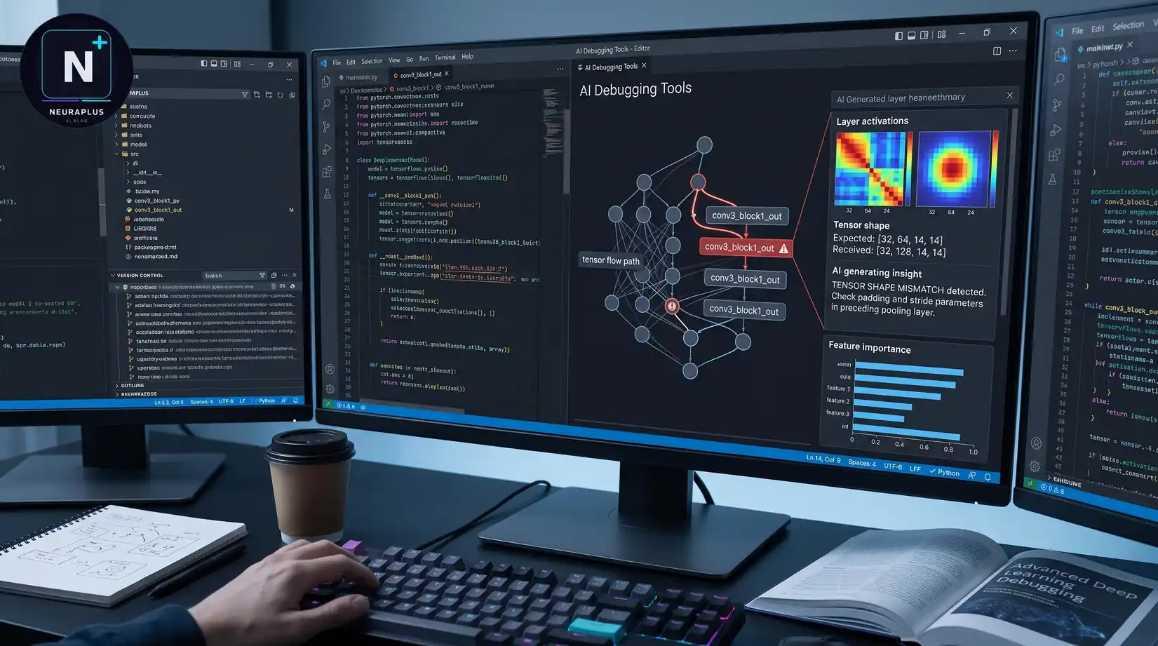
Debugging has always been one of the most time-consuming parts of software development. Finding bugs, understanding error messages, and fixing unexpected issues can take hours, even for experienced developers. Fortunately, AI-powered debugging tools have improved dramatically in 2026, helping developers identify problems faster and write cleaner code.
But with so many AI coding assistants available, which ones actually work? In this guide, we'll compare the best AI debugging tools and explain where each one performs best.
Why AI Debugging Matters
Modern applications are becoming increasingly complex, making manual debugging slower than ever. AI tools can analyze code, explain errors, suggest fixes, and even optimize your code before problems become serious.
Developers use AI debugging tools to:
- Detect bugs faster
- Explain complex error messages
- Improve code quality
- Reduce development time
- Learn better coding practices
AI doesn't replace developers—it helps them work more efficiently.
Best AI Debugging Tools in 2026
1. GitHub Copilot
GitHub Copilot helps identify coding mistakes while you write. It offers real-time suggestions, explains errors, and recommends fixes for multiple programming languages.
Best for: Everyday coding assistance.
2. Cursor AI
Cursor AI is popular among developers because it understands entire projects rather than just individual files. It can locate bugs across multiple files and suggest context-aware fixes.
Best for: Large software projects.
3. Anthropic Claude
Claude excels at explaining complex programming concepts and debugging logic errors. Developers often use it to understand why code fails rather than simply generating fixes.
Best for: Code explanations and reasoning.
4. ChatGPT
ChatGPT remains one of the most flexible AI assistants for debugging. It can review code, explain stack traces, optimize algorithms, and suggest alternative solutions.
Best for: Learning and troubleshooting.
5. Gemini
Gemini integrates well with Google's ecosystem and supports debugging for web applications, Android projects, and cloud-based development.
Best for: Google Cloud and Android developers.
What Makes a Good AI Debugging Tool?
When choosing an AI assistant, consider these features:
- Accurate bug detection
- Multi-language support
- Project-wide code understanding
- Clear explanations
- Security and privacy
- IDE integration
- Fast response times
The best tool depends on your workflow rather than a single feature.
Advantages of AI Debugging
Using AI for debugging offers several benefits:
- Saves development time
- Reduces repetitive work
- Improves code quality
- Helps beginners learn faster
- Explains difficult programming concepts
- Suggests cleaner, more efficient solutions
Many developers now use AI as a coding partner instead of relying solely on documentation.
Limitations
AI debugging tools are powerful, but they're not perfect.
Keep in mind:
- AI suggestions can occasionally be incorrect.
- Generated fixes should always be tested.
- Developers still need to understand their own code.
- Security-sensitive applications require careful review.
Think of AI as an assistant, not a replacement for experience.
Tips for Better Results
To get the most from AI debugging tools:
- Share complete error messages.
- Provide enough code context.
- Explain what you're trying to achieve.
- Test every suggested solution.
- Ask AI to explain why the error occurs.
Better prompts usually produce better debugging advice.
Frequently Asked Questions
Which AI tool is best for debugging?
It depends on your needs. Cursor AI is excellent for large projects, GitHub Copilot is great for everyday coding, while Claude and ChatGPT are particularly strong at explaining errors and suggesting fixes.
Can AI fix every bug?
No. AI can identify many issues and recommend solutions, but developers should always review and test the generated code.
Is AI debugging useful for beginners?
Yes. Beginners can learn faster by asking AI to explain errors, programming concepts, and best practices.
Does AI support multiple programming languages?
Most leading AI debugging tools support popular languages such as Python, JavaScript, Java, C++, Go, PHP, SQL, and many more.
Should professional developers use AI?
Absolutely. Many experienced developers use AI to automate repetitive debugging tasks, review code, and improve productivity.
Final Thoughts
AI debugging tools have become an essential part of modern software development. Whether you're fixing simple syntax errors or diagnosing complex application issues, the right AI assistant can save time and improve code quality. The key is choosing a tool that fits your workflow and using its suggestions thoughtfully. Combined with strong programming knowledge, AI can make debugging faster, easier, and more productive.

 English
 Arabic
 Français
 Español
 Português
 Deutsch
 Türkçe
 Dutch
Dutch
 Italiano
 Romaian