


How to Plan an Effective Office Door Sign System
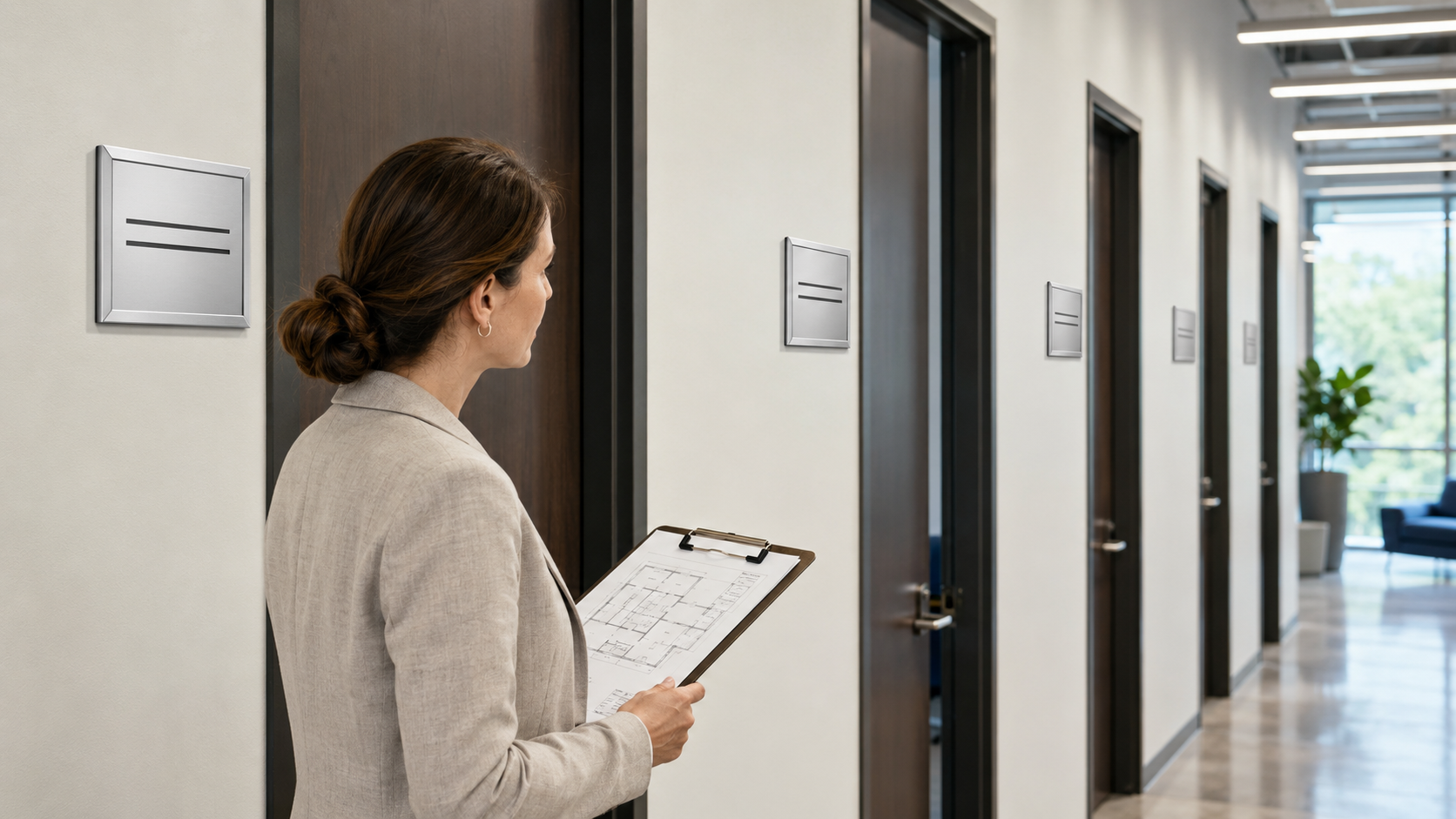
Office signage often develops one sign at a time. A new employee receives a printed name card, a meeting room gets a temporary notice, and a storage area is labeled only after someone enters it by mistake. The result may work temporarily, but over time, the workplace can become filled with inconsistent signs that are difficult to read or update.
Planning a coordinated office door sign system from the beginning helps avoid these problems. It creates a more organized workplace, makes navigation easier, and allows signs to be updated as employees and room assignments change.
Begin With the Rooms People Need to Find
The first step is identifying which doors and spaces need clear labels. Start with areas regularly used by visitors, clients, new employees, and delivery personnel.
Common locations include:
-
Reception and waiting areas
-
Private employee offices
-
Conference and meeting rooms
-
Human resources and administrative offices
-
Consultation or treatment rooms
-
Storage and staff-only areas
-
Restrooms and shared facilities
-
Training and interview rooms
Walk through the building as if you were visiting for the first time. This makes it easier to notice rooms that employees already recognize but visitors may struggle to find.
Create a Consistent Visual System
Signs are more effective when they follow a consistent design. The same font, frame style, color scheme, and information layout should be used throughout the workplace.
Consistency helps people recognize official room identification quickly. It also gives the office a more professional appearance than a mixture of handwritten notes, paper labels, and signs purchased at different times.
A basic sign system may include the employee’s name on the first line and their title or department underneath. Room signs can use a similar layout but display the room name and any necessary instructions.
Businesses comparing different office door signs should consider whether the selected design can be used across small employee offices, larger meeting rooms, reception areas, and shared facilities. Using one coordinated product family can make future expansion easier.
Keep the Information Easy to Read
A door sign should communicate its message within a few seconds. Long descriptions, decorative fonts, and poor color contrast can make even an attractive sign difficult to use.
For employee offices, the name and job title are usually enough. A conference room sign may only require the room name or number. Restricted areas should use direct messages such as “Staff Only” or “Authorized Personnel.”
Text size should match the expected viewing distance. A small employee nameplate may work beside a private office door, while signs intended to direct people through a hallway may need larger lettering.
Strong contrast is also important. Dark lettering on a light background or light lettering on a dark background is generally easier to read than colors with similar tones.
Decide Between Permanent and Changeable Signs
Not all office information remains the same for the life of the building. Employee names, departments, room assignments, and office functions may change regularly.
Permanent signs are appropriate for fixed locations such as restrooms, exits, and utility rooms. Changeable signs are often more practical for employee offices, flexible workspaces, clinics, universities, and meeting rooms.
A changeable sign frame allows the printed insert to be replaced while keeping the installed frame in place. This can reduce replacement costs and help maintain the same visual style when staff changes occur.
Before choosing a sign, consider how often its information is likely to change. This simple decision can prevent unnecessary replacement work later.
Select the Right Size and Placement
Sign size should suit both the available wall space and the amount of information being displayed. Small horizontal nameplates work well for names and titles, while larger frames can accommodate room information, schedules, logos, or multiple lines of text.
Placement should remain consistent throughout the building. When possible, signs should be installed beside the door at a similar height rather than in different positions from one room to another.
Avoid placing signs where an open door will hide them. They should also remain visible from the direction people normally approach the room.
Consider Privacy and Availability Messages
Some workplaces need signs that provide temporary information. Meeting rooms, consultation spaces, executive offices, and treatment rooms may require messages such as “Available,” “Occupied,” “In a Meeting,” or “Do Not Disturb.”
Availability sliders and interchangeable inserts allow staff to update the room status without attaching temporary paper notices to the door. This creates a cleaner appearance and helps reduce interruptions during meetings or private conversations.
Plan for Future Expansion
A good sign system should continue working as the organization grows. Keep a record of the selected frame style, dimensions, colors, fonts, and insert layout.
When a new employee joins or another room is added, the business can order or prepare a matching sign without redesigning the entire system. Keeping editable templates for printed inserts also makes routine updates faster.
It may be helpful to order a few additional frames when completing a larger office project. This ensures matching products are available when departments expand or rooms are reassigned.
A Better Workplace Starts With Clear Information
Effective office signage does more than identify rooms. It helps visitors feel confident, reduces repeated requests for directions, protects private spaces, and gives the workplace a more organized appearance.
The best system uses clear information, consistent designs, suitable materials, and signs that can adapt when needed. By planning the complete system instead of treating every door as a separate project, businesses can create a workplace that remains professional and easy to navigate over time.
References
 Deutsch
 English
 Arabic
 Français
 Español
 Português
 Türkçe
 Dutch
Dutch
 Italiano
 Russian
 Romaian