


How to synchronize WalletConnect with Coinbase Wallet?
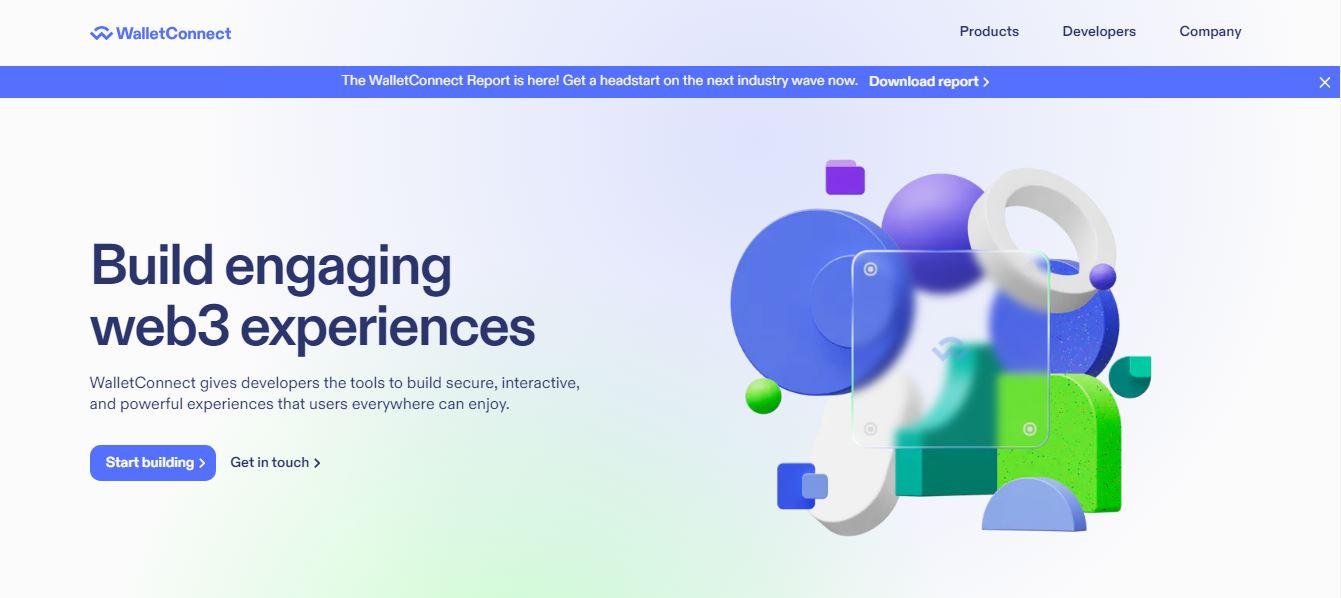
Using WalletConnect and syncing a wallet with it is one of the most amazing things that you can do in your cryptocurrency journey. The reason why one must use WalletConnect with a crypto wallet is that it allows you to establish a connection between your wallet and a decentralized application of your choice. Since you cannot access some dApps directly, therefore you need to have access to a bridge that will help you with establishing this connection.
So, if you are a Coinbase Wallet user and you are planning to access any decentralized application to explore the Web3 world, then I would suggest you stay tuned and learn the whole process in detail. The procedure can be performed both on a Desktop as well as a Mobile phone and should take just a few minutes. Now, let's jump straight into the procedure.
Connecting Coinbase Wallet and WalletConnect
The following procedure has been divided into some important steps so that you can easily understand the whole procedure in detail. Here we go:
- Select a preferred dApp
Begin by choosing a decentralized application that supports WalletConnect. Well, you can choose from a wide collection of dApps e.g. Uniswap, PancakeSwap, ParaSwap, etc. Most of the dApps that are deployed on the Ethereum blockchain are compatible with WalletConnect. Today, we are taking the example of Paraswap to walk you through the whole process. To use this, you must go to the app.paraswap.io webpage.
- Choose the option to connect the wallet
As soon as you reach this website, you will see an option that says "Connect Wallet" at the top of the page. Select this option and then choose "WalletConnect" from the available options.
- Get and scan the QR code
At this stage, you have to scan the QR code that is displayed on your screen using Coinbase Wallet. So, open the Coinbase Wallet on your mobile device and use the available scanner to scan the given QR code. This will connect ParaSwap with your Coinbase Wallet.
- Or, connect the desktop wallet
On the flip side, if you are using a desktop, you can switch to the "Desktop" version in the given QR code window where you'll see the list of wallets that you can connect to the ParaSwap. Further, you can choose Coinbase Wallet from the given list, sign into your wallet account, and proceed with the given steps.
Congratulations!!! You have successfully connected your Coinbase wallet to the dApp of your choice. Please note that you can repeat the similar process for any other dApp.
Troubleshooting connection error on WalletConnect
If you are facing any issues while connecting Coinbase Wallet with WalletConnect, then you can follow the easy troubleshooting steps that I have mentioned in this section.
- If you are using the mobile version of WalletConnect and you come across an error, then you may switch to the desktop version of the platform.
- Experts always recommend users connect through the web version of WalletConnect to take actions such as disabling/removing browser plugins/ad blockers.
- In case while establishing the connection, the connection keeps on loading, then you can close everything and restart the whole process.
- If you are connecting to the mobile wallet, make sure that the screen of the mobile does not turn off. If the screen goes off, you will face connection issues.
Concluding Thoughts:
This informative blog post has been crafted to help you understand the procedure that you need to follow if you wish to synchronize your Coinbase wallet to a dApp using WalletConnect. In addition to guiding you through this procedure, we have also given comprehensive details on what you can do to avoid connection issues on the platform.

 English
 Français
 Español
 Português
 Deutsch
 Türkçe
 Dutch
Dutch
 Italiano
 Russian
 Romaian