


How To Add MetaMask Extension To Chrome?
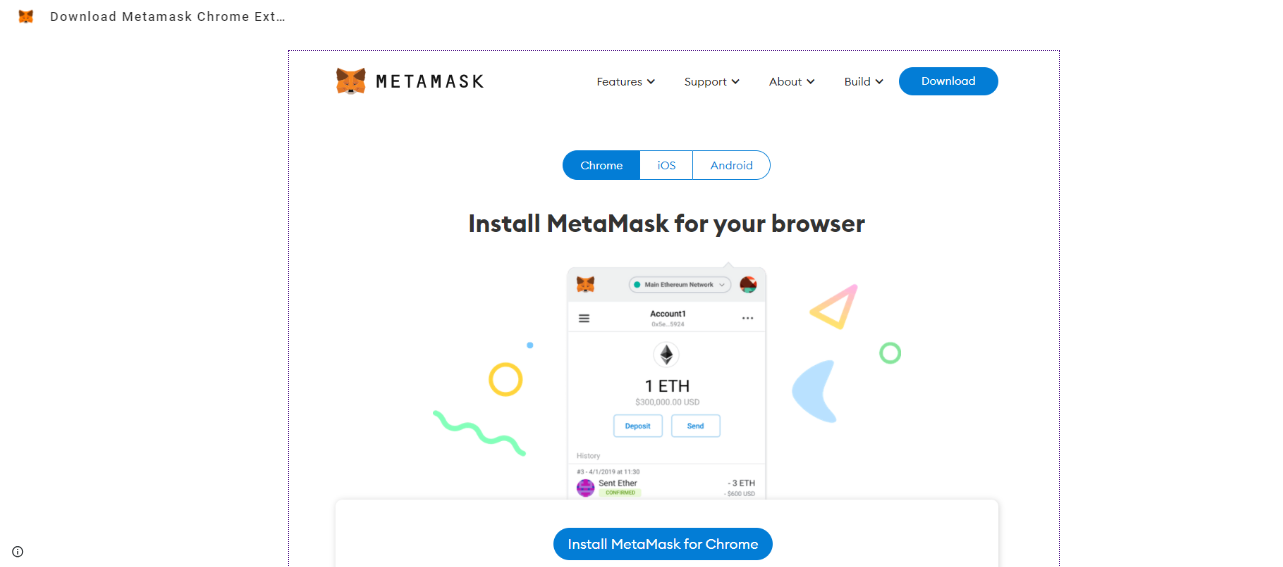
MetaMask is a free browser extension and a mobile application, its simple user-friendly interface makes it popular among people. In the following blog, we will discuss the MetaMask wallet features and how to add the MetaMask Extension to the Chrome browser. Stay with us for an amazing experience of the MetaMask wallet and its features.
Key features of MetaMask
- MetaMask Swap Feature – This feature ensures that the users get the best price with the lowest network fee. This feature is available in all the modes of the MetaMask wallet.
- Detect tokens automatically – MetaMask detects the new tokens automatically and adds them to the user's wallet.
- Support hardware wallet – MetaMask wallet supports hardware wallets like Ledger wallet and Trezor wallet.
- Fees Adjustable – It allows users to adjust transaction fees with the help of a slider.
- Support multi Assets – MetaMask supports multi-asset tokens including ERC-20 token, ERC -721, and many more which makes it popular among the users.
How To Add MetaMask Extension?
MetaMask mostly uses a plugin in a web browser. Let's explore the steps to add a MetaMask Extension in Chrome.
- Go to the Chrome Web Store and search MetaMask.
- After searching check the download number to make sure you are adding a legit MetaMask extension, not the fake one.
- Completing the download click on the “Add to Chrome” extension button.
- Once the installation is complete you will get a page with a “Get started” button just click on the button.
- After this, you will get two options with a button, the first is to “create a wallet” and the second is to “import wallet” button. If you are creating an account for the first time then click on the create wallet button or if you have already an account then click on the import wallet to use your wallet.
- After completing your wallet-creating steps you will get the “I agree button” and “no thanks” buttons you can click on any one as per choice.
- Create a strong password for your account. In case you are switching your browser or uninstalling your Chrome then you will have to create a new password for the account.
- After setting up your password you will get a dark area on the screen just click on the dark area to reveal the secret recovery phrase. Remember this phrase word it will help you recover your account if you lose your password.
- In the next screen just confirm your phrase word correctly to complete the steps.
- At the end just click on the “Confirm” button.
- Now one can see the balance and copy the address of the account by clicking on area 1 on the screen.
- Finally, your account has been set up now you can browse your MetaMask by clicking on the Fox icon.
Conclusion
MetaMask is a popular wallet among users due to its user-friendly interface allowing users to use it easily. The best thing about this MetaMask wallet extension is it supports hardware wallets too. Its rich features help users to get the best prices with the lowest fee. MetaMask also supports multiple tokens which provides this wallet a big advantage for its users. As a beginner, this is the best wallet to start your trading journey.

 English
 Arabic
 Français
 Español
 Português
 Deutsch
 Türkçe
 Dutch
Dutch
 Russian
 Romaian